
RLAMA
Local document Q&A with RAGQuery your docs privately via Ollama
Highlights
What you can do with it
- An enterprise indexing technical docs for fast retrieval
- A researcher querying papers to speed up study
- A user building a private personal knowledge base
How to use it
- 1 Install RLAMA on macOS, Linux, or Windows
- 2 Create a RAG system with the rlama rag command
- 3 Drop your documents into the folder to index them
- 4 Start a session with rlama run to ask questions
- 5 List or delete systems with rlama list and rlama delete
Who it is for
Pros
- Open-source and free to use
- Processes data locally for strong privacy
- Simple command-line workflow with an API
Limitations
- Command-line only, so it is not beginner-friendly
- Needs a local Ollama model set up first
- A newer open-source project, so features may change
What RLAMA is
RLAMA is a local document question-answering tool that connects to a local Ollama model to build and manage RAG systems. You point it at a folder of documents and it indexes them, then you start an interactive session to ask questions against that knowledge base. It supports several document formats, including PDF, DOCX, and TXT, and it processes everything entirely on your own machine, which keeps private and sensitive material from leaving your device. The tool is a command-line program written in Go, aimed at developers and technical users who want a private way to query documents. It is an open-source free version with room to grow.
What you can do with it
- Index a folder of PDF, DOCX, or TXT documents.
- Ask questions against your documents in a chat-like session.
- Keep all processing local for privacy.
- Create, list, and delete multiple RAG systems by command.
- Extend it through its API since it is developer-friendly.
Who it is for
- Developers who want a local, scriptable RAG tool.
- Technical users handling sensitive or private documents.
- Researchers indexing papers for faster study.
- Teams that need a private internal knowledge base.
What to watch out for
It is command-line only, so it is not friendly to non-technical users, and you need a working local Ollama model before it is useful. As a newer open-source project, its features, commands, and stability can change as it develops. Because you run everything yourself, performance depends on your hardware and the local model you choose, so plan resources accordingly. For team use, agree on naming and editing conventions in advance to avoid version conflicts or duplicated work.
FAQ
Is RLAMA free?
Yes, it is an open-source free tool.
Where is my data processed?
All data is processed locally on your machine, so there is no risk of data leaving your device.
What do I need to run it?
You install RLAMA and connect it to a local Ollama model, then create a RAG system from a folder of documents.
Why it is free
What the official page says: free version
Free limits, trial length and features are decided by the official site and can change at any time.
Product preview
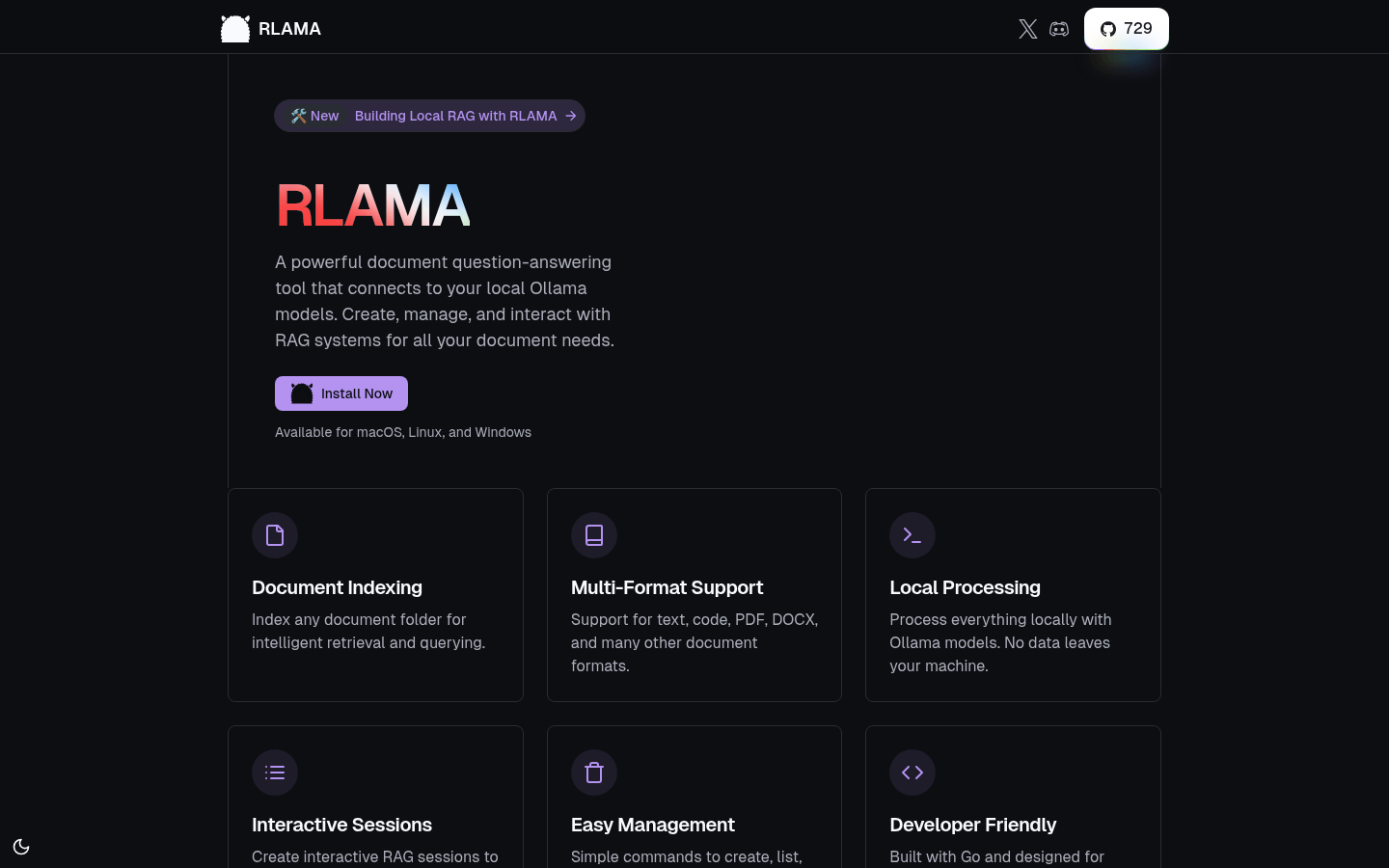
Screenshot archived from the listing page, for preview only.











