
RowebAI
AI website heatmaps and session recordingSee how visitors really use your site
Highlights
What you can do with it
- See how users browse product pages and optimize the shopping flow
- Learn which content holds attention and adjust strategy
- Detect behavior patterns that lead to churn in a SaaS product
How to use it
- 1 Visit the RowebAI website and start the free trial
- 2 Register an account and fill in the required information
- 3 Add one line of code to your website for integration
- 4 Start capturing sessions, heatmaps, and AI insights
- 5 Open the dashboard to analyze data and optimize the site
Who it is for
Pros
- One line of code to start capturing data
- AI summaries save watching long session replays
- Lightweight script with no stated speed impact
- 24/7 customer support is advertised
Limitations
- Session recording collects detailed user behavior, so privacy notices and consent are required
- Insights still need human interpretation and action
- The site returned an error during our last check, so verify availability
- Trial terms and pricing can change, so confirm current details
What RowebAI is
RowebAI is an AI-driven website analysis tool that turns user behavior into business intelligence. Through heatmaps and session recording, it shows what visitors actually do on your site, and AI pattern detection flags behavior that leads to churn or conversion. Pixel-perfect replay captures clicks, scrolling, and keystrokes, while AI summary insights condense hours of replay into the points that matter, so you do not have to watch everything. Integration is described as a single line of code, after which capture starts immediately, and the lightweight script is said not to affect loading time, performance, or core web vitals. The product advertises 24/7 customer support and offers a free trial.
What you can do with it
- Watch heatmaps and pixel-perfect replays of real sessions.
- Detect behavior patterns that lead to churn or conversion.
- Read AI summaries instead of watching hours of replay.
- Optimize product pages, content, and user experience from data.
Who it is for
- E-commerce teams optimizing product and checkout pages.
- Content sites tuning what keeps readers engaged.
- SaaS product teams looking for churn patterns.
- Marketing teams that need evidence for design decisions.
What to watch out for
Session recording captures detailed user behavior, including keystrokes in some setups, so you must disclose it in your privacy policy and handle consent according to the rules in your region, because non-compliance is a legal risk you carry, not the tool. The insights are data, not decisions, and someone still has to interpret them and act, so do not expect the AI to run your optimization for you. The site returned an error during our last check, so verify it is reachable before you integrate it into a live site. Free trial terms and pricing can change, and because the script runs on your pages, test it in staging first to confirm it does not conflict with your existing tools.
FAQ
What does RowebAI do?
It provides AI-driven website heatmaps and session recording to help optimize sites and improve conversion rates.
How hard is setup?
Integration is described as one line of code, after which sessions, heatmaps, and AI insights start immediately.
Does it slow my site?
The product says its lightweight script runs in the background without affecting loading time, performance, or core web vitals.
Is there a free trial?
Yes. RowebAI offers a free trial so you can experience its features before paying.
Why it is free
What the official page says: free trial
Free limits, trial length and features are decided by the official site and can change at any time.
Product preview
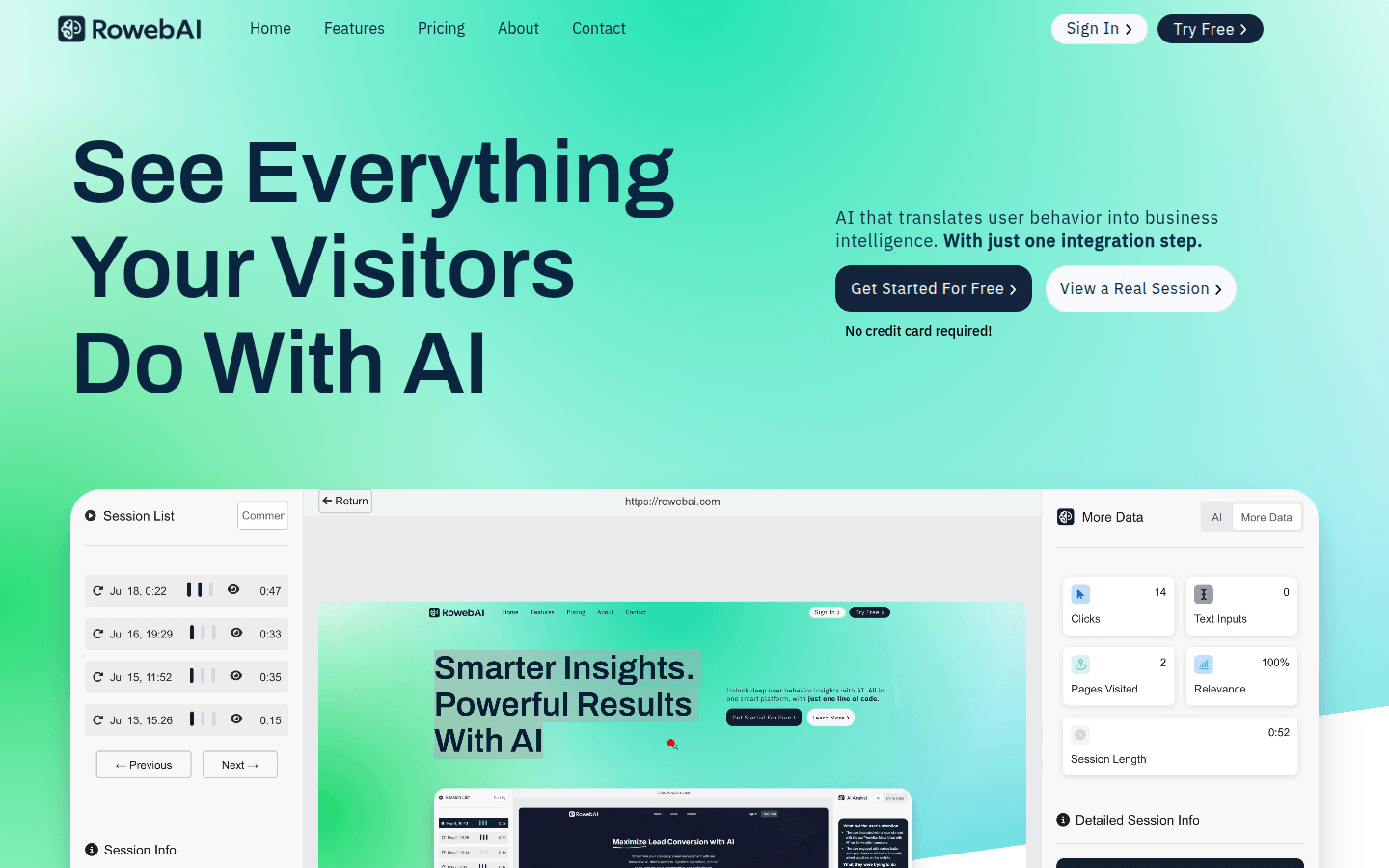
Screenshot archived from the listing page, for preview only.











