
RowSpeak
AI data analysis for spreadsheetsAsk your Excel file questions in plain language
Highlights
What you can do with it
- Finance teams building budget versus actual reports
- Marketing teams analyzing campaign data
- Supply chain teams tracking inventory
How to use it
- 1 Register for the free trial
- 2 Upload Excel, CSV, PDF, or image tables
- 3 Ask questions in natural language
- 4 Create charts, reports, or dashboards
- 5 Edit, share, or download the results
Who it is for
Pros
- Free trial to test on real files
- No formula knowledge required
- Handles messy exports and image tables
- Output ranges from charts to full reports
Limitations
- Free trial limits apply before paid use
- Analysis quality depends on data cleanliness
- AI conclusions should be verified before decisions
What RowSpeak is
RowSpeak is an AI data analysis tool built for people who live in spreadsheets. It accepts Excel, CSV, PDF, and image-based tables, including messy business exports that are hard to parse by hand. After uploading, you ask questions in plain language instead of writing formulas, and the assistant performs the analysis. It surfaces trends and patterns, builds charts such as bar, line, pie, and KPI visuals, writes report content, and converts spreadsheets into dashboard-style views. It can also extract table data from images into editable Excel files and turn PDF tables into usable data. A free trial is offered after registration.
What you can do with it
- Analyze Excel and CSV files through natural language
- Create bar, line, pie, and KPI charts
- Generate written reports automatically
- Convert image and PDF tables into editable data
- Build dashboard views for team review
Who it is for
- Finance and accounting teams producing recurring reports
- Marketing and growth teams analyzing campaign data
- Supply chain, inventory, and sales teams tracking performance
What to watch out for
The free trial has limits, and continued use requires payment, so confirm pricing before it becomes part of a reporting routine. Analysis quality depends heavily on how clean your source data is, since messy headers and merged cells produce unreliable output and the assistant may misread a column. AI-generated conclusions should be verified before they drive decisions, especially in finance where an error compounds. Uploading sensitive spreadsheets means your data leaves your machine, so review the privacy and security terms before loading confidential files. Finally, dashboards are generated from your data as given, so a wrong input produces a confident but wrong chart.
FAQ
What files does RowSpeak support?
Excel, CSV, PDF, image tables, and other messy business export files.
Do I need to know formulas?
No. You interact with the assistant in natural language and it handles the spreadsheet operations.
Is there a free trial?
Yes, the site offers a free trial after registration.
Who is it for?
Finance, marketing, supply chain, inventory, and sales teams that rely on spreadsheets.
Why it is free
What the official page says: free trial
Free limits, trial length and features are decided by the official site and can change at any time.
Product preview
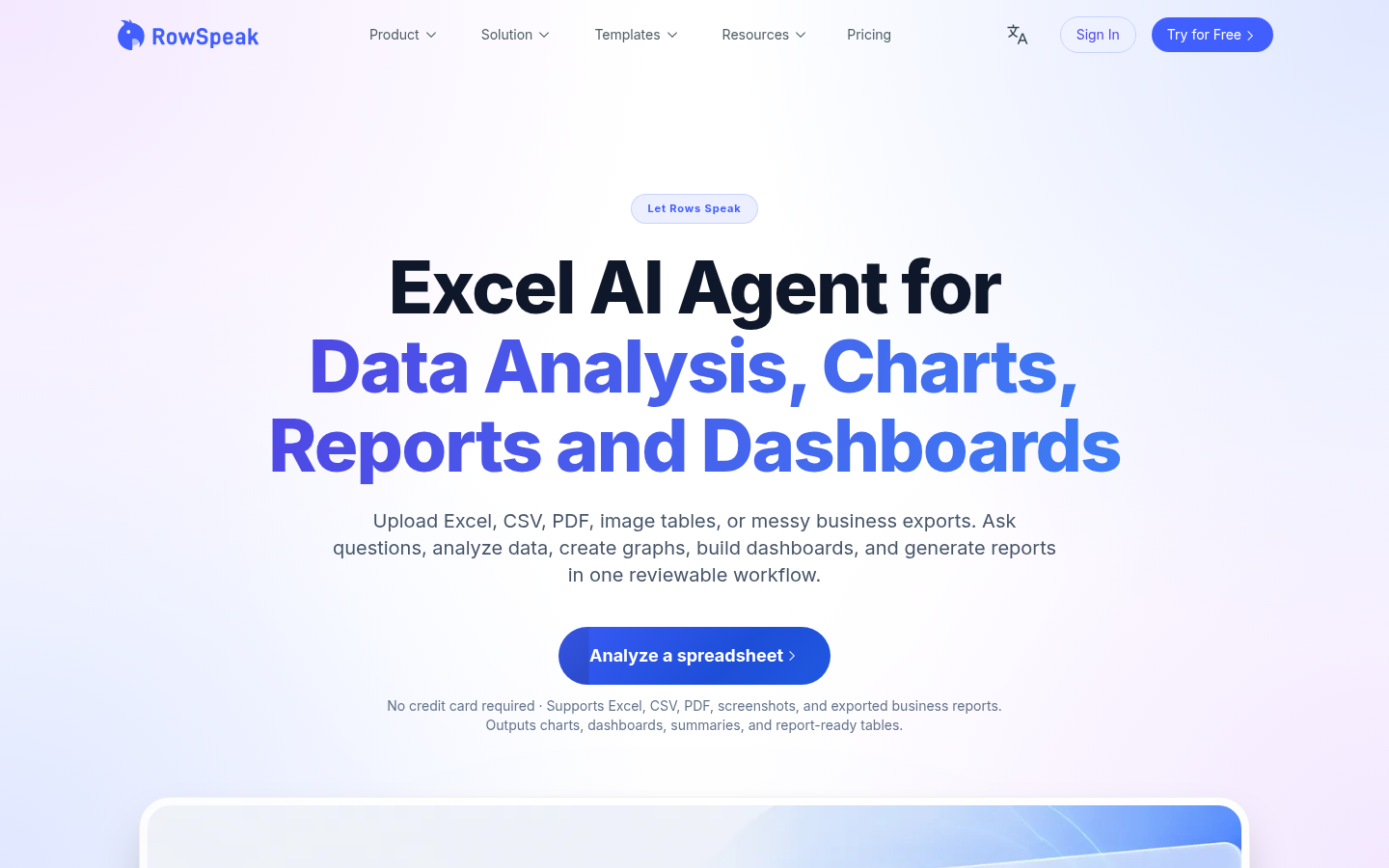
Screenshot archived from the listing page, for preview only.











