
Rutta
iOS voice input keyboard for clear writingSpeak naturally and get clean, concise text
Highlights
What you can do with it
- A creative director speaks a reply and gets clean text for friends and clients.
- An AI product manager dictates long prompts and context to an AI system.
- A content strategist captures inspiration by voice before the idea fades.
How to use it
- 1 Install and enable the Rutta keyboard on your iOS device.
- 2 Open the app where you want to type and tap the record button.
- 3 Speak and watch the transcribed text appear in real time.
- 4 Review the AI-rewritten text, make edits, and send.
Who it is for
Pros
- Free to download and use
- Cuts app switching and speeds up input
- Learns your dictionary, tone, and punctuation over time
- States original audio is deleted and not used for model training
Limitations
- It is iOS only, so Android and desktop users cannot use it
- Free terms can change, so confirm current access
- Accuracy can vary with accents, background noise, and complex terms
- Rewritten text still needs a quick review before sending
What Rutta is
Rutta is a voice input keyboard built for iOS. Rather than typing on a small screen, you speak and the app turns your natural speech into concise messages, emails, and documents. Its job is to cut down app switching and make writing faster. Beyond plain transcription, it rewrites rough wording into clear text and structures scattered thoughts into something readable. It learns a personal dictionary of your terms and adapts to your tone and punctuation habits as you use it. The app can be downloaded and used for free.
What you can do with it
- Record your voice and get accurate transcription turned into clean, concise text.
- Rely on a personal dictionary that learns your frequent words and professional terms.
- Let adaptive AI match your tone, word patterns, and punctuation style.
- Turn scattered voice notes into structured writing that is easy to read and share.
Who it is for
- Creative workers like directors and copywriters who need to capture ideas fast.
- AI product managers who dictate long prompts and context to AI systems.
- Content strategists who draft copy and notes by voice rather than by keyboard.
What to watch out for
Rutta is iOS only, so Android and desktop users are left out. Free access terms can change, so confirm current availability. Accuracy can vary with accents, background noise, and unusual terms, so proofread before sending. The app states it uses enterprise-level encryption and deletes original audio after processing, but you should still avoid dictating highly sensitive secrets in public spaces. Start with a small sample to confirm the output meets your expectations before processing the full batch.
FAQ
What devices support Rutta?
It is a voice input keyboard app designed for iOS.
Does it store my audio?
The app says cloud processing is only for transcription and rewriting, and original audio is deleted after processing and not used for model training.
Is it free?
The app can be downloaded and used for free.
Does it learn my style?
Yes. It builds a personal dictionary and adapts to your tone, word patterns, and punctuation.
Why it is free
What the official page says: for free
Free limits, trial length and features are decided by the official site and can change at any time.
Product preview
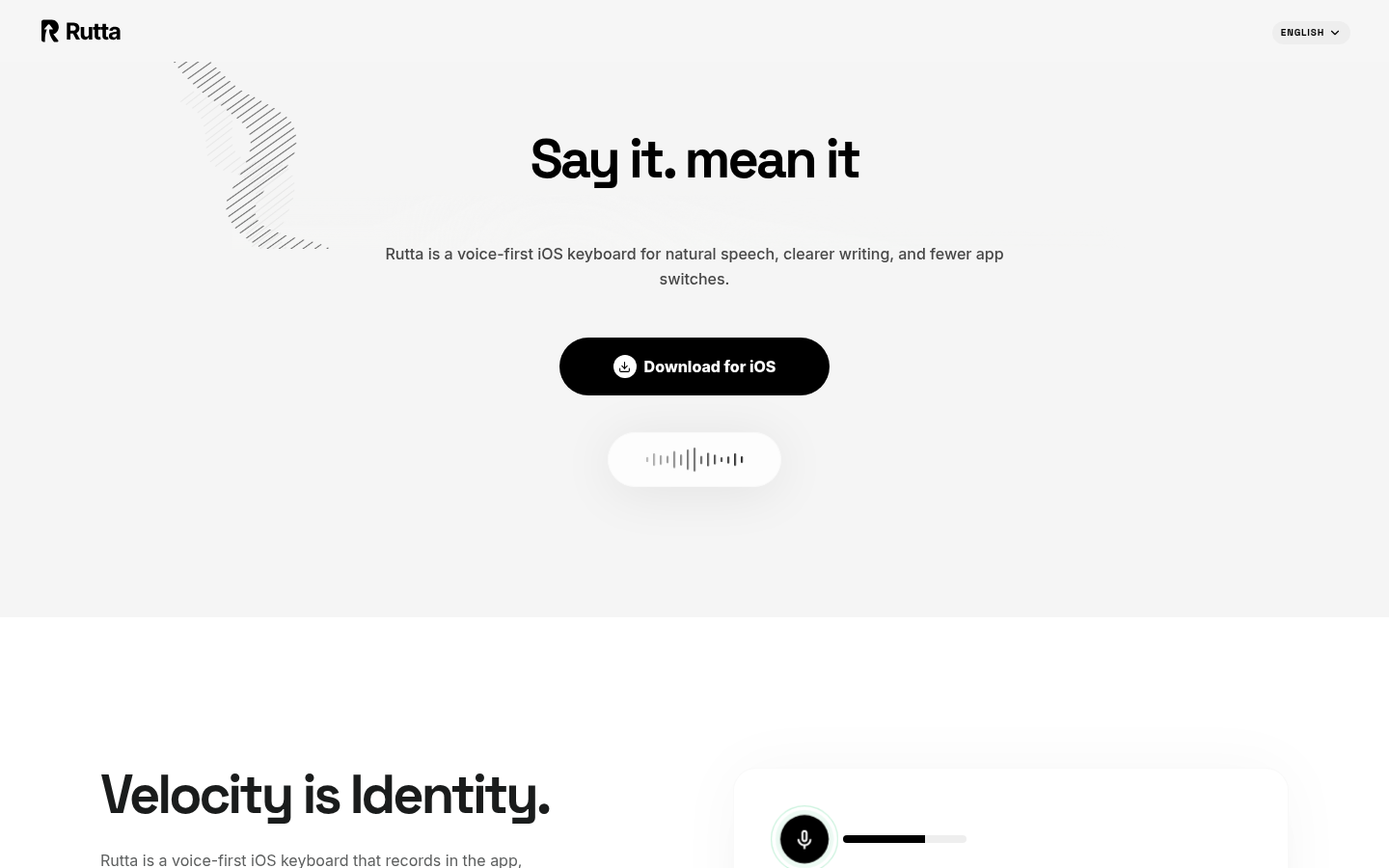
Screenshot archived from the listing page, for preview only.











