
Sanota
Voice to story recorderTurn voice into a written story
Highlights
What you can do with it
- Record family stories at a gathering
- Capture a sudden idea by voice and tidy the text later
- Collect a relative's memories over a phone call
How to use it
- 1 Open the app and choose to record yourself or invite someone.
- 2 Talk through the guided conversation.
- 3 Wait for the story text to appear.
- 4 Save it or share it with family.
Who it is for
Pros
- No download or login mentioned to start collecting stories
- Guided prompts help people who freeze on a blank page
- Private by default, so sharing is deliberate
Limitations
- After the 30 free minutes it costs 9.99 dollars per month
- Voice recognition is imperfect, so names and dates need checking
- Trial length and pricing can change without notice
What Sanota is
Sanota is a voice recording app that converts speech into written stories. Instead of typing, you talk, and the app uses voice recognition to produce readable text. You can record your own story inside the app, or invite friends and family to take part by sending a link or making a phone call. During the conversation the app guides you so important details come out, and it asks clarifying questions when something is unclear. When you finish, the story appears in the app, and phone recordings are sent to you by email. A free trial covers 30 minutes of recording, then it costs 9.99 dollars a month.
What you can do with it
- Record a story by voice, alone or with others joining remotely.
- Let the app guide the conversation so nothing important is skipped.
- Choose a writing style that fits the rhythm of your voice.
- Keep recordings private, or share them deliberately.
Who it is for
- Families who want a relative's memories in their own words.
- Writers who capture ideas by speaking rather than typing.
- Genealogists collecting personal history.
What to watch out for
Voice recognition still makes mistakes, so names, dates, and places should be checked before treating a transcript as final. The free trial is limited to 30 minutes, and the 9.99 dollar monthly price, along with trial length, can change at any time. Because recordings involve other people's voices and stories, get their agreement before you record or publish anything about them. A noisy room or a weak connection will also affect the quality of the written result. Run one full task end to end first, then expand once you are comfortable with the workflow and the result quality.
FAQ
How does the free trial work?
The trial includes 30 minutes of free recording time, then it costs 9.99 dollars a month.
Can I record someone who is not with me?
Yes. You can send a link or make a phone call, and the app guides that conversation too.
Who can see my recordings?
Each recording and transcript is only visible to you unless you actively choose to share or publish it.
Why it is free
What the official page says: free trial
Free limits, trial length and features are decided by the official site and can change at any time.
Product preview
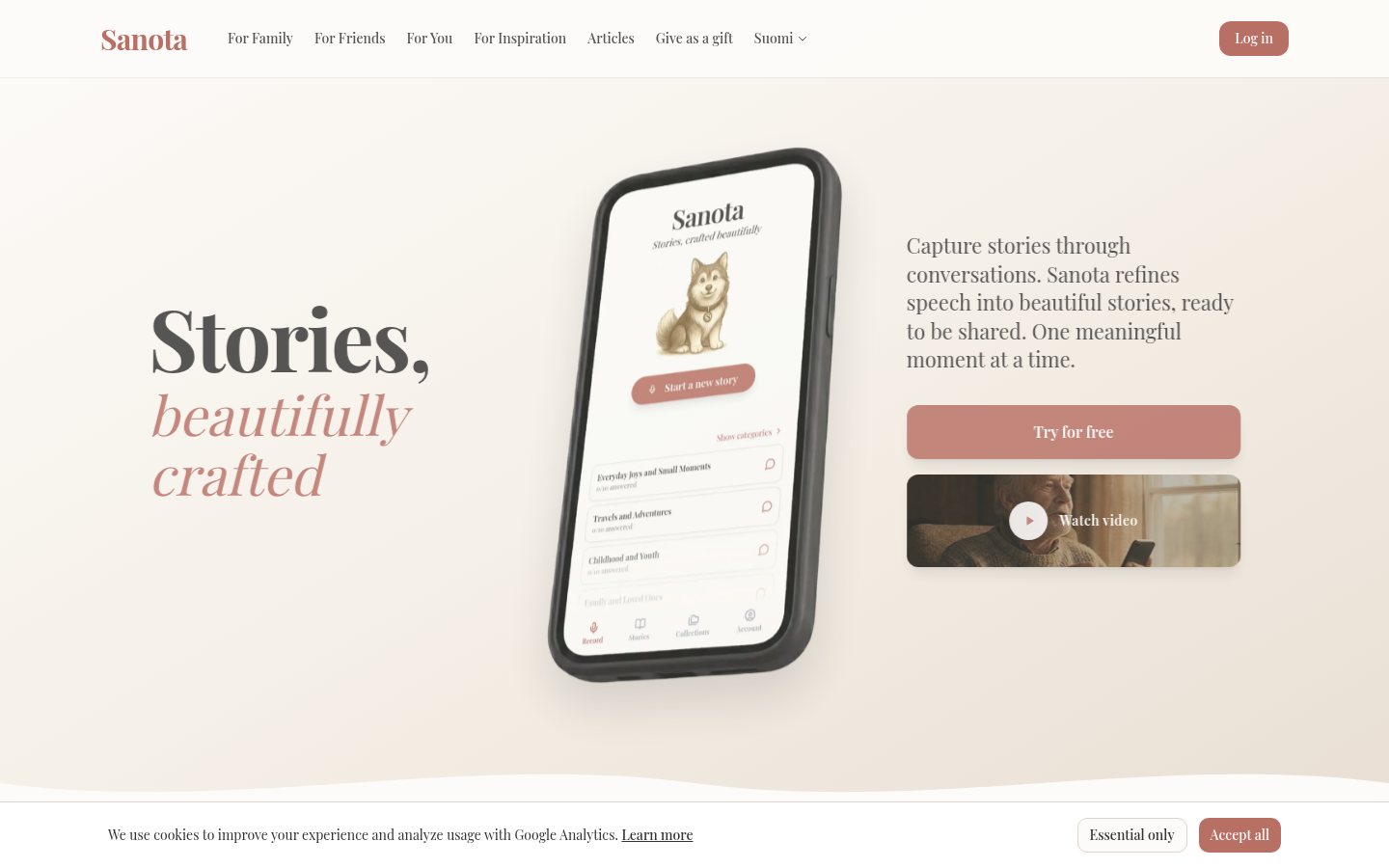
Screenshot archived from the listing page, for preview only.











