
ScreenApp
Free online screen and webcam recorderRecord screen and webcam, then transcribe
Highlights
What you can do with it
- Record meetings and keep searchable transcripts
- Capture training sessions for later review
- Record presentations and share them with others
How to use it
- 1 Open the ScreenApp website
- 2 Start a screen or webcam recording
- 3 Stop the recording and let AI transcribe it
- 4 Edit, share, or store the finished file
Who it is for
Pros
- Free online screen and webcam recording
- AI transcription makes video searchable
- Editing, sharing, and storage in one place
Limitations
- Transcription accuracy varies with audio quality
- Free access may come with length or storage limits
- Online recording depends on your connection
What ScreenApp is
ScreenApp is a free online screen recording tool that captures both screen and webcam video. According to the site, it uses AI to transcribe recorded videos into searchable text, so you can find a specific moment inside a long recording without scrubbing through the whole file. It also offers features for editing, sharing, and storing recorded videos, which keeps the entire workflow in one place instead of forcing you to move files between apps. The site pitches it for meetings, training, presentations, and similar tasks where a searchable record saves time later. Because it runs in the browser, you do not need to install heavy software to start a capture, which makes it easy to use on a borrowed machine.
What you can do with it
- Record your screen and webcam at the same time in one take
- Turn the recording into searchable text with AI transcription
- Edit the clip and trim it before you share it with others
- Store recordings and share them through a link or file
Who it is for
- Remote teams that record meetings and standups
- Trainers capturing sessions for later review
- Presenters keeping a record of talks and demos
- Anyone who wants searchable transcripts of their videos
What to watch out for
Transcription is AI generated, so accuracy drops with background noise, strong accents, or fast speech, and you should review important text before you rely on it. Free access may come with limits on recording length, storage, or features, and those rules can change over time. Because recording happens online, a weak connection can interrupt a capture or lower the quality of the file. If you record calls or meetings, make sure everyone involved knows and agrees, since recording rules differ by region and platform. Finally, check where your files are stored, since sensitive recordings sit on the provider's servers.
FAQ
What can ScreenApp record?
It records both screen and webcam video, according to the site.
Does it transcribe the recordings?
Yes. The site says it uses AI to turn video into searchable text.
What is it used for?
The site lists meetings, training, presentations, and similar tasks.
Why it is free
What the official page says: 免费
Free limits, trial length and features are decided by the official site and can change at any time.
Product preview
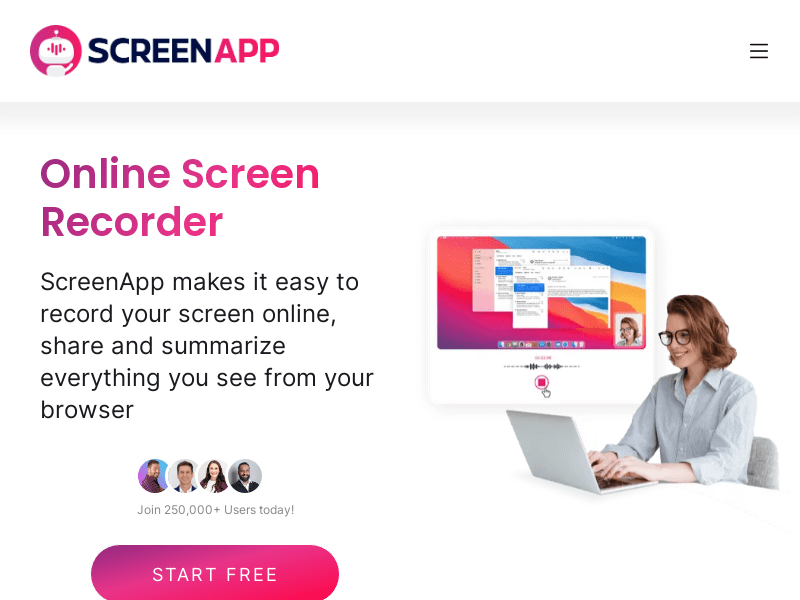
Screenshot archived from the listing page, for preview only.











