
Scribewave
AI speech-to-text and transcription toolTranscribe audio and video in 90+ languages
Highlights
What you can do with it
- Researchers transcribe in-depth interviews
- Musicians create lyric videos
- Journalists use automatic transcription
How to use it
- 1 Upload your audio or video file
- 2 Choose the language
- 3 Let Scribewave transcribe the content
- 4 Edit the text and export it
Who it is for
Pros
- Wide language support
- Multiple export formats
- No credit card to start
- Free trial available
Limitations
- The free trial is limited; paid plans unlock more
- Accuracy claims may not hold for noisy audio
- Trial and pricing terms can change
- Very long files may take more time
What Scribewave is
Scribewave is an AI speech-to-text tool that can transcribe audio and video files, add subtitles, and create captions. It supports over 90 languages, including English, Dutch, French, German, and Spanish, and allows unlimited export to common formats such as Word, SRT, VTT, and TXT. No credit card is required to start, and a free trial is available, with paid users getting access to more features. It is applicable to academic research, media production, legal documents, and other industries.
What you can do with it
- Transcribe audio and video files automatically
- Add subtitles and create captions
- Work across more than 90 languages
- Export to Word, SRT, VTT, and TXT without limits
- Start with a free trial and no credit card
Who it is for
- Researchers transcribing in-depth interviews
- Journalists and media producers
- Musicians and creators making lyric videos
- Teams that need subtitles and captions
What to watch out for
The free trial is limited and paid plans unlock more features, and trial and pricing terms can change. The stated high accuracy may not hold for noisy audio, heavy accents, or overlapping speakers, so plan to proofread the transcript. Very long files can take more time to process. Because it is an online service, availability can vary, and large uploads depend on your connection. Generated suggestions are for reference only, so verify anything that affects professional judgment or important data. Start with a small sample to confirm the output meets your expectations before processing the full batch. Save a backup of the original file before large batch jobs, and keep an exported copy of key results in case the page or service becomes temporarily unavailable.
FAQ
Is there a free trial?
Yes, and no credit card is required to start.
How many languages?
Over 90, including English, Dutch, French, German, and Spanish.
What formats can I export?
Word, SRT, VTT, and TXT, with unlimited export.
Who is it for?
Research, media production, and legal document work.
Why it is free
What the official page says: free trial
Free limits, trial length and features are decided by the official site and can change at any time.
Product preview
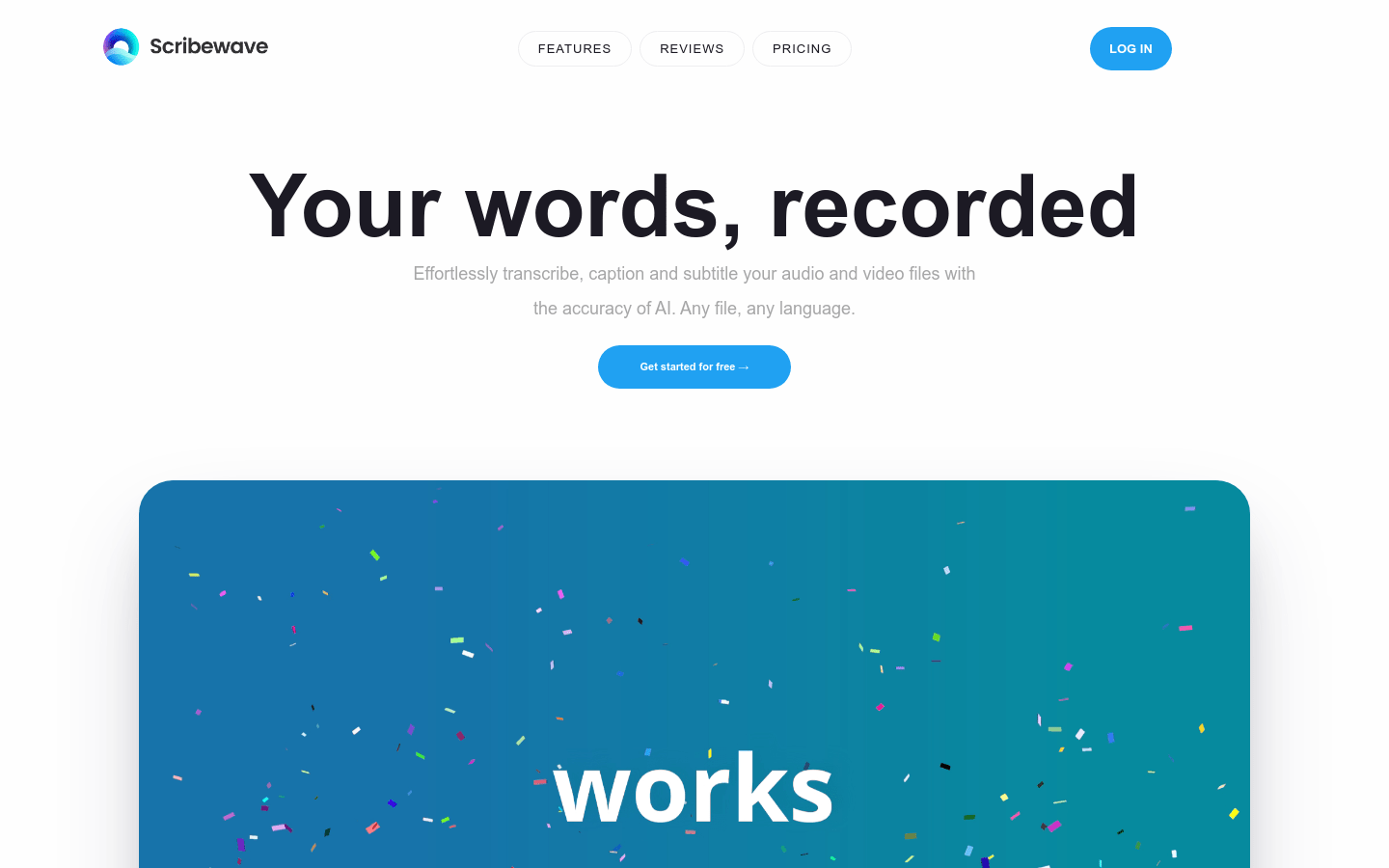
Screenshot archived from the listing page, for preview only.











