
Scrivvy
YouTube video summarizerAny YouTube video, summarized
Highlights
What you can do with it
- Pull key points out of a one-hour tutorial
- Review a long recorded meeting without watching it
- Get a written recap of a language learning video
How to use it
- 1 Register for a Scrivvy account and collect your free credits.
- 2 Paste the YouTube link you want summarized.
- 3 Read the summary or search inside it for a specific point.
- 4 Buy more credits when you run out.
Who it is for
Pros
- Free credits when you register
- Works on videos of any length
- Searchable summaries and segmented output save time
Limitations
- A summary drops detail and nuance
- Caption errors produce confident wrong summaries
- Free credits are a trial amount, and more cost money
- It works on YouTube, not local files or other platforms
What Scrivvy is
Scrivvy is a YouTube video summarizer. Paste a link, and it produces a concise summary of the video regardless of length, so an hour-long tutorial or a long meeting recording becomes something you can scan in a couple of minutes. Long videos are split into short segments, and you can search inside the summaries to find the part you need instead of scrubbing the timeline. The pitch is simple: save time and get the key points without watching the whole thing. Registering gives you free credits, and you can buy more when you run out.
What you can do with it
- Summarize YouTube videos of any length
- Search inside summaries to find a specific point
- Split long videos into short, scannable segments
- Start with free credits from registration
Who it is for
- Students pulling key points out of long tutorials
- Professionals reviewing recorded meetings
- Language learners reinforcing material with a written recap
What to watch out for
A summary is a compression, so detail and nuance are lost, and it should never replace the video when the specifics matter, such as a code walkthrough or a legal explanation. Accuracy depends on captions: auto-generated captions with errors produce a confident wrong summary, and the tool cannot see what is only shown on screen. Free credits are a trial amount, and continued use means buying more, so cost scales with how many videos you process. The tool works on YouTube, not on other platforms or local files, which limits it if your video library lives elsewhere. Name and archive exported files consistently so you can find and reuse them, and keep a backup copy of key data.
FAQ
Do I get free credits on Scrivvy?
Yes, free registration gives you free credits, and you can purchase additional credits after that.
Can it summarize long videos?
Yes. It summarizes YouTube videos of any length and splits long videos into short segments.
Can I search a summary?
Yes, quickly searching video summaries is listed as a feature.
Why it is free
What the official page says: free credits
Free limits, trial length and features are decided by the official site and can change at any time.
Product preview
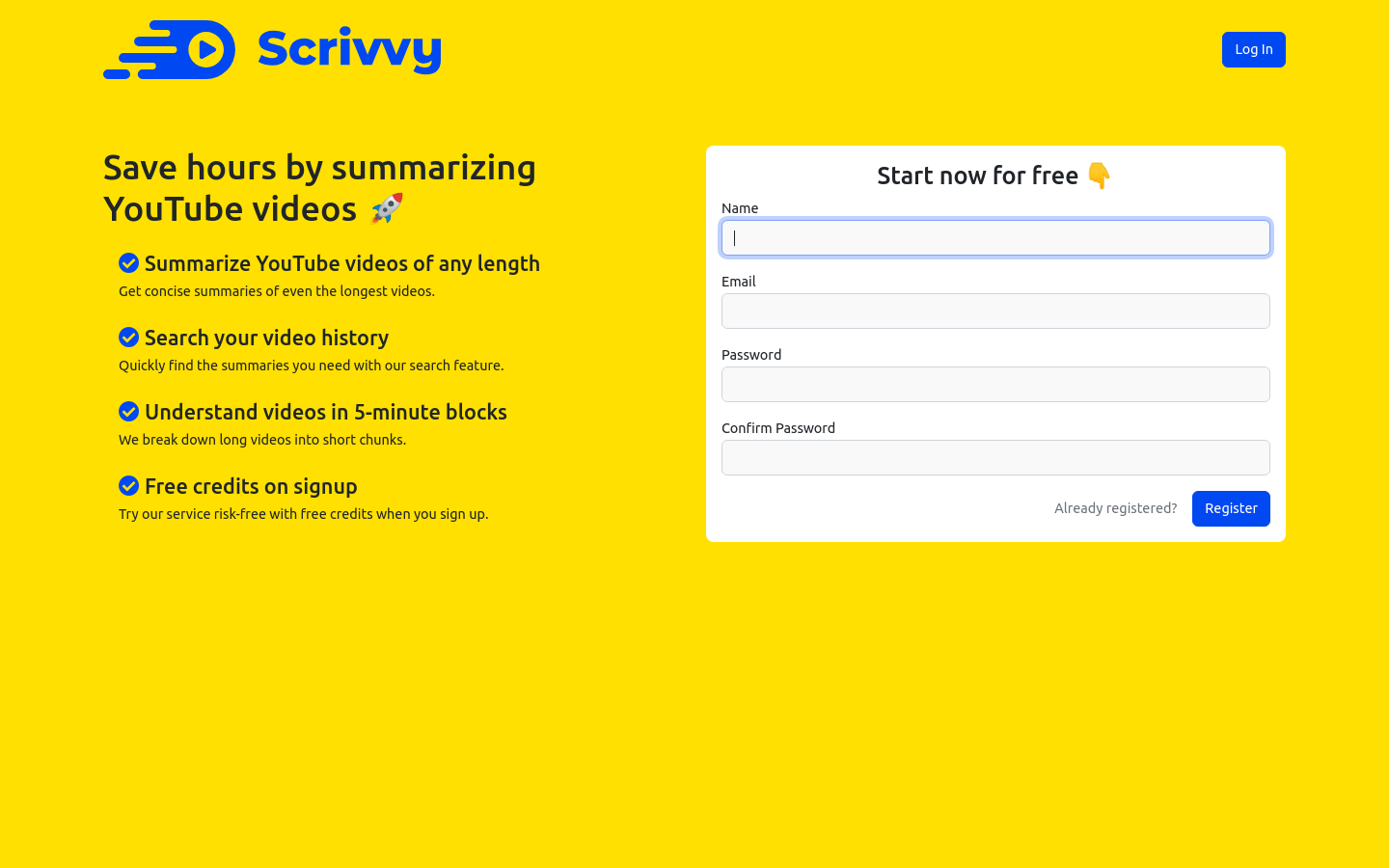
Screenshot archived from the listing page, for preview only.











