
Seply Speaker Separation
Online AI tool that separates mixed audio into per-speaker tracks.One mixed recording in, clean individual speaker tracks out.
Highlights
What you can do with it
- Separate host and guest voices in a podcast for independent mixing
- Split interviewer and interviewee audio for research analysis
- Extract dialogue tracks from video for post-production
How to use it
- 1 Upload your mixed audio or video file in a supported format
- 2 Choose automatic speaker detection or enter the expected number of speakers
- 3 Let the AI build time-aligned separate tracks
- 4 Preview each track online, then download as individual WAV files
Who it is for
Pros
- Eliminates hours of manual audio editing
- Clear credit pricing with cost estimates before processing
- Results stay privately accessible for 30 days
Limitations
- The free trial is single-use, so test on a representative sample
- Accuracy drops with crosstalk, similar voices, or poor recordings
- Ongoing use requires monthly plans or credit packages
What Seply Speaker Separation is
Seply is an online AI tool that solves a specific, tedious problem: mixed recordings where everyone's voice is baked into one track. Upload a podcast, interview, meeting, or video file, and the AI identifies the different voices and separates the audio into independent, time-aligned tracks by speaker, with each track starting from the same point as the original. It supports a wide range of audio and video formats, including WAV, MP3, M4A, AAC, FLAC, OGG, OPUS, WMA, MP4, AVI, MOV, MKV, and WebM, with uploads up to 1GB, and it works in 30 languages. Nothing needs to be installed, and you can preview every separated track online before downloading each one as an individual WAV file. The free trial provides 30 credits, valid once, covering up to 3 minutes of standard separation and 90 minutes of speech-to-text. Continued use runs on monthly plans or one-time credit packages, starting at $12 per month for 200 credits, with cost estimates shown before processing.
What you can do with it
- Separate podcast hosts and guests to adjust volume and remove noise per voice
- Split interviewer and interviewee tracks for academic research and quote checking
- Extract clean dialogue stems from video projects for post-production
- Isolate each speaker in meeting or round-table recordings for later review
Who it is for
- Podcast producers who want per-speaker control without manual slicing
- Researchers and interviewers who need voices separated for analysis
- Video and content creators preparing dialogue tracks before editing
- Meeting organizers and recorders archiving who said what
What to watch out for
Speaker separation is genuinely useful but not magic. Crosstalk, people talking over each other, very similar voices, or low-quality phone audio will reduce accuracy, so test the free trial on a representative sample of your actual recordings before buying credits; note the trial is valid only once. Very long files should be checked against your plan's credit rates, since costs scale with length. Results stay privately accessible for 30 days, so download what you need promptly. As with any young service, pricing tiers and trial terms can change, and separation output can occasionally misattribute short interjections, so spot-check the tracks before final delivery.
FAQ
What does the free trial include?
30 credits valid once, allowing up to 3 minutes of standard separation and up to 90 minutes of speech-to-text conversion.
What formats can I upload?
WAV, MP3, M4A, AAC, FLAC, OGG, OPUS, WMA, plus MP4, AVI, MOV, MKV, and WebM video, up to 1GB.
Can I specify the number of speakers?
Yes. You can let Seply detect speakers automatically or manually input the expected number.
Why it is free
What the official page says: free trial
Free limits, trial length and features are decided by the official site and can change at any time.
Product preview
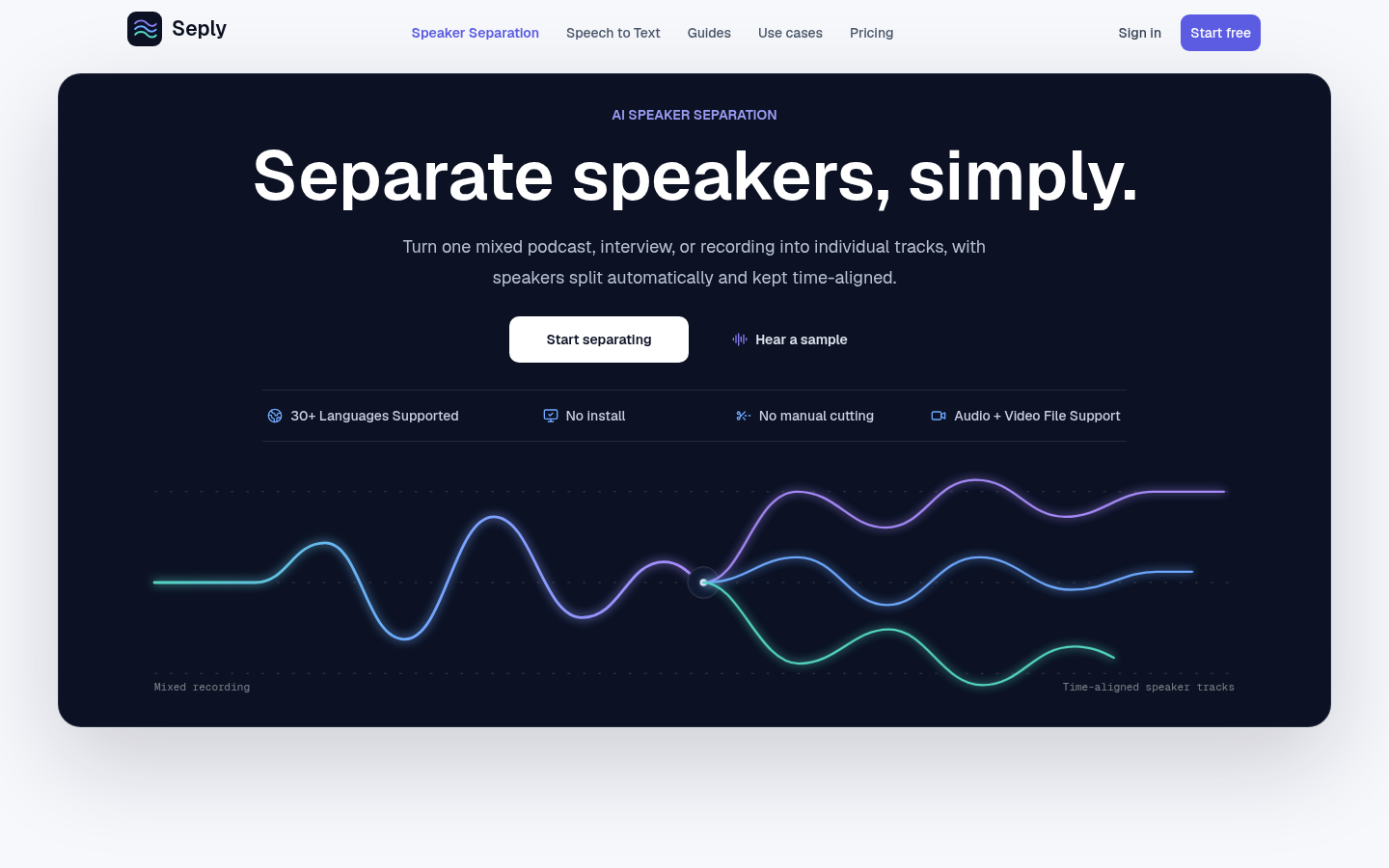
Screenshot archived from the listing page, for preview only.










