
ShortcutsGPT
Shortcuts for repeated ChatGPT promptsSay goodbye to endless typing
Highlights
What you can do with it
- Trigger a saved translation prompt instead of retyping it
- Reuse a formatting instruction for writing tasks
- Run the same analysis prompt across different texts
How to use it
- 1 Create a ShortcutsGPT account
- 2 Define a shortcut for a prompt you repeat
- 3 Use the shortcut inside your ChatGPT workflow
- 4 Track your daily usage on the free plan
- 5 Upgrade to the paid version if you need unlimited prompts
Who it is for
Pros
- Free version includes 20 prompts per day
- Removes repetitive typing
- Simple shortcut concept that is easy to learn
- Paid plan removes the daily cap
Limitations
- Free plan caps usage at 20 prompts per day
- Value depends on how repetitive your prompts are
- Pricing plans can change
- Requires setting up shortcuts before you see the benefit
What ShortcutsGPT is
ShortcutsGPT is a tool that removes repetitive prompt typing in ChatGPT. You save the prompts you use often as shortcuts, then trigger them instead of retyping the same instructions every time. The idea is simple, and that is the point: if you catch yourself pasting the same block of text into an AI chat each day, this replaces that habit with one action. A free version provides 20 prompts per day, so you can test whether the workflow sticks before paying for the unlimited paid version.
What you can do with it
- Create custom shortcuts for prompts you repeat.
- Trigger a saved prompt instead of typing it out again.
- Apply the same instruction across chat, writing, and translation tasks.
- Stay inside the free allowance of 20 prompts per day.
- Upgrade when your usage outgrows the daily limit.
Who it is for
- People who paste identical prompts into ChatGPT every day.
- Writers and translators who reuse the same instructions.
- Anyone who wants to cut typing overhead in AI conversations.
What to watch out for
The benefit depends on how repetitive your prompts really are. If every request is different, shortcuts save little. The free plan stops at 20 prompts per day, and pricing plans can change. You also need to spend a little time setting shortcuts up before the time savings appear, and the tool works alongside ChatGPT rather than replacing it. Generated suggestions are for reference only, so verify anything that affects professional judgment or important data. Start with a small sample to confirm the output meets your expectations before processing the full batch. Save a backup of the original file before large batch jobs, and keep an exported copy of key results in case the page or service becomes temporarily unavailable.
FAQ
How many free prompts do I get?
The free version provides 20 prompts per day.
What does the paid version add?
It removes the daily prompt limit.
What tasks does it help with?
Chatting, writing, translating, and other activities where the same prompt keeps coming back.
Why it is free
What the official page says: free version
Free limits, trial length and features are decided by the official site and can change at any time.
Product preview
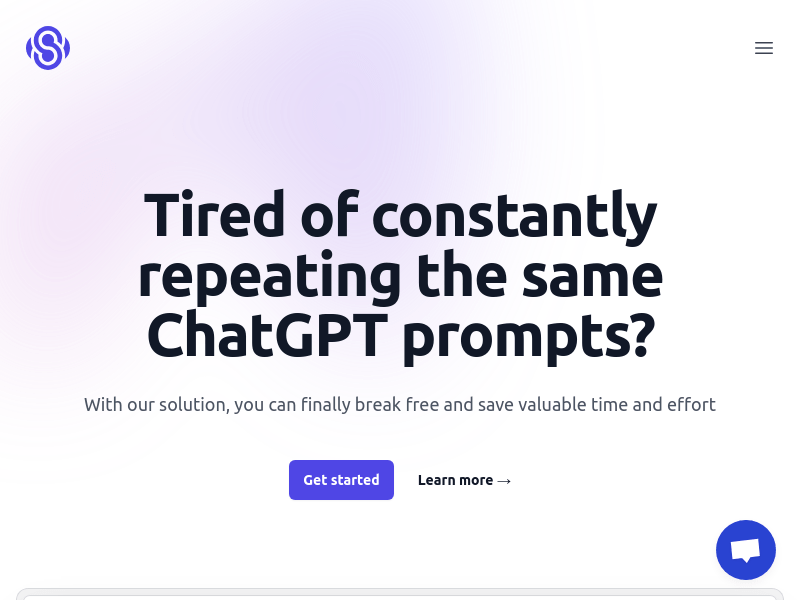
Screenshot archived from the listing page, for preview only.











