
Shram
AI work management toolSmart task allocation and team tracking
Highlights
What you can do with it
- Balancing workload across a small team
- Reducing meeting time with visible progress
- Motivating staff through gamified feedback
How to use it
- 1 Register and create teams and projects.
- 2 Add members, assign roles, and set goals and tasks.
- 3 Let the AI propose task assignments.
- 4 Track progress and award XP and badges as work completes.
- 5 Review performance reports and use search to find items.
Who it is for
Pros
- AI helps distribute work more evenly
- Gamification gives visible recognition
- Available on both app and web browser
Limitations
- The product is early, and paid plans are not fully defined
- Free trial length and limits can change
- A team still has to adopt the process for it to help
What Shram is
Shram is an AI-powered work management tool built for small and medium businesses and startup teams. Its central idea is that task assignment should not be a manual chore, so the system matches work to people based on their skills and how much they already have on their plate. Around that sit progress tracking, an XP and badge system that gives feedback as tasks close, and natural-language search so people can find information without remembering where it was filed. Data is stored in the cloud with daily backups, and the tool is available through an app and a web browser. A free trial is currently offered, with paid versions expected later for more advanced needs.
What you can do with it
- Let AI propose task assignments based on skills and workload
- Track project progress in real time with visual overviews
- Reward completed work with XP and badges
- Search for information using plain language
- Access everything from an app or a browser
Who it is for
- Startup teams that want light structure without heavy process
- Small and medium businesses tracking delivery across a few people
- Managers who spend too much time manually balancing workloads
- Teams that want recognition and feedback built into the daily workflow
What to watch out for
The product is young, and the page says paid versions may come later, which means current free access, the feature set, and usage limits can all change without much notice. AI allocation is a suggestion, not a decision, so a manager still needs to review who gets what and why, and to override the system when context matters that the tool cannot see. Gamified feedback also does not suit every team culture, and the XP and badge system only works if people actually engage with it. As with any work tool, the benefit comes from the team consistently using it rather than from the software alone, so plan a short onboarding rather than assuming adoption.
FAQ
Who is Shram for?
It is aimed at small and medium businesses and startup teams.
Is there a free trial?
Yes, a free trial is currently available, with paid versions possible later.
How does it assign tasks?
It matches tasks to team members using their skills and current workload.
Why it is free
What the official page says: free trial
Free limits, trial length and features are decided by the official site and can change at any time.
Product preview
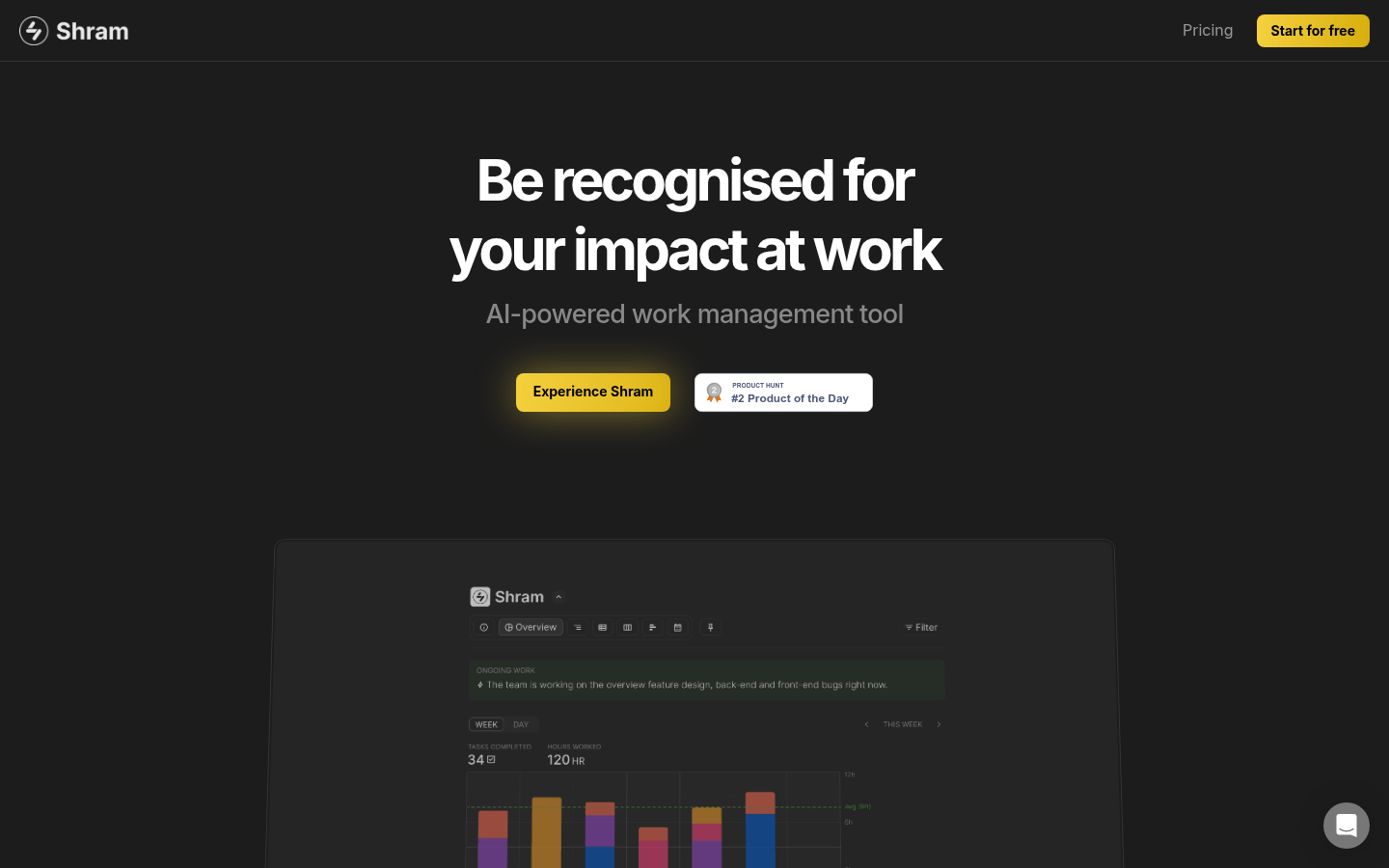
Screenshot archived from the listing page, for preview only.











