
Simplora
Real time AI meeting assistantUnderstand every meeting as it happens
Highlights
What you can do with it
- Teams following technical project discussions
- Students and researchers in multilingual seminars
- Negotiations where both sides need clarity fast
How to use it
- 1 Register and pick a plan
- 2 Turn Simplora on during the meeting or conversation
- 3 Ask it questions or request definitions as you go
- 4 Review the automatic notes and summaries afterwards
Who it is for
Pros
- Free version available to try
- Live explanation plus automatic notes
- Broad language coverage for cross border work
Limitations
- Professional features sit behind a paid plan
- Live explanation depends on audio quality
- Sensitive meetings need a privacy review first
What Simplora is
Simplora is a real time AI meeting assistant. It listens while a conversation runs and turns what it hears into something easier to follow. Complex discussion is restated in plainer language, jargon and acronyms are defined on the spot with reference links, and the tool suggests follow up questions that move the meeting forward. Notes are taken automatically, and afterwards you get summaries and action items shaped to your field, role, and way of speaking. It is not limited to meetings: it can also analyse face to face conversations on a phone, plus documents, presentations, and images. Translation covers 55 major world languages, and a dashboard handles team members.
What you can do with it
- Get live explanations of difficult discussion
- Look up terms, acronyms, and jargon instantly
- Receive suggested follow up questions during the call
- Collect automatic notes, summaries, and action items
Who it is for
- Professionals sitting in frequent or technical meetings
- Students and researchers in multilingual seminars
- Cross border teams that need clarity in real time
- Organisations that want shared notes and team management
What to watch out for
Live explanation depends on audio quality. Background noise, cross talk, and heavy accents all reduce what the tool can pick up, and a wrong definition stated confidently is worse than none. The free version exists, but the fuller feature set sits behind the professional plan and enterprise pricing. Recording meetings also raises consent and privacy questions, so check your organisation's policy and local rules before turning it on. Treat summaries as a draft to verify, not a record of what was decided. Generated suggestions are for reference only, so verify anything that affects professional judgment or important data.
FAQ
What does it do live?
Explains discussion, suggests questions, and looks up terms.
How many languages?
55 major world languages.
Is there a free version?
Yes, alongside professional and enterprise plans.
Why it is free
What the official page says: free version
Free limits, trial length and features are decided by the official site and can change at any time.
Product preview
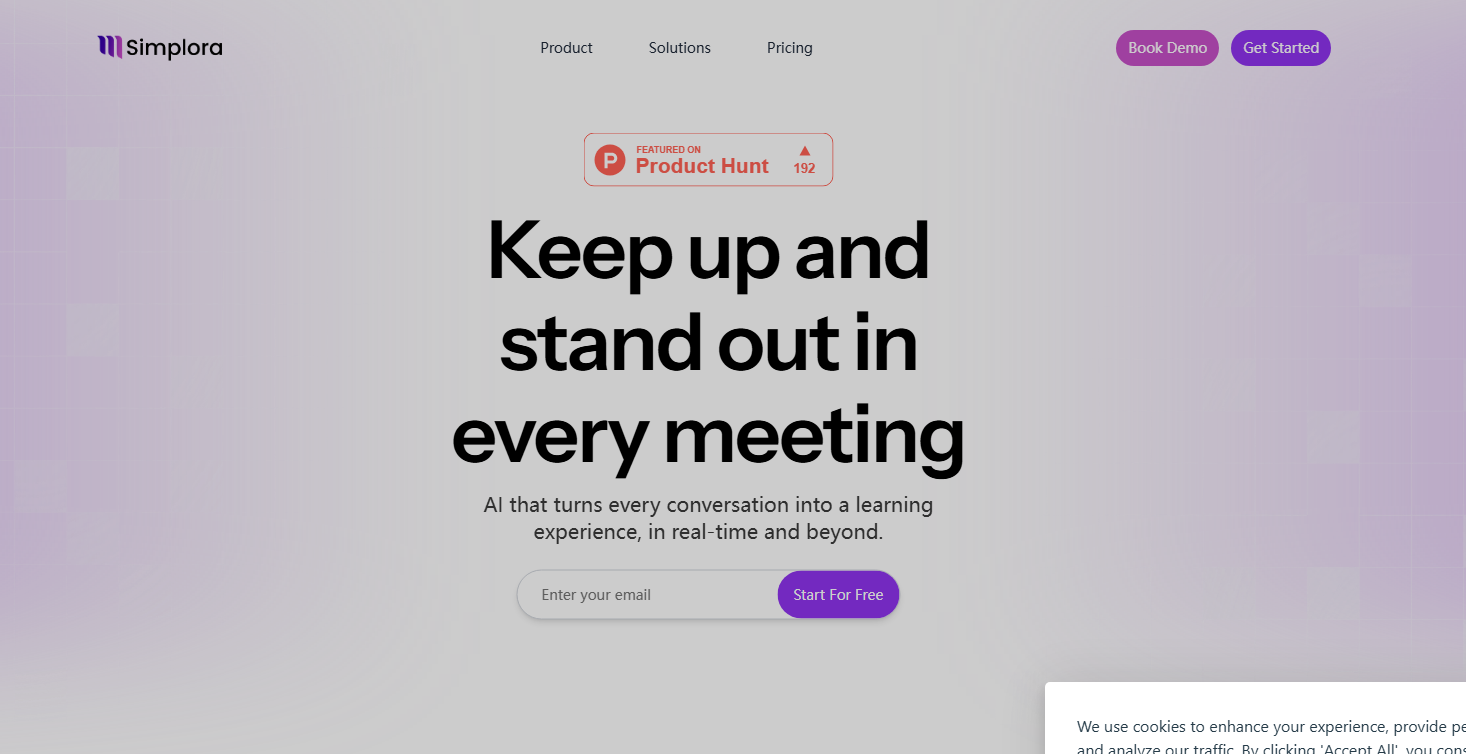
Screenshot archived from the listing page, for preview only.











