
SketchBubble AI Presentation Maker
AI presentation makerBeautiful slides in minutes, free
Highlights
What you can do with it
- Create a presentation for an annual company report
- Develop materials for an academic research study
- Design proposal slides for a marketing plan
How to use it
- 1 Enter your presentation topic or idea
- 2 Choose a design theme or template you like
- 3 Customize the generated slides as needed
- 4 Download the presentation and prepare to present
Who it is for
Pros
- Basic features are free to use
- No design experience is needed to get a clean deck
- Exports work with common presentation software
Limitations
- Advanced templates and functions sit behind the premium version
- Automated checks have had trouble reaching the site, so access can vary
- Generated content still needs your review for accuracy
What SketchBubble AI Presentation Maker is
SketchBubble AI Presentation Maker is an online tool that helps you build presentations quickly. You enter a topic or an idea, and the tool generates a logical structure with content, then offers templates and design suggestions based on what you typed. You can customize the slides afterward, changing text and style without starting over. It supports multiple languages, works with files that open in PowerPoint and Google Slides, and exports in several formats. Basic features are free, while a premium upgrade unlocks more templates and advanced functions. It is aimed at business professionals, educators, and students who need clean slides without design work.
What you can do with it
- Generate a structured presentation from a single topic or idea
- Pick from ready-to-use templates across many themes and styles
- Apply AI-driven design suggestions based on your input
- Customize content and slide style before you export
- Export the finished deck for use in PowerPoint, Google Slides, and other formats
Who it is for
- Business professionals who build reports and proposals
- Educators and students who need academic presentations
- Anyone without design experience who still needs a polished deck
Because the structure is generated for you, the tool removes the blank-page problem that makes presentation work slow.
What to watch out for
Basic features are free, but the more advanced templates and functions sit behind the premium version, so heavy users should expect to pay. Automated checks have had trouble reaching the site at times, which means access can vary, so confirm the site is reachable before a deadline. Finally, the generated content is a starting point: check facts, numbers, and wording yourself before you present, because the tool writes structure and copy, not verified research.
FAQ
Is SketchBubble AI Presentation Maker free?
Basic features are available for free, and you can upgrade to premium for more templates and functions.
What can I make with it?
Business reports, academic presentations, and creative showcases, among other presentation types.
Does it work with PowerPoint?
Yes. The page says it works seamlessly with platforms such as PowerPoint and Google Slides.
Why it is free
What the official page says: for free
Free limits, trial length and features are decided by the official site and can change at any time.
Product preview
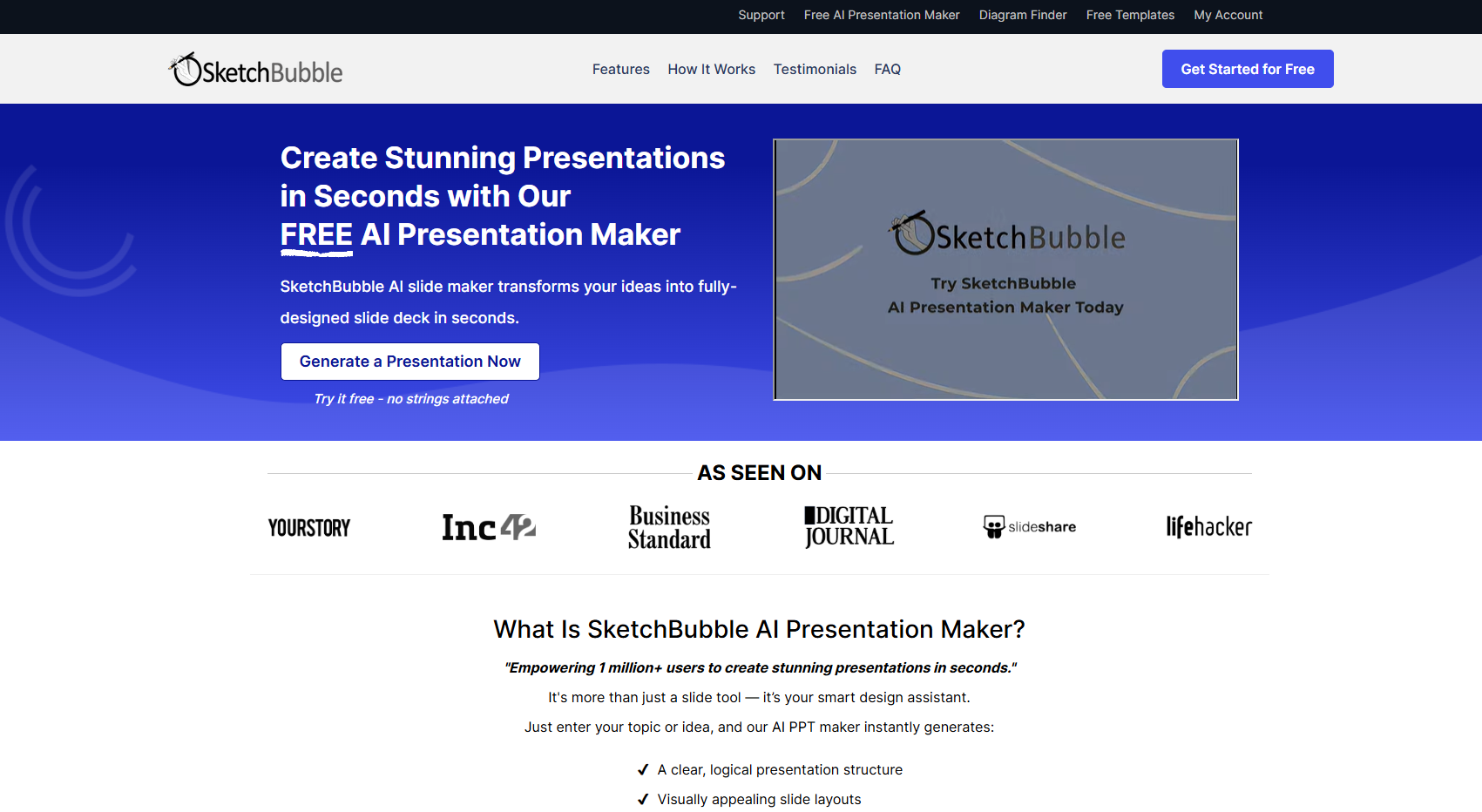
Screenshot archived from the listing page, for preview only.











