
SleepCalculator
Sleep cycle calculatorPlan bedtime around 90-minute cycles
Highlights
What you can do with it
- An office worker with an 8 a.m. start finds a bedtime that leaves them rested
- A student with an exam tomorrow plans the night to fit complete cycles
- A shift worker rebuilds a sleep schedule after a rota change
How to use it
- 1 Open the SleepCalculator site in your browser
- 2 Choose whether to enter a wake-up time or calculate from the current time
- 3 Read the results, which are spaced at 90-minute intervals with 15 minutes added for falling asleep
- 4 Pick the option that fits your evening and morning commitments
- 5 Keep the same wake-up and bedtime to build a regular habit
Who it is for
Pros
- Free and usable with no registration at all
- Gives several complete-cycle options instead of one rigid answer
- Accounts for falling-asleep time, so the estimate is more realistic
- Works both from a wake-up time and from the current time
Limitations
- It is an estimate based on cycle averages, not a measurement of your actual sleep
- The 90-minute cycle and 15-minute figures are averages and will not fit everyone
- Free web tools can change or disappear, and the listing does not promise long-term availability
- It cannot diagnose or treat sleep problems; that needs a medical professional
What SleepCalculator is
SleepCalculator is a free online sleep planning tool built around the 90-minute sleep cycle. You enter the time you need to wake up, and it works backwards in complete cycles, returning six options so you can choose the one that fits your evening rather than guessing. There is also a reverse mode: start from the current time on your device and it estimates when you would wake if you went to bed now. Either way it adds an average of 15 minutes for falling asleep before the first cycle starts, which is the detail that makes the numbers feel honest rather than theoretical. There is nothing to install and no registration to complete; it runs in the browser. The tool is aimed at people dealing with early starts, shift changes, exam nights, or a schedule that has drifted, and its stated goal is to help you settle on a consistent wake-up time. It is a planning aid and not a substitute for medical sleep advice.
What you can do with it
- Work backwards from a fixed wake-up time to find a sensible bedtime
- Start from the current time to see when you would naturally wake
- Compare six complete-cycle options and pick the one that suits your night
- Factor in an average 15 minutes of falling-asleep time
- Use the result to hold a consistent wake-up time and build a habit
Who it is for
- Office workers and commuters who have to be up at a set hour
- Students facing early classes or an exam the next day
- Shift workers rebuilding a schedule after a rota change
- Anyone whose sleep timing has drifted and wants a reset point
What to watch out for
The output is an estimate built on averages. The 90-minute cycle and the 15-minute falling-asleep figure are reasonable defaults, but real sleep varies from person to person and night to night, so treat the result as a starting point rather than a prescription. It cannot tell you whether you actually slept well, and it cannot diagnose or treat anything. If you have persistent trouble falling asleep, staying asleep, or waking rested, that belongs with a medical professional. Since it is a free browser tool with no account behind it, availability and methodology can change without notice, so do not build anything important on a single calculation.
FAQ
Is SleepCalculator free?
Yes. The listing describes it as a free tool that needs no registration.
How does it calculate my bedtime?
It works backwards from your wake-up time in 90-minute cycle steps and adds an average of 15 minutes for falling asleep.
Can I use the current time instead?
Yes. There is an option that starts from your device's current time and estimates a wake-up time.
Will it fix my sleep problems?
No. It is a planning aid. Persistent sleep issues need advice from a medical professional.
Why it is free
What the official page says: 免费无需注册
Free limits, trial length and features are decided by the official site and can change at any time.
Product preview
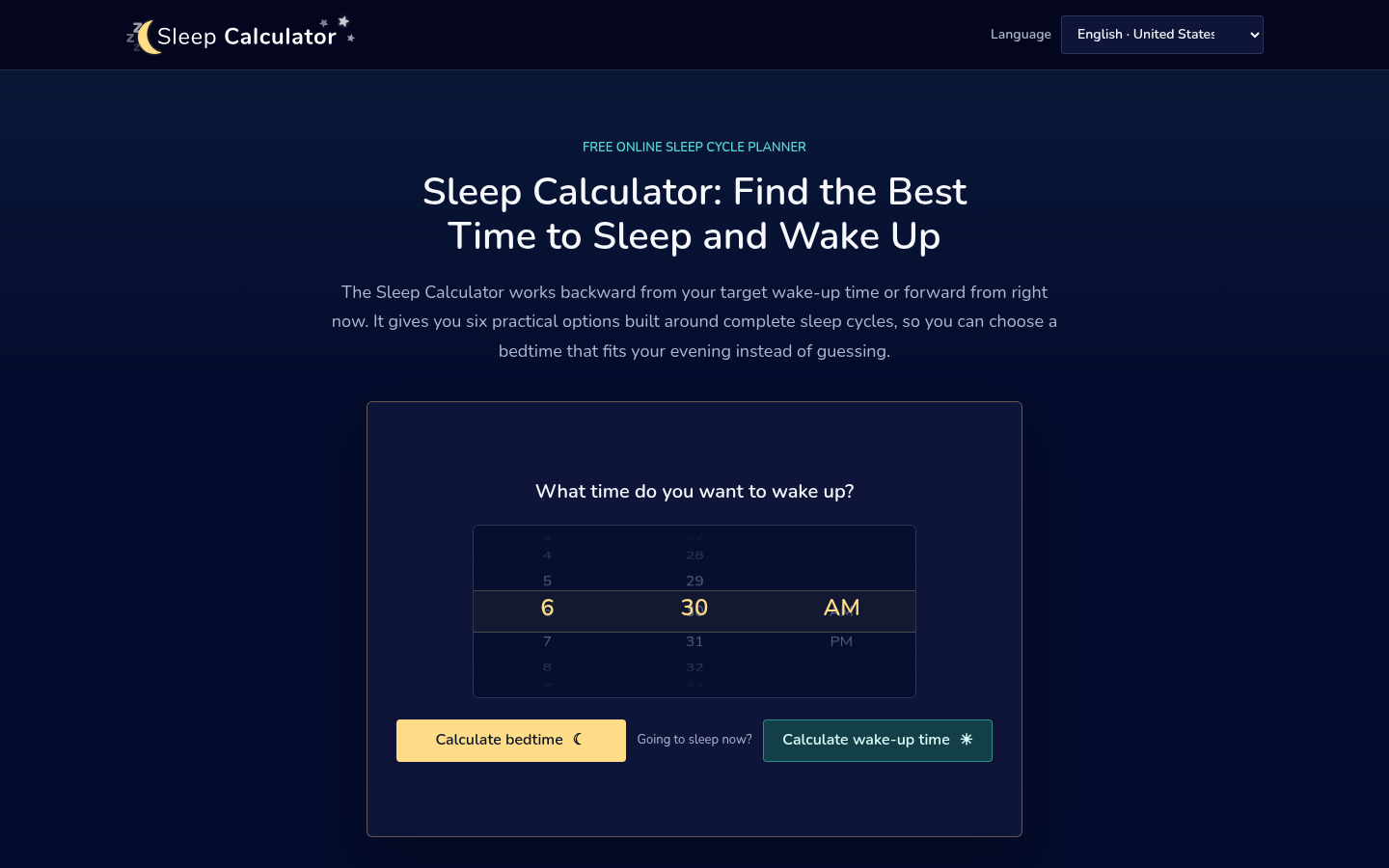
Screenshot archived from the listing page, for preview only.











