
SLPeaceBot
Voice session notes for SLPsDictate notes, save 260+ hours
Highlights
What you can do with it
- An SLP dictates notes during or right after a therapy session
- SLPAs keep multi-language SOAP notes consistent across a caseload
- A clinic shares compliant summaries with families or colleagues
How to use it
- 1 Visit slpeacebot.com and register for a free trial account
- 2 Use the microphone to record the session by voice
- 3 Customize the HIPAA-compliant templates for your practice
- 4 Review and share the session summary
Who it is for
Pros
- Notes can be dictated during or right after a session
- Multi-language SOAP output helps diverse teams
- Free trial before committing to a subscription
Limitations
- The free trial is time-limited; ongoing use needs a paid plan
- Recognition quality depends on audio conditions and accents
- Niche clinical scope, so it may not cover unrelated note-taking
What SLPeaceBot is
SLPeaceBot is a voice-driven documentation tool for speech-language pathologists (SLPs) and speech-language pathology assistants (SLPAs). Instead of typing session records after hours, you speak into a microphone and the tool turns what you say into structured notes, including SOAP notes that can be sent in multiple languages. The documents are fully customizable and the site says they are HIPAA-compliant, which matters when you handle client information. The company claims the tool saves users more than 260 hours of paperwork. Access starts with a free trial, so you can test the workflow before deciding whether a paid plan fits your practice.
What you can do with it
- Dictate session records by voice instead of typing after the session
- Produce SOAP notes that can be sent in more than one language
- Customize templates and keep documents HIPAA-compliant
- Share session summaries with family or colleagues
Who it is for
- SLPs who write records every day
- SLP assistants managing a full caseload
- Clinics and schools that need compliant records
What to watch out for
The free trial is limited; once it ends you need a paid subscription. Voice recognition can struggle with background noise, strong accents, or unclear speech, so budget time to check and edit notes. The tool is built for a specific clinical workflow, so broader documentation needs may still require a general note-taking system. As with any tool that handles client data, review the privacy terms before uploading sensitive information. Run one full task end to end first, then expand once you are comfortable with the workflow and the result quality. Behavior may vary across browsers and devices, so test before production use and consult the help docs if errors appear.
FAQ
What is SLPeaceBot for?
Helping SLPs and assistants complete session records by voice.
Is it free to start?
It offers a free trial; ongoing use requires a paid subscription.
Are the documents HIPAA-compliant?
The site says they are customizable and HIPAA-compliant.
Why it is free
What the official page says: free trial
Free limits, trial length and features are decided by the official site and can change at any time.
Product preview
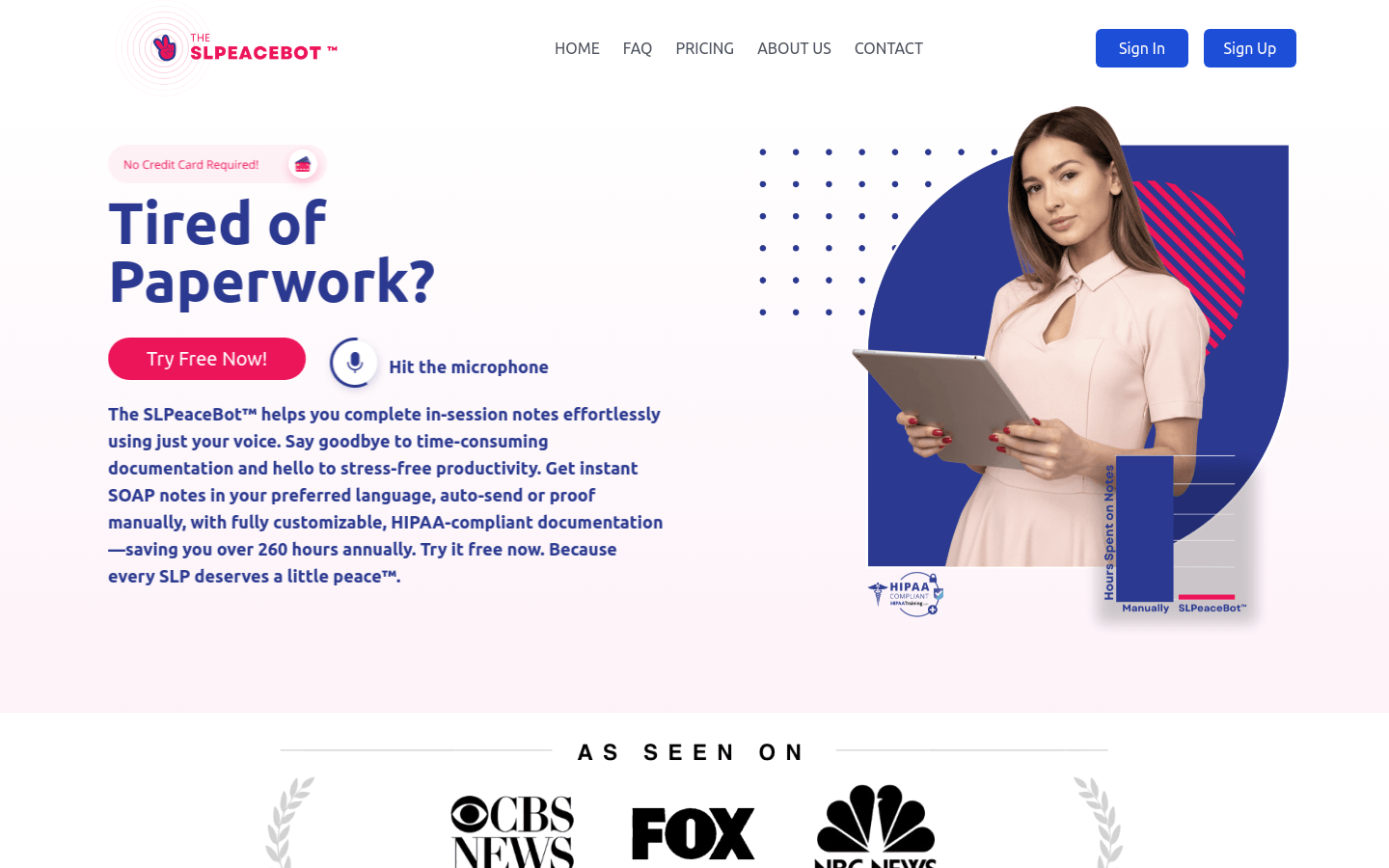
Screenshot archived from the listing page, for preview only.











