
soink
Hands-free dictation app for MacSpeak, edit, and send without the keyboard
Highlights
What you can do with it
- You dictate an email, fix errors by voice, and send it hands-free.
- You speak code and use voice commands to edit as you go.
- You capture meeting notes by voice and tidy them afterward.
How to use it
- 1 Download and install soink for Mac.
- 2 Make sure your microphone is on and working.
- 3 Open the app where you type, such as Gmail or Slack.
- 4 Click the soink icon or shortcut to start voice input.
- 5 Speak, state edits like changing a word, then say send.
Who it is for
Pros
- Real-time input and cleanup reduce editing later
- Voice editing and sending keep hands off the keyboard
- Mixes easily with normal typing
- Free trial to test accuracy on your voice
Limitations
- It is Mac only, so Windows and Linux users are left out
- A quiet room and clear speech give the clearest results
- Free trial terms and pricing are not stated, so confirm them
- Voice commands can misfire, so check text before sending
What soink is
soink is a dictation app made for Mac, created by a founder who wanted a solution after a hand injury. Its goal is to let people who type all day, or who have strain or a disability, cut down on keyboard use. The key feature is real-time streaming input: as you speak, each word appears in the text box right away rather than being pasted at the end. While you talk, AI cleans up filler words and grammar so the output reads like typing. You can edit by simply stating the change, and you can send by saying send. Voice and keyboard mix in the same sentence. A free trial is offered.
What you can do with it
- Speak and watch text stream into any app in real time.
- Let AI remove filler words and fix grammar on the fly.
- Edit text by voice, such as replacing a word or phrase.
- Send the finished message by voice, no keyboard needed.
Who it is for
- Heavy keyboard users like copywriters and developers who want a break.
- People with hand injuries, repetitive strain, or a disability.
- Anyone who needs to capture ideas quickly by voice, such as in meetings.
What to watch out for
soink is Mac only, so Windows and Linux users cannot use it. Accuracy is best in a quiet room with clear speech, so noisy settings cause errors. Free trial terms and pricing are not stated on the page, so confirm them before relying on the app. Voice commands can misfire, so glance at the text before you send it. Processing speed depends on file size and network conditions, so retry later if a task stalls during peak hours.
FAQ
What is soink?
It is a hands-free dictation app for Mac that lets you input, edit, and send text by voice.
Does it clean up my speech?
Yes. It removes filler words and fixes grammar in real time as you talk.
Can I edit by voice?
Yes. You state the change, such as replacing a word, and it updates the text.
Who is it for?
It suits heavy keyboard users and people with hand injuries or repetitive strain.
Why it is free
What the official page says: free trial
Free limits, trial length and features are decided by the official site and can change at any time.
Product preview
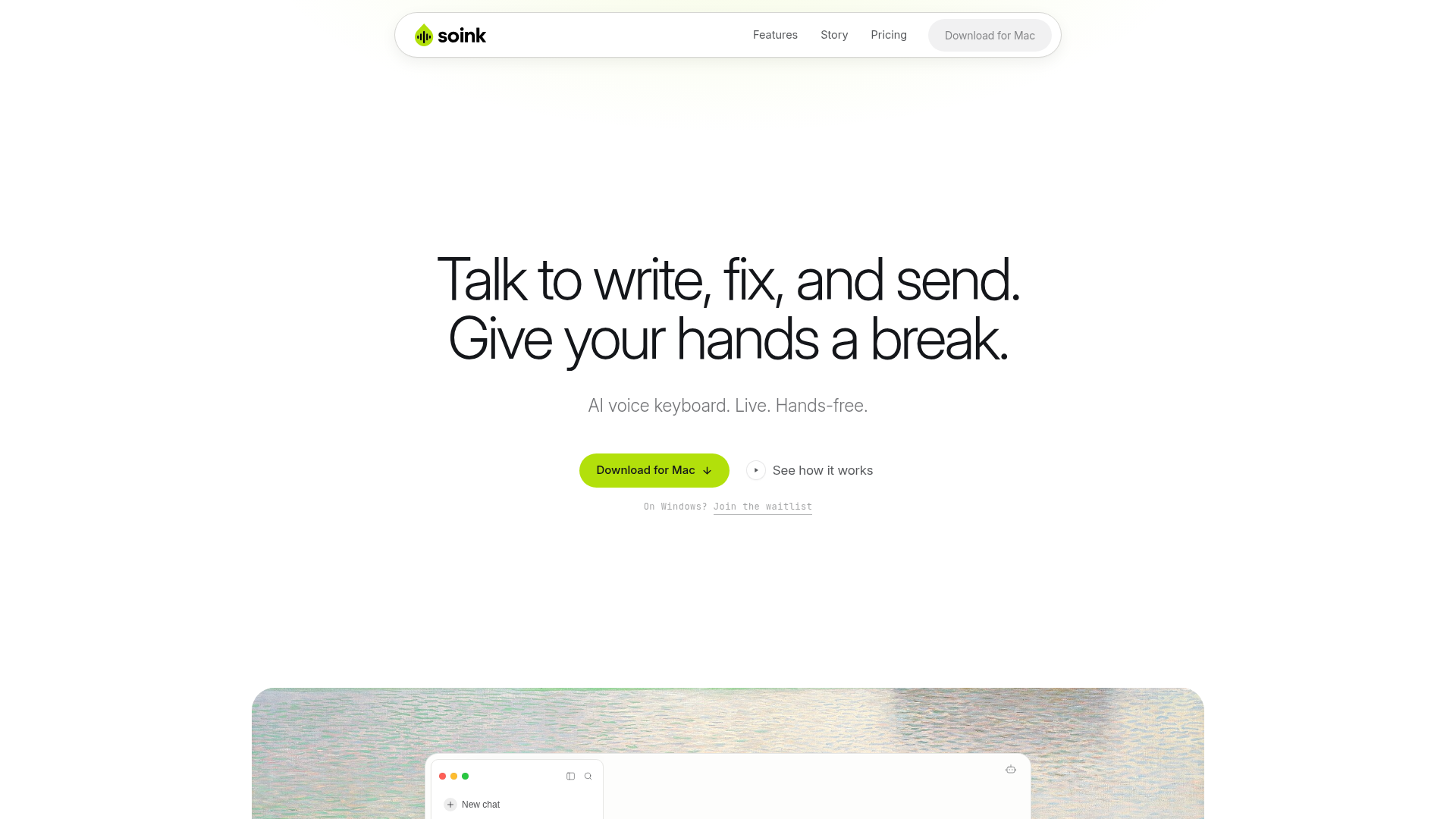
Screenshot archived from the listing page, for preview only.











