
SparkReceipt
Free AI receipt scanner and expense tracker for freelancers and small teams.Scan the receipt, let AI handle the bookkeeping.
Highlights
What you can do with it
- A freelance photographer scanning equipment receipts for taxes
- A small catering business tracking ingredient procurement costs
- A designer recording project expenses for accurate client billing
How to use it
- 1 Visit sparkreceipt.com and register or log in
- 2 Scan a receipt with your device's camera
- 3 Wait for the AI to extract key information
- 4 Classify receipts by expense type and review spending reports
Who it is for
Pros
- Free to start, suiting cost-conscious freelancers
- Fast AI extraction reduces manual data entry
- Multi-language support helps users in different regions
Limitations
- AI can misread faded, crumpled, or unusual receipt formats
- Categories may need manual correction for your accounting setup
- Free usage limits may change over time
What SparkReceipt is
SparkReceipt is an AI-driven receipt scanning and expense tracking tool built for freelancers and small businesses, the people who usually handle bookkeeping themselves and have no time for it. You scan a receipt with your device's camera, and the AI quickly and accurately identifies key information such as merchant name, amounts, and expense categories. The tool then classifies and organizes scanned receipts so you can track and manage spending, see where money flows, and produce the records you need for tax filing or client billing. It supports multiple languages, including English, German, and French, and users can start using it for free, which keeps the entry barrier low. Security measures protect the receipt data you upload. For a solo operator or a small team, it replaces shoeboxes of paper with searchable, categorized expense records.
What you can do with it
- Scan and digitize receipts with automatic extraction of merchant, amount, and category
- Track expenses by type to understand spending and control costs
- Keep organized records that make cost accounting and tax filing easier
- Record project-related expenses to quote and settle accounts with clients accurately
Who it is for
- Freelancers who must manage their business expenses independently
- Small business owners dealing with high volumes of receipts during operations
- Financial managers who need faster processing of receipt and expense data
What to watch out for
AI receipt recognition is strong on clean, standard receipts but can misread faded paper, crumpled corners, unusual layouts, or long itemized lists, so spot-check the extracted values before trusting the totals, especially for tax documents. Automatically assigned categories may not match your own accounting structure, and reorganizing them takes a little discipline. The tool is free to start, but as with most freemium services, usage limits and feature boundaries can change over time, so confirm what the current free tier includes if your volume grows. Finally, digital scans are convenient but keep backups: an expense history lives or dies on whether you can retrieve it when an accountant or auditor asks.
FAQ
Is SparkReceipt free?
The tool offers free usage, letting freelancers and small businesses start without an upfront payment. Check current limits in the app.
What languages does it support?
Multiple languages including English, German, and French, making it usable across regions.
Is my receipt data safe?
The product uses secure technological means to protect receipt data and user privacy.
Why it is free
What the official page says: for free
Free limits, trial length and features are decided by the official site and can change at any time.
Product preview
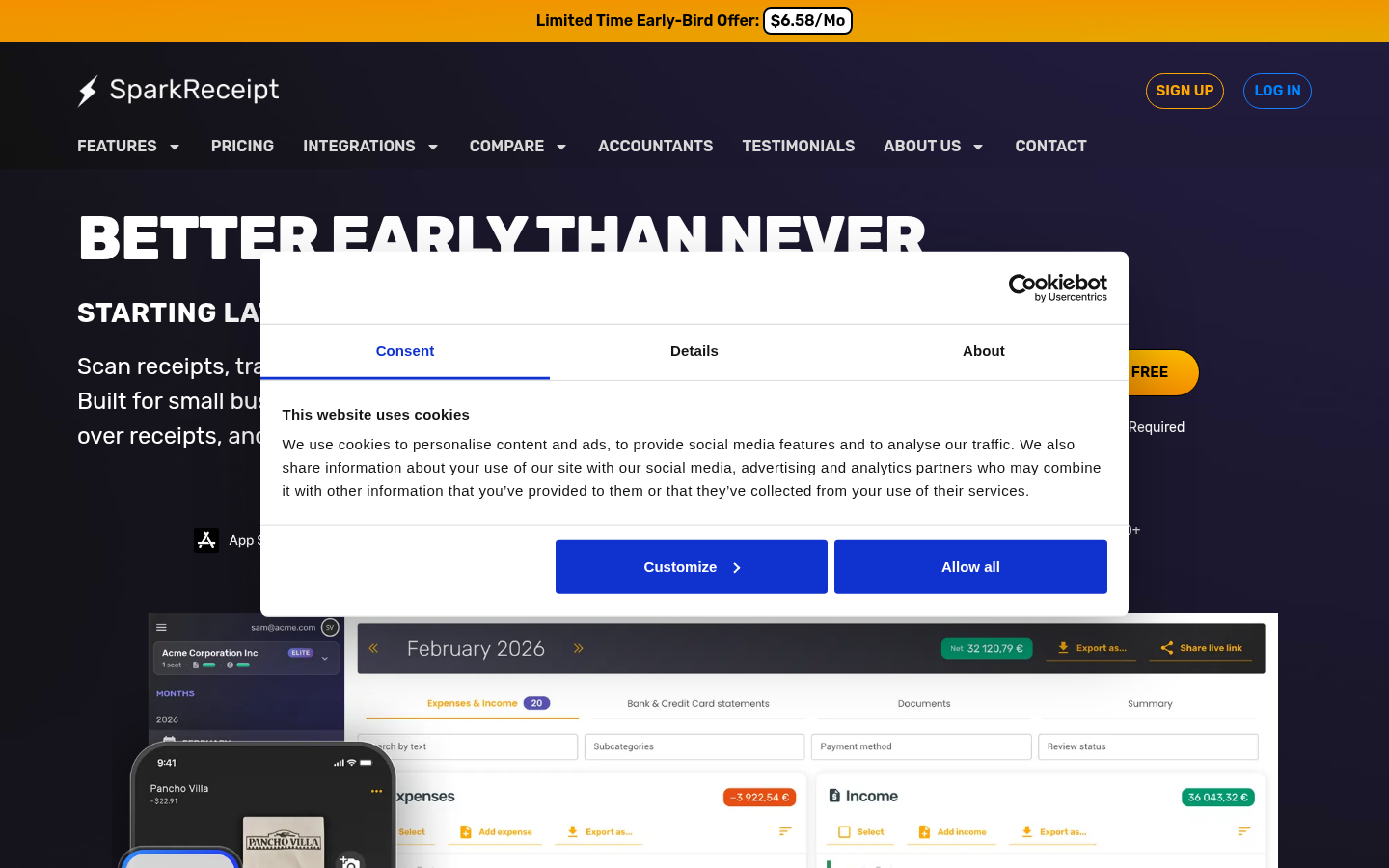
Screenshot archived from the listing page, for preview only.











