Sparks AI
AI workspace and agent platformBuild and run AI agents in one workspace
Highlights
What you can do with it
- Automating research and code generation tasks
- Running team projects with AI agents in the loop
- Building a custom agent for a business workflow
How to use it
- 1 Register and log in at the Sparks AI site
- 2 Choose Super Agent for tasks or Builder for agents
- 3 Customize with templates, models, and tools
- 4 Run research, collaboration, or project work
- 5 Upgrade to a paid plan if the trial is not enough
Who it is for
Pros
- One workspace for building and running agents
- Super agent handles research and code tasks
- Real-time collaboration across humans and agents
Limitations
- The free trial is only 30 seconds, so real use needs a paid plan
- Credit usage varies and can be consumed quickly
- Agent quality depends on how well you configure it
What Sparks AI is
Sparks AI is an AI workspace and agent platform. Its purpose is to give users one environment to build, manage, and run AI agents rather than stitching together separate tools. The centerpiece is a super agent that can conduct research on its own, generate code in real time, and execute tasks, then review and edit what it produced. Alongside that, users can build custom agents from pre-built templates, choose large language models, and attach tools and knowledge. Collaboration is built in: group chats can include multiple AI agents and humans at once, with everything synchronized to the project. There is also an agent store for browsing ready-made agents or publishing your own. Pricing is credit-based across Plus, Pro, and Max plans, with a 30-second free trial to sample the product.
What you can do with it
- Let the super agent research, code, and execute tasks
- Build a custom agent from templates and tools
- Collaborate in real time with agents and teammates
- Browse or publish agents in the agent store
Who it is for
- Developers automating research and code work
- Researchers who need faster data gathering
- Teams that want agents inside their workflow
What to watch out for
The free trial lasts about 30 seconds, which is enough to see the interface but not to judge output quality, so assume a paid plan is required for real work. Credits are consumed by usage, and heavy research or code generation can burn through an allocation faster than expected, so track consumption on the cheaper tiers before committing. Autonomous agents make mistakes: code and research still need human review before you rely on them, especially in production. Finally, agent platforms change their models and pricing frequently, so treat any credit rate as subject to change and keep your important prompts and configurations documented.
FAQ
What is the free trial?
Sparks AI supports a 30-second free trial, after which a paid plan is needed for continued use.
What do the plans cost?
Plus is $20 per month with 2000 credits, Pro is $50 with 5000 credits, and Max is $200 with 20000 credits.
What can the super agent do?
It can conduct research autonomously, generate code in real time, execute tasks, and review and edit generated code.
Why it is free
What the official page says: free trial
Free limits, trial length and features are decided by the official site and can change at any time.
Product preview
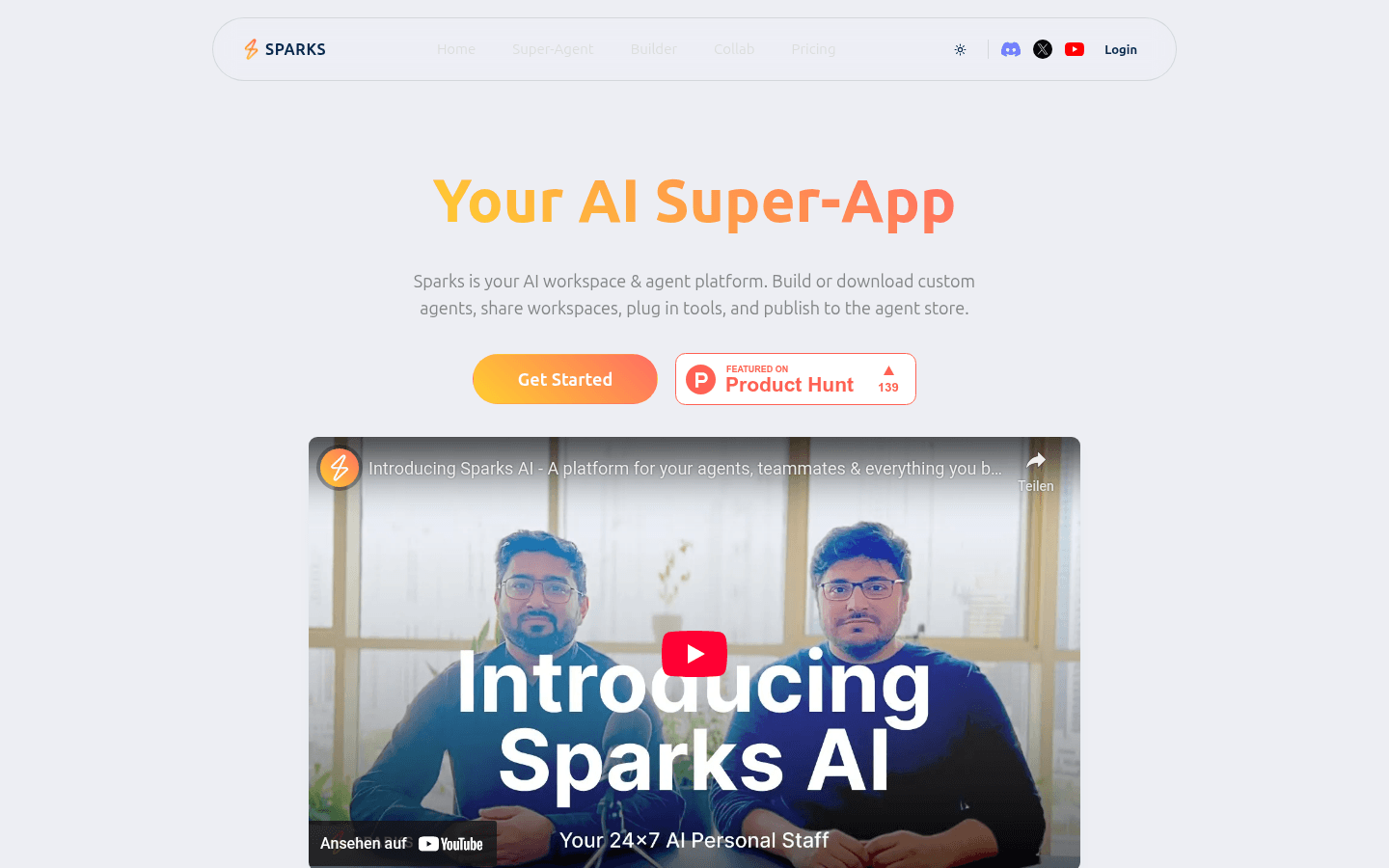
Screenshot archived from the listing page, for preview only.