
Speakoala
Text to speech extensionListen to any page or document
Highlights
What you can do with it
- Listen to news and industry articles during a commute.
- Study papers and course material while exercising.
- Give visually impaired readers an audio route to web pages and files.
How to use it
- 1 Go to https://speakoala.com and click Install Now to add the extension.
- 2 Open the page you want to read, or upload a local PDF or Word file.
- 3 Select an area with the selection tool, or highlight the text you want.
- 4 Press play and adjust the speed, pause or replay as needed.
- 5 Change the voice or add ambient sound effects in the extension panel.
Who it is for
Pros
- Reads both live web pages and local documents.
- The highlight follows the text so you do not lose your place.
- Wide speed range and instant playback of selected text.
- More than 70 languages and ambient sound effects.
Limitations
- The free version only provides robotic voices.
- Natural voices require a paid plan at 4.99 dollars per month.
- It is a browser extension, so it needs installing and permission to read pages.
- Long documents still take real time to listen through.
- The free and paid split can change, so check current pricing.
What Speakoala is
Speakoala is a text to speech extension that reads web pages and local documents aloud. It supports more than 70 languages, including English, Chinese and Japanese, and it highlights the text as it is read so you can follow along. You can point it at a page, or upload a PDF or Word file and listen to that instead. Playback speed runs from 0.25 to 4 times, and there are ambient sound effects such as rain, park or library noise if you want background atmosphere. The free version gives you robotic voices, and the paid plan at 4.99 dollars per month unlocks dozens of natural ones.
What you can do with it
- Have any web page read aloud while you do something else.
- Upload local PDF and Word documents and listen to them.
- Play only a selected area, or highlight a snippet and start instantly.
- Change the speed, pause, replay, or add ambient background sound.
Who it is for
- Commuters who want to turn travel time into reading time.
- Fitness enthusiasts whose hands and eyes are otherwise busy.
- People with poor eyesight who need an audio route to the same content.
- Language learners who want listening practice across many languages.
What to watch out for
The free version gives you robotic voices, which are understandable but tiring over a long session, so the natural voices are the main reason to pay. That plan is listed at 4.99 dollars per month, and pricing can change, so check the current page before subscribing. Because it is a browser extension, it needs installing and permission to read the pages you visit, which is worth thinking about if you handle sensitive material. Reading speed is capped by the voice itself: a long paper still takes as long as it takes, even at 4 times. Highlight following works well on clean article pages but can wander on complex layouts, ads and paywalled content. Finally, it is a reading aid, not a note taking tool, so keep your own record of anything important you hear.
FAQ
Is Speakoala free?
There is a free version that provides robotic voices. Natural voices need the paid plan at 4.99 dollars per month.
How many languages does it support?
More than 70, including English, Chinese and Japanese.
Can it read my own files?
Yes, you can upload and listen to local PDF and Word documents.
Can I listen to just part of a page?
Yes, you can select an area on the page or highlight specific text and play only that.
Why it is free
What the official page says: free version
Free limits, trial length and features are decided by the official site and can change at any time.
Product preview
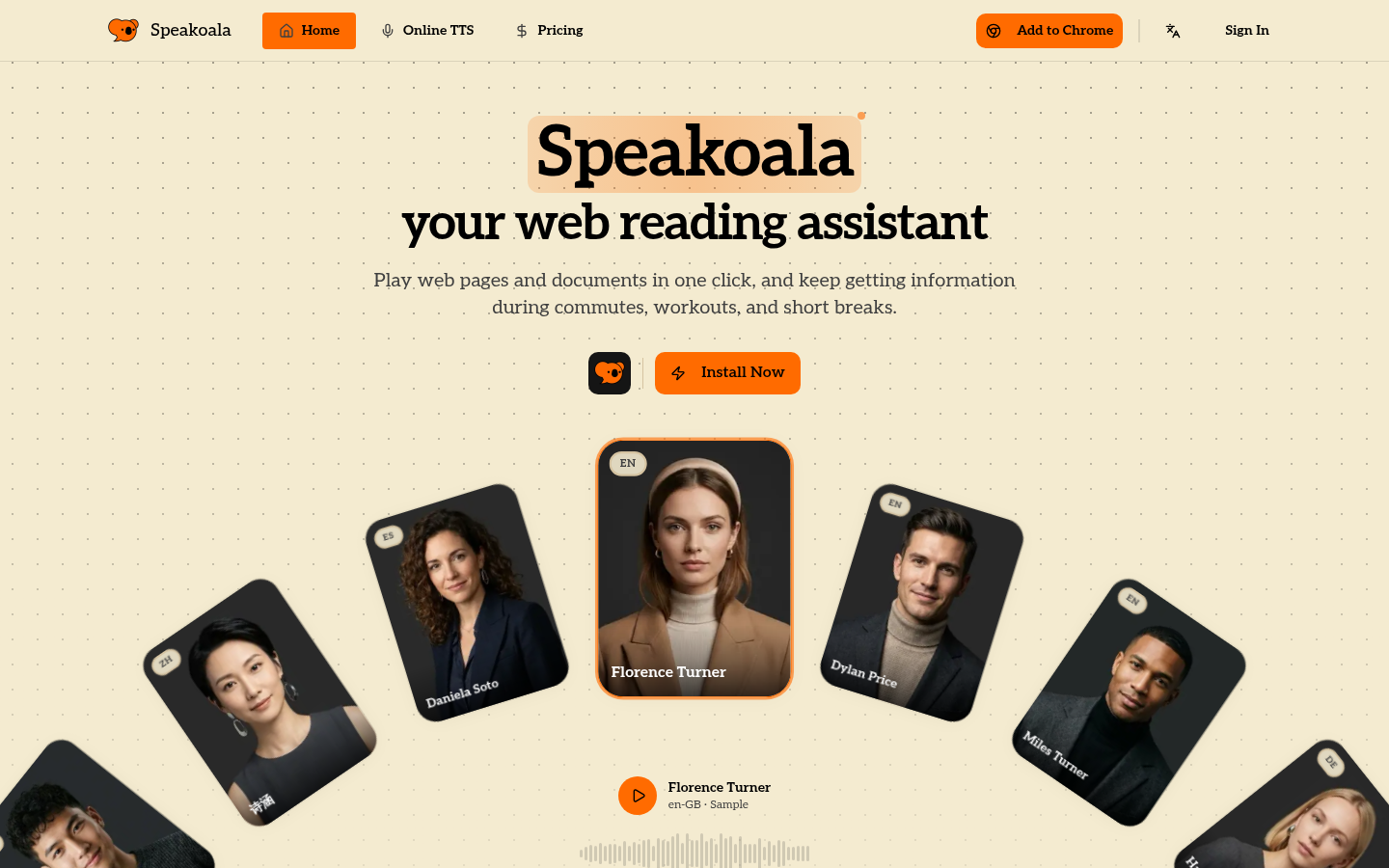
Screenshot archived from the listing page, for preview only.











