Speechnotes
Free browser dictation and transcriptionSpeak instead of typing
Highlights
What you can do with it
- Transcribing lecture notes
- Turning a podcast recording into text
- Dictating a blog draft instead of typing
How to use it
- 1 Open Speechnotes in your browser
- 2 Allow microphone access
- 3 Dictate live or upload a recording
- 4 Use voice commands for punctuation and formatting
- 5 Edit the text and export it
Who it is for
Pros
- Free to use
- Long track record since 2015
- Works in the browser with no install
Limitations
- Errors on accents, jargon, and background noise
- Long recordings take time to process
- Free tier limits and browser support vary
What Speechnotes is
Speechnotes is a web-based speech to text tool that has been running since 2015. It does two things: it takes live dictation through your microphone, and it transcribes audio and video recordings you upload. Voice commands cover punctuation and formatting so you are not saying the words comma and full stop constantly, capitalisation happens automatically, and files import and export without friction. The pitch is a reliable, low-effort way to get words on screen, and the site claims millions of users over the years.
What you can do with it
- Dictate text live through your microphone
- Transcribe audio and video recordings into text
- Use voice commands for punctuation and formatting
- Import existing files and export the finished transcript
Who it is for
- Students turning lectures and seminars into notes
- Podcasters producing transcripts of episodes
- Writers and professionals who think better out loud
What to watch out for
Speech recognition is not perfect. Names, technical vocabulary, acronyms, overlapping speakers, and background noise all produce errors, so budget a proofreading pass for anything that will be published or submitted. Long recordings take real time and a dropped connection can interrupt a session, so keep local copies. Free tier limits and browser support vary, and microphone permissions are required, which means it will not work in a locked-down environment. Check the privacy terms before dictating anything confidential. For team use, agree on naming and editing conventions in advance to avoid version conflicts or duplicated work. Name and archive exported files consistently so you can find and reuse them, and keep a backup copy of key data. Save a backup of the original file before large batch jobs, and keep an exported copy of key results in case the page or service becomes temporarily unavailable.
FAQ
Is Speechnotes free?
It is described as a free online speech-to-text tool.
Can it transcribe existing recordings?
Yes, it transcribes audio and video recordings as well as live dictation.
How long has it been around?
The site says it has been serving users since 2015.
Why it is free
What the official page says: 免费
Free limits, trial length and features are decided by the official site and can change at any time.
Product preview
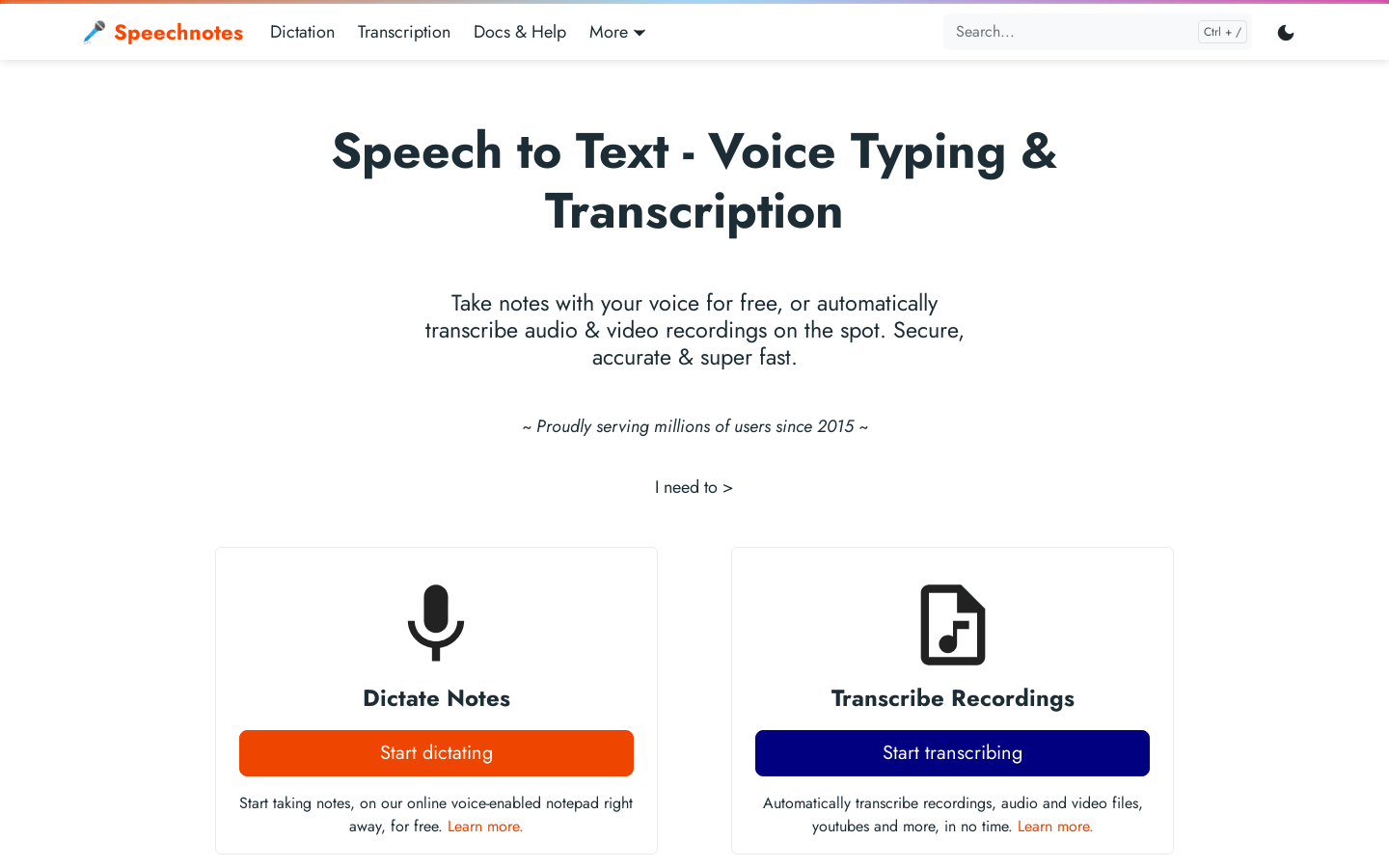
Screenshot archived from the listing page, for preview only.











