SpeechPulse
Offline voice recognition and translationVoice to text, subtitles, translation
Highlights
What you can do with it
- Dictate text for office documents while browsing the web
- Transcribe recorded interviews or meetings into text
- Generate subtitles for a video
How to use it
- 1 Install SpeechPulse on your computer
- 2 Choose microphone input or upload an audio or video file
- 3 Let the Whisper-based engine transcribe the speech
- 4 Edit the text, translate it, or export subtitles
Who it is for
Pros
- High accuracy and low latency for recognition
- Offline operation protects privacy for sensitive audio
- One tool covers dictation, files, subtitles, and translation
Limitations
- Free version has fewer features and lower accuracy than the paid version
- Free and paid terms can change; check current limits
- Offline models need local resources, and very noisy audio still challenges accuracy
What SpeechPulse is
SpeechPulse is a voice recognition and translation application built on OpenAI's Whisper voice-to-text model. It captures speech in real time from a microphone, transcribes audio and video files, generates subtitles, and translates between multiple languages. The developers highlight accuracy, low latency, and completely offline operation. Both free and paid versions are available, with the paid version unlocking more features and improved accuracy.
What you can do with it
- Dictate text with a microphone for documents, emails, and browsing
- Transcribe recorded audio or video files into editable text
- Generate subtitles for videos
- Translate recognized speech between supported languages
Who it is for
- Office workers and writers who prefer dictation over typing
- Video editors and creators who need subtitles and transcripts
- Multilingual users who move between languages during the day
What to watch out for
The free version is limited: the paid version is where more features and higher accuracy live, so heavy users should compare tiers before committing. Pricing and feature splits can change over time. Offline operation is a privacy plus, but recognition still struggles with heavy background noise, overlapping speakers, or unusual accents, so review transcripts before publishing. Recording conversations for transcription may require other people's consent depending on your region, so check local rules before capturing meetings or calls. For best results, start with a small test file and review the output carefully before working on anything important. Free tiers can change over time, so it is worth checking the current limits on the official page before you rely on the tool daily. If the result is not quite right, try adjusting your input description or settings and run the task again.
FAQ
Does it work offline?
Yes. SpeechPulse is described as working completely offline.
Which model does it use?
It uses OpenAI's Whisper voice-to-text model.
Is there a free version?
Yes, a free version is offered, and the paid version adds features and accuracy.
Why it is free
What the official page says: 免费版免费
Free limits, trial length and features are decided by the official site and can change at any time.
Product preview
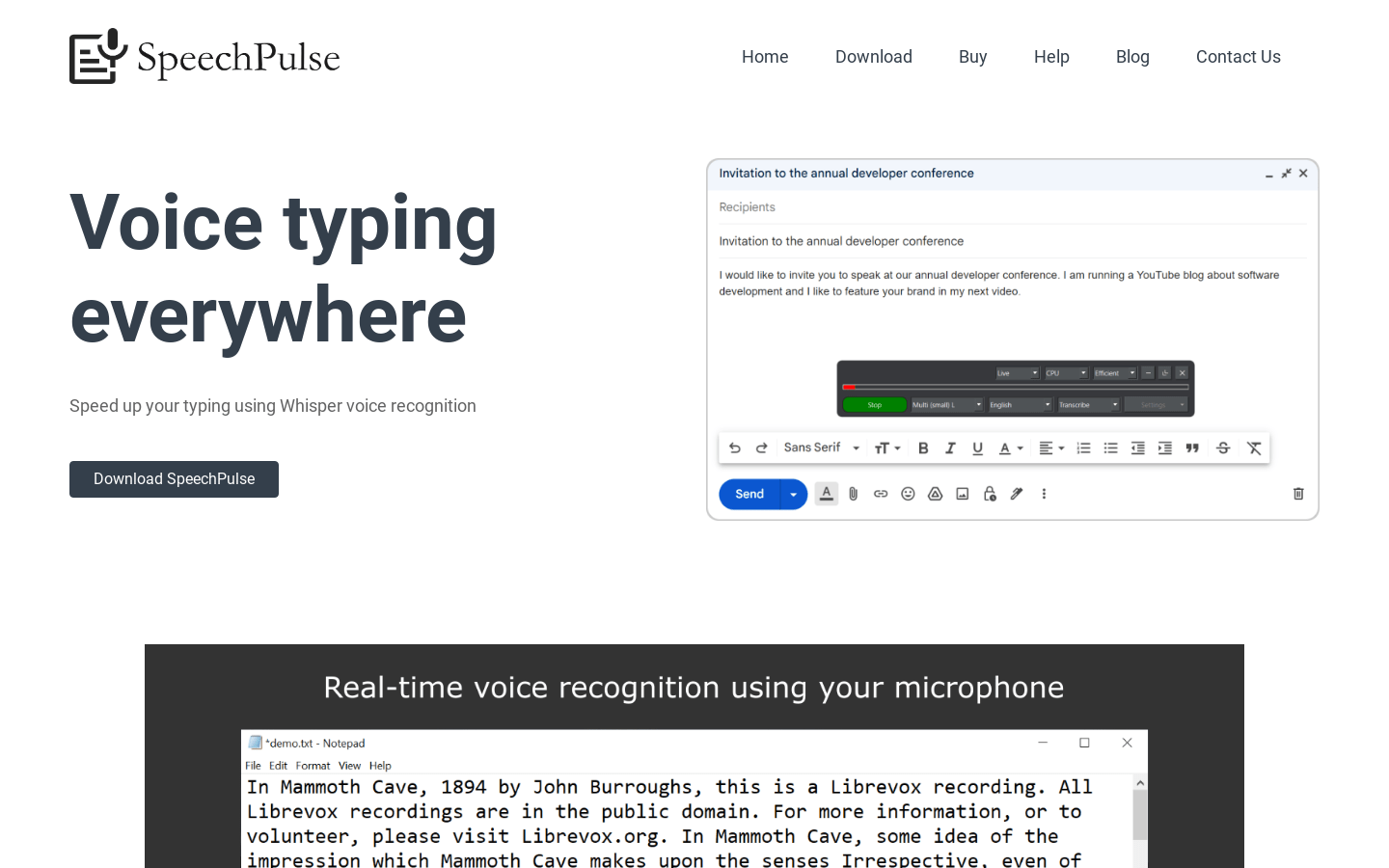
Screenshot archived from the listing page, for preview only.