
SpeedTestry
Free internet speed test onlineTest download, upload, ping, and jitter
Highlights
What you can do with it
- Check why high definition video keeps stuttering at home
- Measure ping before and after changing network settings for gaming
- Confirm upload speed is sufficient for a video conference
How to use it
- 1 Open a browser and go to the SpeedTestry website.
- 2 Let the page detect your connection information.
- 3 Click the Start Test button.
- 4 Wait while it measures download speed, upload speed, ping, and jitter.
- 5 Read the detailed results and speed rating on the page.
- 6 Check the technical details if you want to understand the result better.
Who it is for
Pros
- Completely free to use
- Measures four useful indicators in one run
- Cloudflare edge network for global server coverage
- States that personal data is not stored and results stay private
Limitations
- Free rules can change, so the current offer may not last
- A single test is a snapshot of your connection at that moment
- Results depend on your device, your local network, and server load
- It reports numbers but does not fix the underlying network problem
What SpeedTestry is
SpeedTestry is a free internet speed testing website. You open it in a browser, let the page detect your connection, and click Start Test. It then measures download speed, upload speed, ping or latency, and jitter, and shows the results on the page along with a speed rating. Download speed tells you how fast data arrives at your device, which matters for streaming and downloads. Upload speed tells you how fast you can send data out, which matters for video calls and cloud backups. Ping measures response time between your device and the server, and jitter measures how much that response time moves around, which is what makes a video call look smooth or shaky. The site uses Cloudflare's edge network to connect to servers around the world and states that it does not store personal data.
What you can do with it
- Measure download speed for streaming, downloads, and browsing
- Measure upload speed for video calls, backups, and content creation
- Check ping and jitter for gaming and real time communication
- Review technical details and connection information after the test
Who it is for
- Home users who want to know whether their connection matches what they pay for
- Gamers who need low latency and a stable connection
- Enterprise users who run video conferences and cloud based work
- Content creators who move large files in both directions
What to watch out for
A speed test is a snapshot. It tells you what your connection did during those few seconds, and results move with the time of day, the load on the server you connect to, what else is running on your network, and whether you are on wifi or a cable. Run the test more than once, and at different times, before you draw conclusions or contact your provider. The numbers also depend on your own device and browser, so a slow laptop can produce a misleading result. The service is described as completely free, and free rules can change. Finally, the tool reports measurements only; it does not diagnose or repair your network, so a bad result is a starting point for your own troubleshooting rather than an answer in itself.
FAQ
What does SpeedTestry measure?
It measures download speed, upload speed, ping or latency, and jitter.
How does it get accurate results?
It uses Cloudflare's edge network to connect to servers around the world.
Is my data stored?
The site states that it does not store users' personal data and that results are not shared with third parties.
Is it free?
The site describes the speed testing service as completely free.
Why it is free
What the official page says: completely free
Free limits, trial length and features are decided by the official site and can change at any time.
Product preview
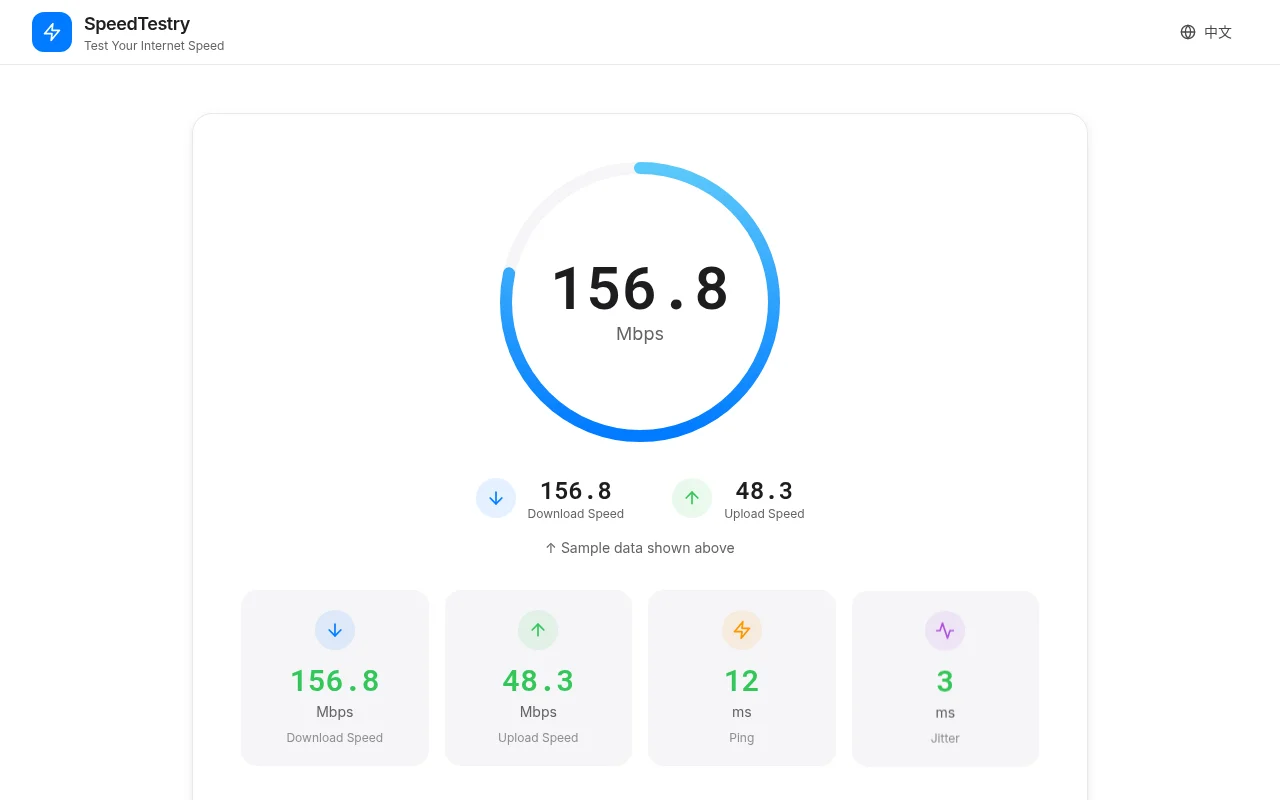
Screenshot archived from the listing page, for preview only.











