Stillgram
AI camera app that clears crowds out of your travel photosOne click to a crowd-free photo
Highlights
What you can do with it
- Take family photos at world-famous landmarks while removing background crowds
- Capture street art photos with an empty, untouched feel
- Record on-site videos and transform crowded scenes into photos featuring only you
How to use it
- 1 Download Stillgram and open the camera on your phone
- 2 Point the camera at your subject and take the photo
- 3 Tap the crowd removal option to clear background people with one click
- 4 Mark any individuals you want to keep before exporting
- 5 Save the cleaned photo or video to your gallery
Who it is for
Pros
- Removes crowds in one click, no manual editing needed
- Lets you mark specific people to keep
- Handles both still photos and on-site videos
- Free to use with an optional premium version
Limitations
- The free version comes with limits because a premium version also exists, so free rules may change over time
- Crowd removal quality depends on how busy and complex the original scene is
- The app is aimed at travel and street photography, so other shooting styles may benefit less
What Stillgram is
Stillgram is an AI-powered travel camera app for people who take photos in crowded places. Its main job is to remove background crowds from your photos with one click, so pictures taken at busy landmarks look clean and focused on the people you care about. You can also mark specific individuals you want to keep in the frame before the crowd removal runs. Beyond still photos, the app supports taking selfies and recording on-site videos, and it can turn crowded scenes into images where only you remain. Stillgram is free to use, and a premium version is available for users who want more. Instead of editing photos after the fact with complicated software, you take the shot inside the app and clean it up on the spot, which keeps the workflow simple while you are out shooting.
What you can do with it
- Remove background crowds from photos with a single click
- Mark individuals you want to keep while everyone else disappears
- Take selfies and record on-site videos, then clean up the scene
- Capture street art and landmark photos with an empty, untouched feel
Who it is for
- Travelers photographing famous landmarks and busy tourist areas
- Families and friends taking group photos in crowded public spaces
- Photography enthusiasts who want clean compositions without advanced editing skills
What to watch out for
Stillgram is free to use today, but the presence of a premium version means the free rules and feature limits could change over time. Crowd removal quality depends on how busy and complex the original scene is, so some photos will need more than one attempt. The app is aimed at travel and street photography, and other shooting styles may benefit less. As with any app that processes your images, it is worth reviewing the privacy policy before uploading sensitive photos.
FAQ
Is Stillgram free to use?
Yes. Stillgram is free to use, and a premium version is available for users who want extra features.
Can I keep certain people in my photo?
Yes. You can mark individuals you want to keep before the crowd removal runs.
Does it work with videos?
Yes. You can take selfies and record on-site videos, then turn crowded scenes into photos featuring only you.
Why it is free
What the official page says: free to use
Free limits, trial length and features are decided by the official site and can change at any time.
Product preview
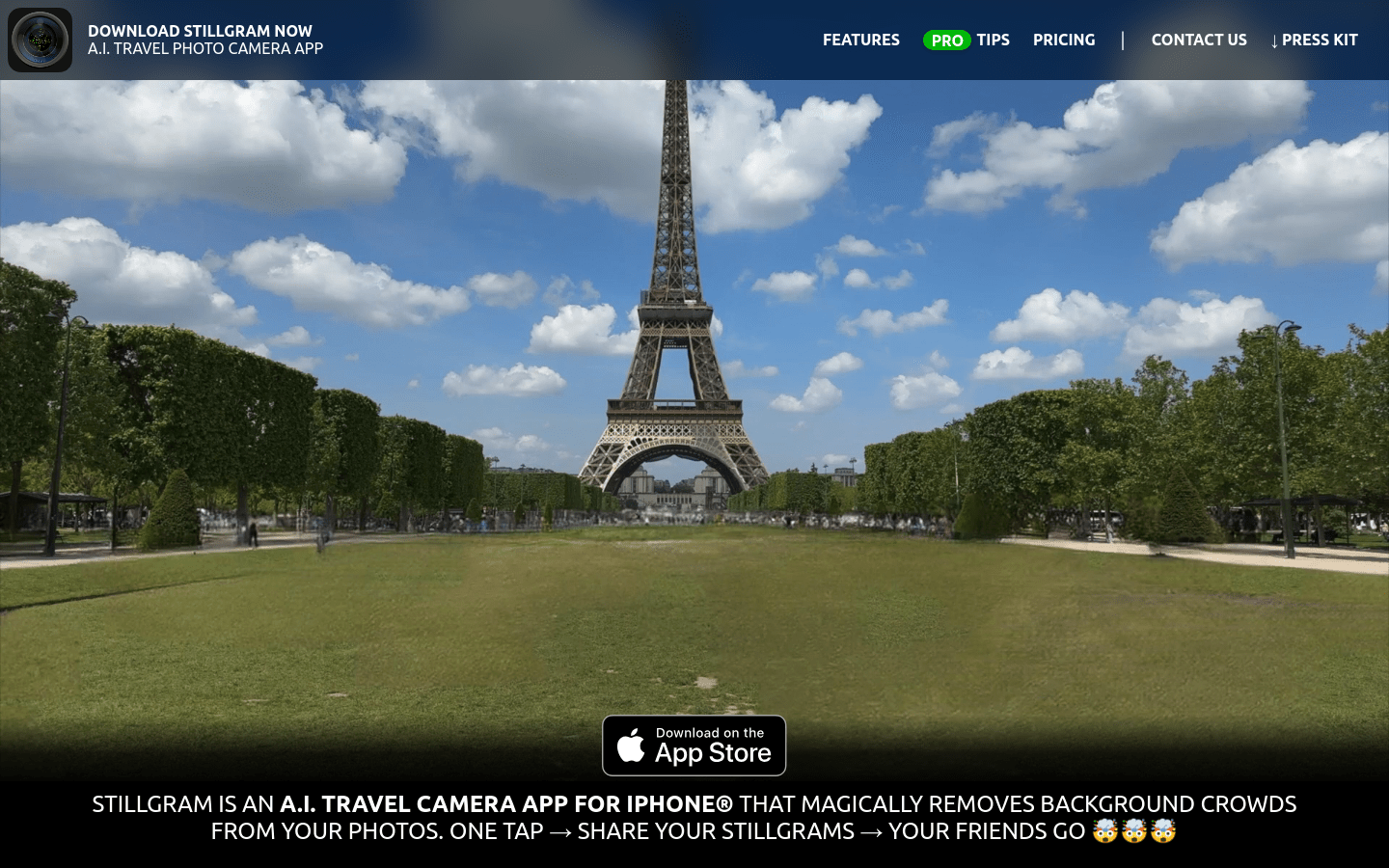
Screenshot archived from the listing page, for preview only.