
Summarize.ing
YouTube video summariesKey points from any YouTube video
Highlights
What you can do with it
- Grasp the content of a long YouTube video in minutes
- Review highlights before deciding whether to watch in full
- Summarize complex material for study or research notes
How to use it
- 1 Open the Summarize.ing website.
- 2 Paste the link to the YouTube video you want summarized.
- 3 Wait for the tool to process the video and extract key content.
- 4 Read the summary, highlights, mind map, and segment breakdowns.
Who it is for
Pros
- Standard features are free
- Several output formats: summary, highlights, mind map, segments
- Saves time on long videos
Limitations
- Premium features require payment and the split is not detailed
- Summary quality depends on the video audio and structure
- The site was returning an access error when reviewed, so availability may be intermittent
What Summarize.ing is
Summarize.ing is an AI video summarization tool that extracts the key content from YouTube videos. Rather than watching a full recording, you get a detailed summary, a set of highlights, a mind map, and segment-based breakdowns that follow the order of the video. The mind map gives a visual overview of the structure, while segment summaries help when a long talk covers several points in sequence. Standard features are free to use, and premium features are available for a fee. The tool is aimed at people who consume a lot of video content and want to save time for study, research, or simply staying current with a channel.
What you can do with it
- Pull the key points out of a YouTube video without watching it in full.
- Read a detailed summary plus a shortlist of highlights.
- View a mind map of how the video is structured.
- Use segment summaries to follow long material section by section.
Who it is for
- Students condensing lectures and educational videos into notes.
- Researchers and professionals keeping up with long talks.
- Viewers who want highlights before committing to a full watch.
What to watch out for
The free tier covers standard features, while premium features are paid, and the page does not spell out exactly where the line falls. Summary quality depends on the source: clear audio and a well-structured talk produce better results than noisy or rambling footage. The tool is built for YouTube videos, so other platforms and local files are outside the described scope. The site was returning an access error when this entry was reviewed, so check that it is reachable before you plan a session around it.
FAQ
Is Summarize.ing free?
The standard features are free, and premium features are paid.
What does it produce?
Detailed summaries, highlights, mind maps, and segment-based summaries of YouTube videos.
Which videos can I summarize?
It is built for YouTube videos; other sources or local files are not described.
Why it is free
What the official page says: for free
Free limits, trial length and features are decided by the official site and can change at any time.
Product preview
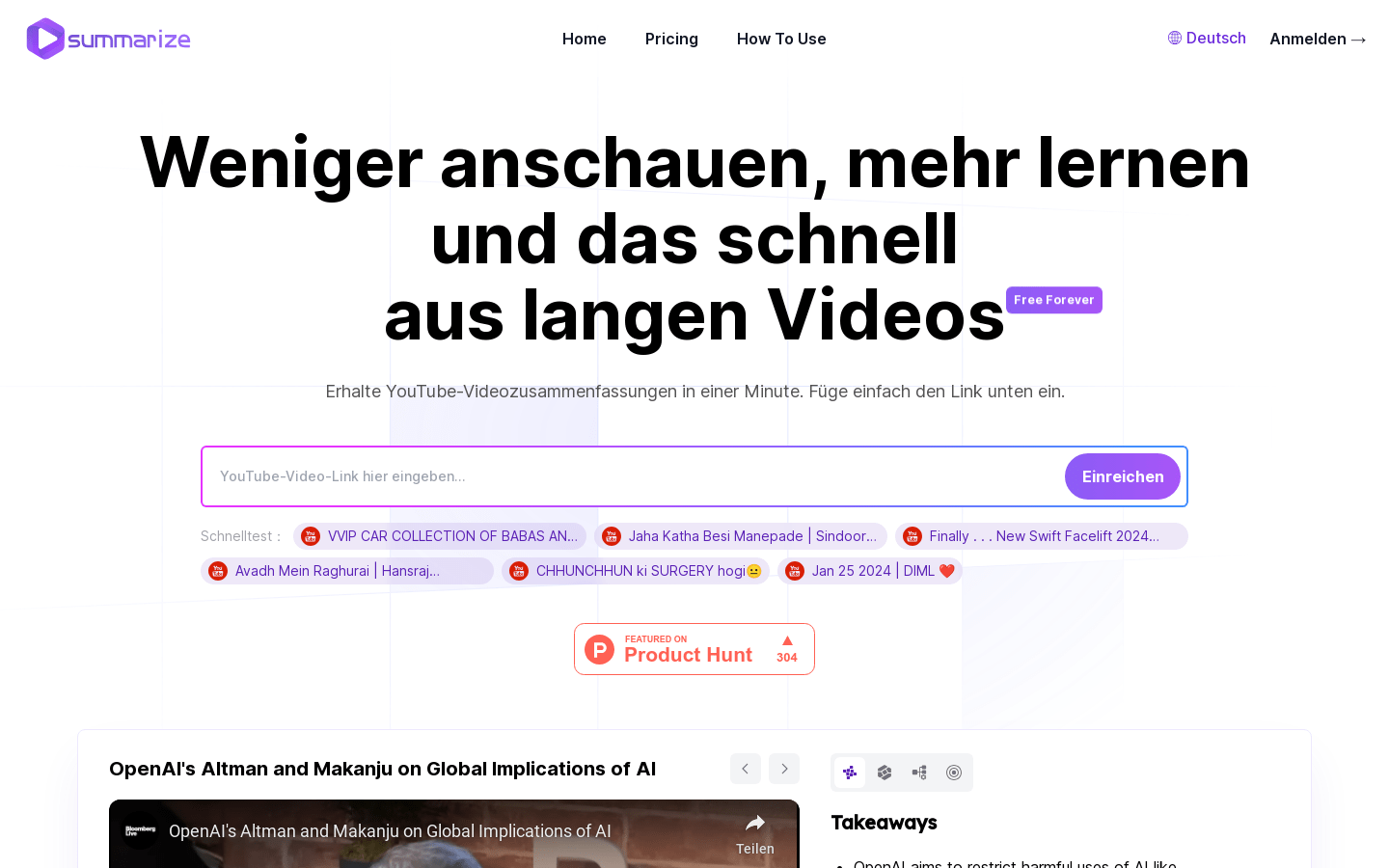
Screenshot archived from the listing page, for preview only.











