
Suno Music Video
One-click music video makerAuto lyric sync, rich material library
Highlights
What you can do with it
- Create a video for a single and post it on video platforms
- Make a promotional video for a small business product
- Produce a stylised video for a new album release
How to use it
- 1 Sign up for the free trial
- 2 Upload the track you want a video for
- 3 Choose a visual style from the options
- 4 Let the tool sync lyrics and generate the video
- 5 Preview, adjust, and export the result
Who it is for
Pros
- Lyric synchronisation is automatic, no manual timing
- Material library and styles give visual variety
- No editing experience required
- Free trial lets you test before subscribing
Limitations
- The free trial is limited and the paid version holds the extra templates
- Template-driven results can look similar across different songs
- Output quality depends on the track and lyrics you supply
What Suno Music Video is
Suno Music Video is an online music video creation tool. You bring a track and it produces a video, handling the part that usually eats the most time in an editor: keeping the visuals in step with the lyrics. Automatic lyric synchronisation does that timing for you, and a large image material library plus several visual styles keeps the footage from looking like a single static image held for three minutes. The stated audience is music creators and small to medium-sized businesses, with a free trial available and a paid version carrying more templates and custom services.
What you can do with it
- Generate a music video from a track in one click
- Match visuals to lyrics automatically instead of timing them manually
- Choose between visual styles for different moods
- Draw on a large material library rather than sourcing footage yourself
Who it is for
- Independent musicians putting out singles and albums
- Small business teams producing promotional video
- Creators who want a music video without learning an editor
What to watch out for
The free trial is a sample of the product, and the fuller template set sits behind the paid version, so judge the trial against what you actually need rather than against the marketing list. Because generation is template-driven, two different songs processed with the same settings can end up looking related, which matters if you are building a recognisable visual identity. The result also depends heavily on your source: a clean, well-mastered track with clear lyrics synchronises far better than a rough demo, and instrumental tracks will not benefit from lyric sync at all.
FAQ
Is Suno Music Video free?
It offers a free trial. The paid version provides more templates and custom services.
Do I need editing skills?
No. The tool is built so music videos can be produced without professional editing knowledge.
What is automatic lyric synchronisation?
The visuals follow the words of your song without you timing them by hand.
Why it is free
What the official page says: free trial
Free limits, trial length and features are decided by the official site and can change at any time.
Product preview
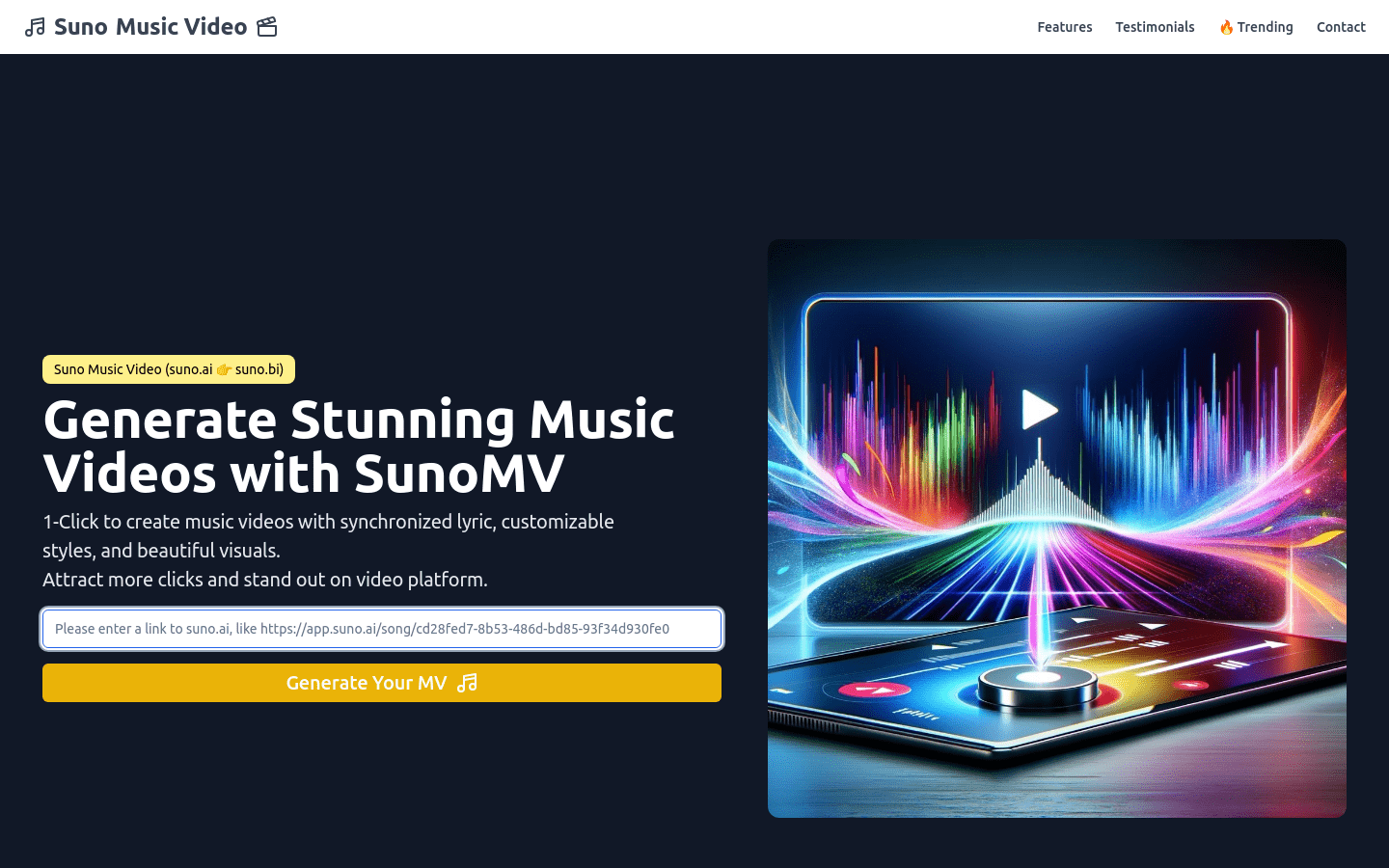
Screenshot archived from the listing page, for preview only.











