
Super Coco
AI voice assistant for MacSpeak, and the AI polishes or translates
Highlights
What you can do with it
- Selecting an English paragraph and saying translate to get it at the cursor
- Voice recording brainstorm notes and getting a clean list back
- Taking a long screenshot of a page and annotating it for a colleague
How to use it
- 1 Download and install the Super Coco Mac client
- 2 Grant accessibility, microphone, and screenshot permissions
- 3 Select text or open an editor and press the shortcut for voice mode
- 4 Speak your command, such as polish this or translate into English
- 5 Let the assistant replace or insert the processed text
Who it is for
Pros
- Voice input plus cleanup saves rewriting by hand
- Selection commands work inside the apps you already use
- Basic screenshot and selection features are described as permanently free
Limitations
- It is Mac only, so Windows and Linux users cannot run it
- Cloud features need an internet connection and permissions you must grant
- Permanent free status covers basic functions, and that can change
What Super Coco is
Super Coco is an AI voice interaction tool built specifically for Mac. Its stated idea is that you speak and the app does the work, pairing system level voice recognition with cloud language models. Dictation is only half of it: the assistant also cleans up what you said, dropping filler words and keeping your final intent so the output reads like written text rather than a raw transcript. Beyond dictation, you can select text in any app and speak a command to polish it, translate it, explain it, or rewrite it, with the result placed where your cursor is. The app also bundles free long screenshot and annotation tools and selection translation, and it offers an offline recognition option for basic input. The site describes basic functions such as screenshots and word selection as permanently free.
What you can do with it
- Dictate text with fast response and structured output.
- Have filler words and self corrections removed automatically.
- Select text anywhere and ask for a polish, translation, explanation, or rewrite.
- Take long screenshots and annotate them for sharing.
- Translate on selection while reading foreign language material.
- Keep working offline for basic input and processing.
Who it is for
- Mac users who write heavily and want dictation with cleanup.
- Readers and researchers working through foreign language documents.
- People who regularly capture and annotate screenshots for colleagues.
- Anyone who prefers speaking a command over digging through menus.
What to watch out for
It is Mac only, so Windows and Linux users are out of luck. The cloud features need an internet connection, and you have to grant accessibility, microphone, and screenshot permissions, which is a real trust decision on a machine that holds your other logins. The permanent free claim covers basic functions, and that boundary can move, so treat advanced features as something to confirm rather than assume.
FAQ
Which systems does it support?
It is a Mac client. Windows and Linux are not covered.
Does it work offline?
It offers an offline voice recognition option for basic input and processing.
What is free?
The site describes basic functions such as screenshots and word selection as permanently free.
Why it is free
What the official page says: 永久免费免费
Free limits, trial length and features are decided by the official site and can change at any time.
Product preview
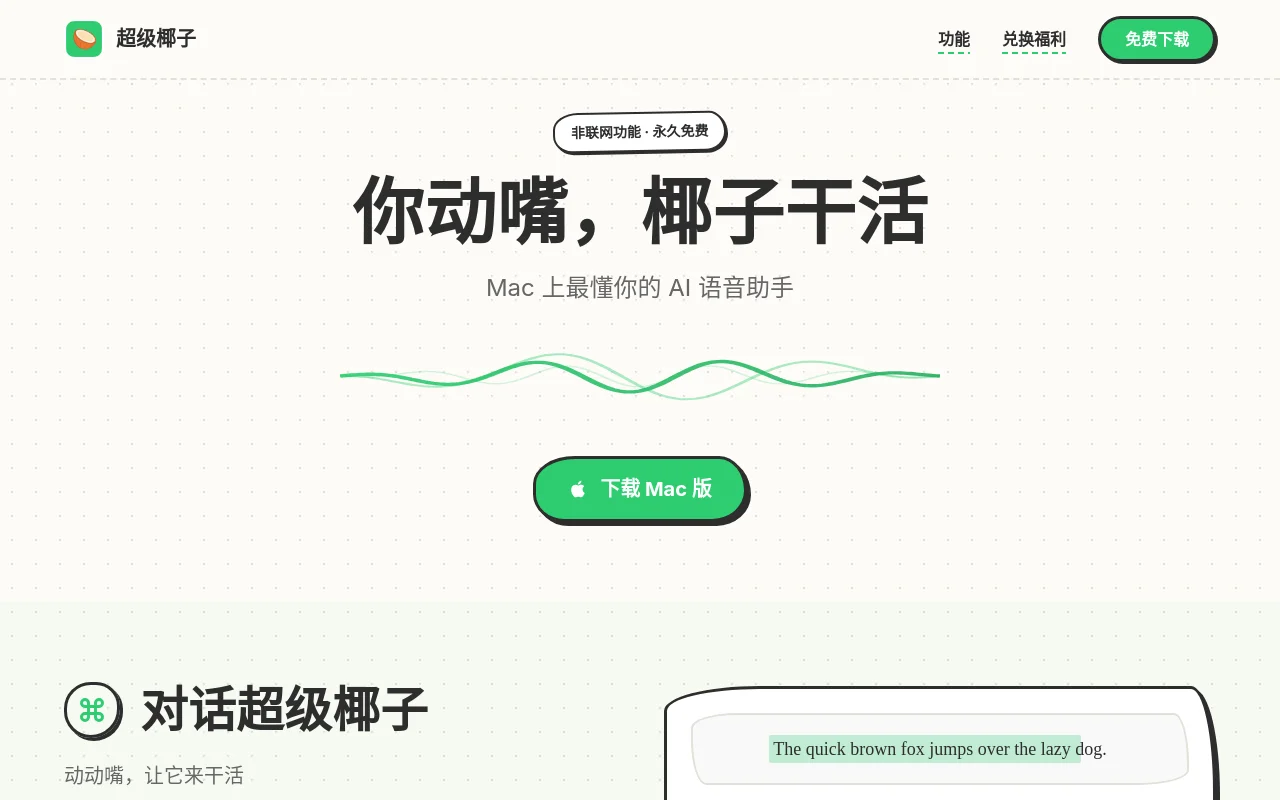
Screenshot archived from the listing page, for preview only.











