
Supermemory.ai
A personal second brain for saved informationSave, search, and build on what you keep
Highlights
What you can do with it
- Organize class notes and research material
- Manage project documents and team knowledge
- Save articles and resources for later review
How to use it
- 1 Register an account on the Supermemory website
- 2 Install the Chrome extension or iOS shortcut to save content
- 3 Search saved items and draft with the writing assistant
- 4 Arrange material on the canvas and connect Telegram or Twitter
Who it is for
Pros
- Free tier available for trying the workflow
- Self-hosting option for data control
- Works in the browser with a Chrome extension
Limitations
- Free tier limits how much you can store and do
- Integrations are still limited to Telegram and Twitter
- Self-hosting requires technical setup and maintenance
What Supermemory.ai is
Supermemory is a personal knowledge platform that acts as a second brain. It collects what you save, then helps you find and reuse it. The core pieces are a search engine, a Markdown writing assistant, and a 2D canvas where saved material can be arranged spatially. Bookmarks and contacts are managed alongside web clippings, and data can be pulled in from any website. Privacy is a stated priority, the tool runs in the browser, and a free tier exists for getting started.
What you can do with it
- Search everything you have saved in one place
- Draft new content in Markdown with AI assistance
- Arrange saved items on a 2D canvas
- Import bookmarks and keep contact records
- Collect data from any website and connect Telegram or Twitter
Who it is for
- Students organizing notes and research across courses
- Professionals keeping project documents together
- Readers who bookmark articles and never find them again
- Users who want a self-hosted option for data control
What to watch out for
The free tier sets limits on how much you can keep and do, so heavy users will need a paid plan. Integrations are currently narrow: Telegram and Twitter work today, while WhatsApp and SMS are only promised. Self-hosting is a real option but a technical commitment, since you maintain the server, updates, and backups yourself. As with any knowledge base, the value depends on how consistently you save material in the first place. Processing speed depends on file size and network conditions, so retry later if a task stalls during peak hours. Run one full task end to end first, then expand once you are comfortable with the workflow and the result quality.
FAQ
Is there a free tier?
Yes, Supermemory offers a free tier alongside paid options.
Can I self-host it?
The platform states it supports self-hosting for users who want control over their data.
Which integrations work today?
Telegram and Twitter are supported, with WhatsApp and SMS listed as future support.
Why it is free
What the official page says: free tier
Free limits, trial length and features are decided by the official site and can change at any time.
Product preview
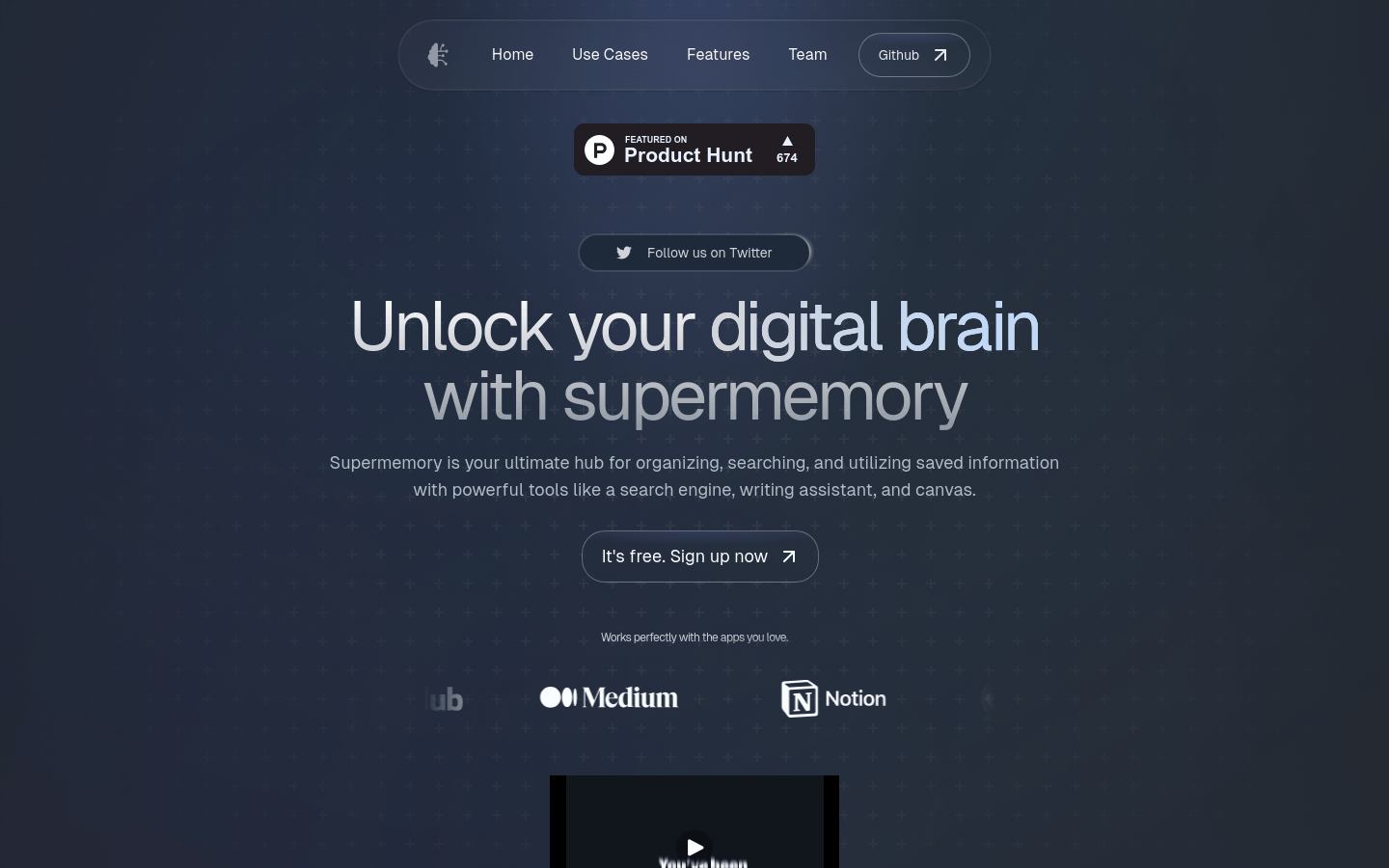
Screenshot archived from the listing page, for preview only.











