
Superpowered
AI meeting notes toolMeeting minutes without a bot
Highlights
What you can do with it
- Capture notes for a call without a visible bot
- Turn a recurring meeting into a templated summary
- Keep searchable history of past meeting notes
How to use it
- 1 Connect your calendar to Superpowered
- 2 Let it join your scheduled meetings automatically
- 3 Review the transcription after the call
- 4 Apply an AI template to shape the notes
- 5 Ask questions in AI chat or share the result to Slack
Who it is for
Pros
- No bot in the call, which is less intrusive
- Templates and AI chat make notes reusable
- Works with existing calendars and Slack
Limitations
- Free plan limits are not detailed and can change
- It supports multiple platforms but not necessarily every tool you use
- Transcription quality depends on audio and accents
What Superpowered is
Superpowered is an AI meeting minutes tool. Its distinguishing claim is that it works without putting a robot into your call, which matters for people who find visible bots intrusive or who meet on platforms that block them. It supports multiple meeting platforms, connects to your calendar, can join scheduled meetings automatically, and sends reminders. After the meeting it produces a transcription and notes, with AI templates to shape the output, AI chat to ask questions about what was said, and note history so past meetings stay searchable. Results can be pushed into Slack and other apps. The listing also states that it does not record your meetings, and both free and paid plans are offered for individual and enterprise users.
What you can do with it
- Transcribe a meeting without a bot in the call
- Turn notes into structured output with AI templates
- Ask questions about past meetings in AI chat
- Keep note history and share results to Slack
Who it is for
- People in frequent calls who want to stop taking notes
- Teams that need consistent meeting summaries
- Users who prefer no visible bot during a call
What to watch out for
Transcription accuracy still depends on audio quality, microphone setup, accents, and overlapping speech, so review notes before circulating them. Support covers multiple platforms but not every tool, so check that your meeting app and calendar are covered before you rely on it. The free plan exists but its limits are not described, and pricing tiers on tools like this change regularly. Note the distinction in the listing between not recording a meeting and still generating a transcription, and check that against your own consent and recording rules. Language coverage and template quality are also worth testing on a real call.
FAQ
Does Superpowered record meetings?
The listing says it does not record your meetings. It provides transcription and notes after the fact.
Do I need a bot in the call?
No. The product is described as working without using robots.
What integrations are there?
Calendar connection and reminders, automatic meeting join, note history, and integration with Slack and other apps.
Why it is free
What the official page says: 免费版免费
Free limits, trial length and features are decided by the official site and can change at any time.
Product preview
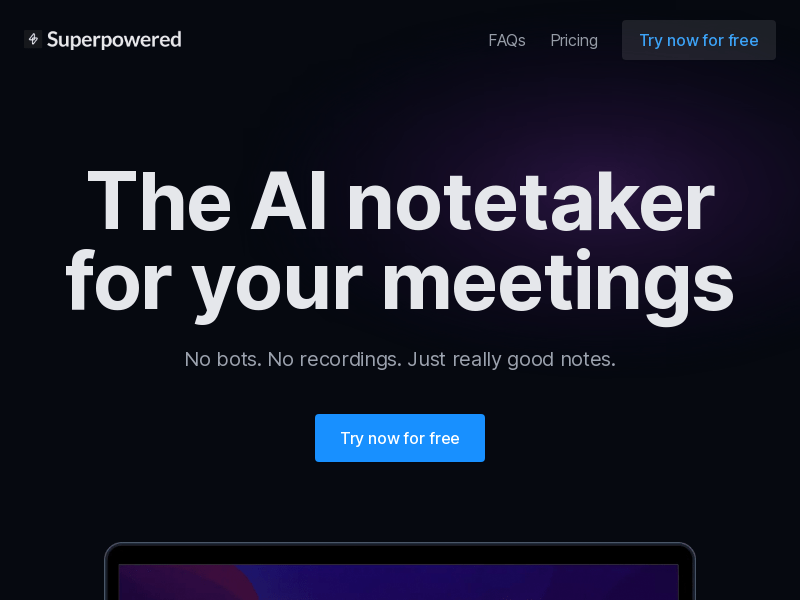
Screenshot archived from the listing page, for preview only.











