
Supportson
Support widget with AI chat, video, and paid sessionsEnterprise support features at a lower price
Highlights
What you can do with it
- A Swedish company handles Swedish and English visitors with one agent setup
- A shipping business pastes its URL and gets AI trained on its policies in about a minute
- A small furniture shop lets AI handle orders, design questions, and video bookings
How to use it
- 1 Design the AI agent's name, personality, tone, and style
- 2 Add knowledge by uploading documents or pasting URLs
- 3 Add one line of code to the website to go live
- 4 Watch AI handle routine questions and escalate complex ones
- 5 Track resolution rate, response time, and revenue in the dashboard
Who it is for
Pros
- AI and human support sit in the same widget
- Setup is described as taking about a minute with a URL
- Paid sessions can turn support into a revenue line
- Many channels are covered without extra tools
Limitations
- Complex issues still need human staff on call
- AI answers depend on the quality of the knowledge you feed it
- Free plan limits and pricing can change at any time
- Video and screen sharing raise privacy and consent questions for customers
What Supportson is
Supportson is a support widget that brings AI chat, video calls, and paid sessions into one embed. The pitch is that small teams get enterprise level capability at a lower price than traditional solutions. AI handles routine questions in under two seconds, and complex issues move to a human over voice, video, or chat without losing context. A free plan exists, with paid plans listed at 29 and 79 dollars per month. Setup is described as quick: one report says a business pasted its URL and the AI picked up shipping, return, and catalog information within about a minute.
What you can do with it
- Answer routine customer questions automatically with an AI agent
- Run real video calls with screen sharing for complex cases
- Charge for consultations or expert sessions through built-in Stripe payments
- Manage inquiries across website, Slack, Teams, WhatsApp, Email, Telegram, and Discord
- Track resolution rate, response time, and revenue in analytics
Who it is for
- Small businesses without the budget for a dedicated support team
- Growing businesses where inquiry volume is climbing quickly
- Multinational teams that need support in more than one language
What to watch out for
AI answers are only as good as the knowledge you upload, so thin documentation produces thin replies. Complicated issues still need a person available, which means the widget does not replace staffing. Video and screen sharing involve customer consent and privacy handling that you must manage. The free plan limits and the two paid price points are set by the operator and can change, so verify current terms before you rely on them. Features and interface details may change between versions, so review the latest notes on the page before you start.
FAQ
How much does it cost?
There is a free plan, plus paid plans listed at 29 and 79 dollars per month.
Can I charge customers for support?
Yes, the paid session feature lets you charge for consultations or expert services using built-in Stripe payments.
How does the AI hand over to a person?
The AI handles routine problems and transfers complex ones to a human via voice, video, or chat.
Which channels are supported?
Website widgets, Slack, Microsoft Teams, WhatsApp, Email, Telegram, and Discord, with a native iOS app for the team.
Why it is free
What the official page says: free plan
Free limits, trial length and features are decided by the official site and can change at any time.
Product preview
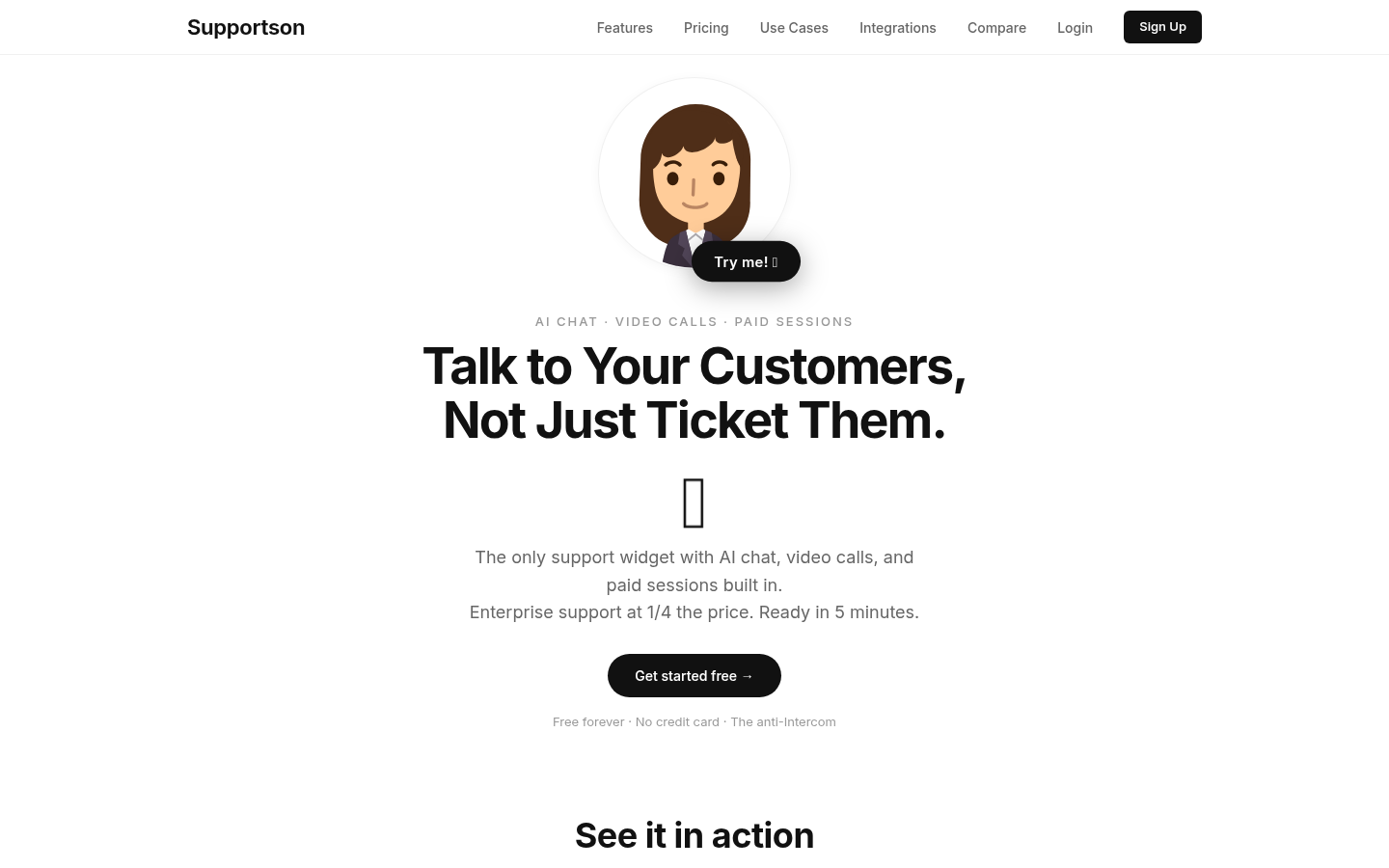
Screenshot archived from the listing page, for preview only.











