
Synter
An AI ad ops tool that manages and optimizes campaigns across platforms.Run 20+ ad platforms from one AI-assisted workspace.
Highlights
What you can do with it
- An agency cuts CPA across Google and LinkedIn campaigns for clients
- A startup launches a B2B lead-gen campaign in minutes from a brief
- A marketing team collaborates in real time and optimizes from reports
How to use it
- 1 Register on Synter to start the 14-day free trial
- 2 Use Campaign IDE to describe the campaign, audience, budget, and platforms
- 3 Choose to run it yourself or let the AI agency execute
- 4 Generate creative in Creative Studio for images, video, and landing pages
- 5 Launch, monitor the AI report, and optimize from the suggestions
Who it is for
Pros
- 14-day free trial you can cancel anytime
- One interface for 20+ ad platforms reduces tab switching
- AI creative and auto reports save production time
Limitations
- The 40% CPA cut is a best-case claim, not a guarantee
- Post-trial pricing is not detailed on the page
- Letting the AI agency run spend needs careful budget controls
What Synter is
Synter is an AI agency operations tool for advertising. It solves the inefficiency of switching between many ad platforms and doing manual work by letting you manage and optimize campaigns across more than 20 platforms, including Google Ads, Meta Ads, and LinkedIn Ads, from one interface. Its Campaign IDE is a chat-led document editor that builds a campaign from a brief, and real-time collaboration lets teammates comment and suggest like in a shared doc. It auto-generates performance reports and strategy suggestions, and the Creative Studio makes images, videos, and landing pages. The page says it can reduce CPA by up to 40%, and it offers a 14-day free trial that can be cancelled anytime.
What you can do with it
- Manage 20+ ad platforms from one unified interface
- Build campaigns from a brief with the chat-led Campaign IDE
- Collaborate in real time and auto-generate performance reports
- Create ad creative like images, video, and landing pages
Who it is for
- Advertising agencies managing many client accounts
- Startups that need efficient, low-cost campaign setup
- Marketing teams that constantly test and optimize ads
What to watch out for
The up-to-40% CPA reduction is a best-case claim, not a guarantee, so treat it as a target rather than a promise. Post-trial pricing is not detailed on the page, so confirm costs before scaling. If you let the AI agency execute spend, set clear budget controls and review changes, since automated bidding can move money quickly. For team use, agree on naming and editing conventions in advance to avoid version conflicts or duplicated work. Name and archive exported files consistently so you can find and reuse them, and keep a backup copy of key data.
FAQ
Is there a free trial?
Yes, a 14-day free trial that can be cancelled at any time.
Which platforms does it support?
More than 20 mainstream platforms, including Google Ads, Meta Ads, and LinkedIn Ads.
Can it create ad creative?
Yes, the Creative Studio can generate images, videos, and landing pages.
Why it is free
What the official page says: free trial
Free limits, trial length and features are decided by the official site and can change at any time.
Product preview
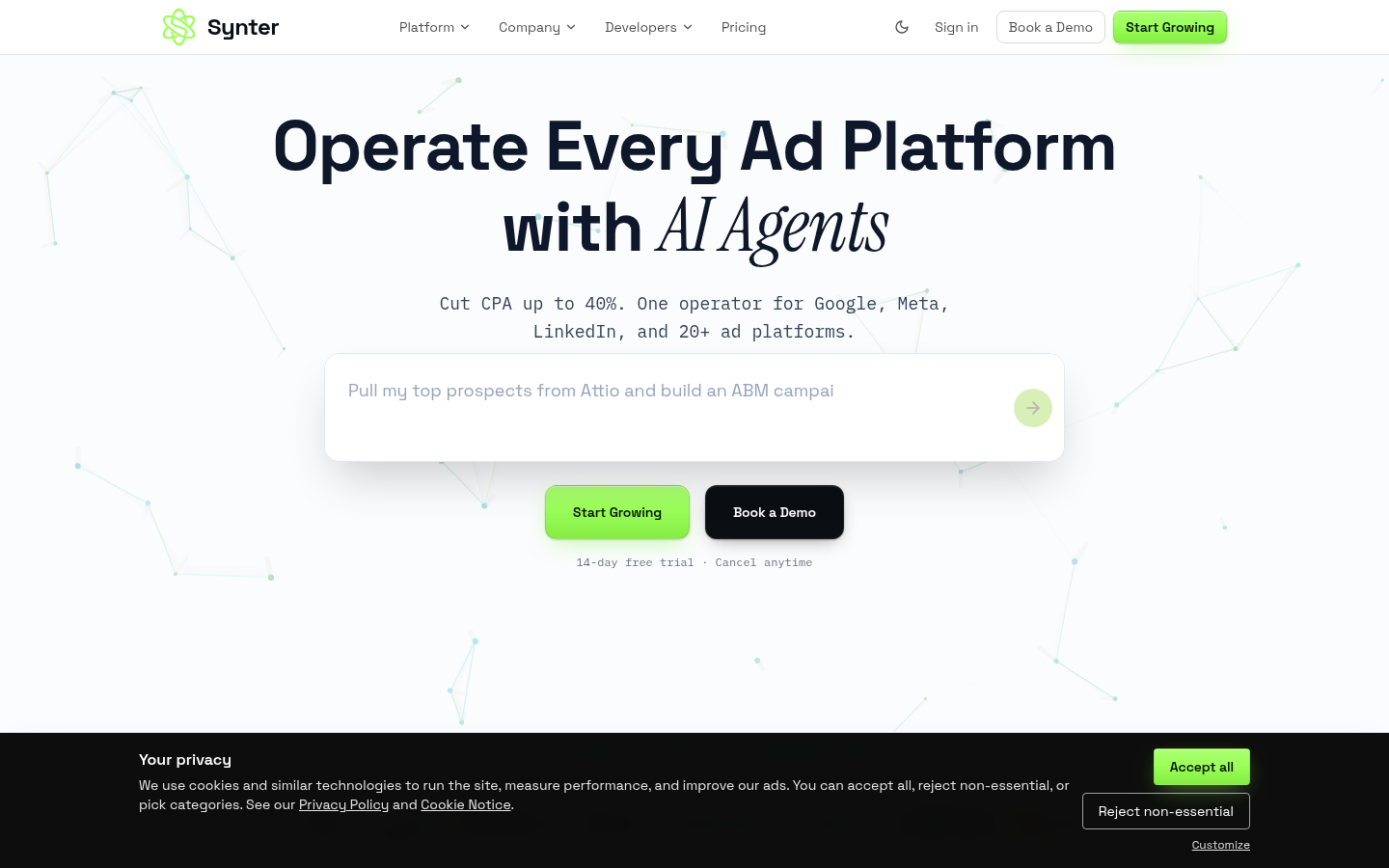
Screenshot archived from the listing page, for preview only.











