
Talk to Type
Voice dictation and meeting toolDictate anywhere, record meetings
Highlights
What you can do with it
- A programmer dictates code comments and ideas
- A recruiter records interview answers with a checklist
- A salesperson captures customer needs on calls
How to use it
- 1 Download and install TalkToType for Windows or Mac
- 2 Register and start the 14-day free trial
- 3 Hold the hotkey and speak to dictate text
- 4 Click record to capture a meeting and get a summary
- 5 Drag in old audio to transcribe it
Who it is for
Pros
- Fast dictation into any application
- Meeting recording with no bot joining
- AI summaries and checklists save review time
- 14-day free trial with no credit card
Limitations
- The trial lasts 14 days and later pricing is not detailed
- Dictation accuracy depends on audio quality and accents
- Recording meetings needs consent and legal care
What TalkToType is
TalkToType is a desktop application for Windows and Mac focused on voice dictation and meeting recording. The goal is to help users work faster by typing less. You hold down a set key, speak, then release, and the text appears at your cursor in any application. For meetings, it captures sound from both the microphone and the speaker without a bot joining the call, and it adds AI summaries plus a real-time checklist for important points. You can switch between 11 languages with one click and drag old audio files in to transcribe them. It offers a 14-day free trial with no credit card.
What you can do with it
- Dictate text into any application with a hotkey
- Record meetings from mic and speaker with no bot
- Use a real-time checklist during sales calls and interviews
- Switch between 11 languages with one click
- Transcribe old voice memos and recordings
Who it is for
- Programmers who dictate comments and ideas
- Recruiters who must focus on the candidate
- Salespeople capturing customer needs on calls
- Managers and professionals who talk more than they type
What to watch out for
The free trial lasts 14 days, and the description does not state later pricing, so costs are unclear. Dictation accuracy depends on audio quality, accents, and background noise, so review text before sending. Recording meetings involves consent and privacy laws that vary by place, so make sure all parties agree before you record. Because it runs on the desktop, it needs a working microphone and enough system resources for long sessions. Start with a small sample to confirm the output meets your expectations before processing the full batch.
FAQ
Is there a free trial?
Yes, TalkToType offers a 14-day free trial with no credit card required.
How does dictation work?
You hold down a set key, speak, then release, and the text appears at your cursor in any app.
Does it join meetings as a bot?
No. It captures sound from the microphone and speaker without using a bot to join the meeting.
Why it is free
What the official page says: free trial
Free limits, trial length and features are decided by the official site and can change at any time.
Product preview
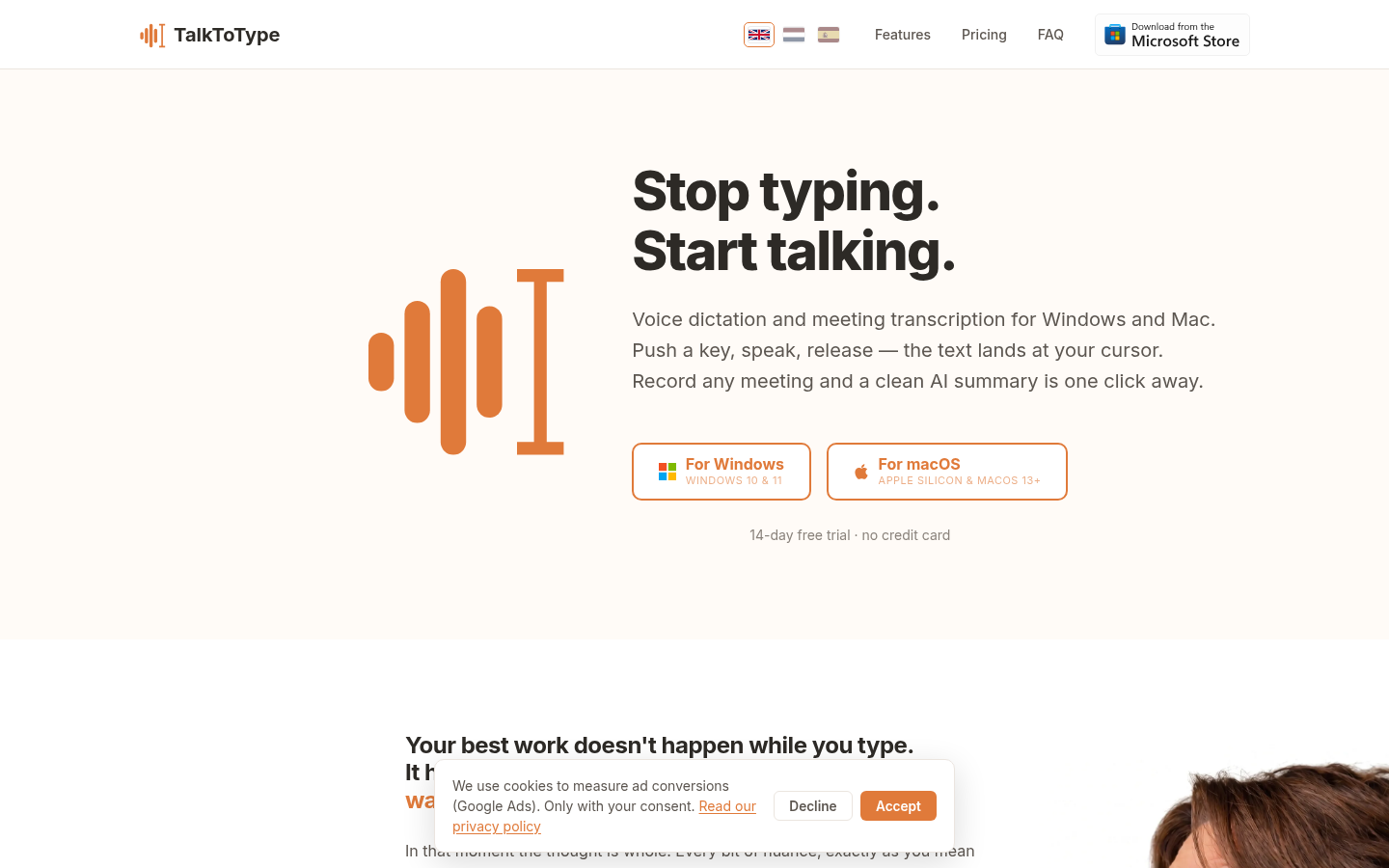
Screenshot archived from the listing page, for preview only.











