
TeacherDashboard.ai
AI assistant for teacher grading tasksRubrics, grading, and report card comments
Highlights
What you can do with it
- Draft a rubric before handing out a new assignment
- Get a first pass on a stack of student submissions
- Write individual report card comments without starting from a blank page
How to use it
- 1 Create an account and start the three-day free trial
- 2 Choose the task: rubric, grading, or report card comments
- 3 Enter the assignment details or student work
- 4 Review and edit the AI output
- 5 Save or export the finished material
Who it is for
Pros
- Attacks three of the most time-consuming teacher tasks
- A three-day trial is enough to judge the fit
- Output is editable, so teachers keep final control
Limitations
- The trial lasts only three days, then a paid plan is needed
- AI grading and comments must be checked by the teacher
- Student work is sensitive data, so review the privacy terms first
What TeacherDashboard.ai is
TeacherDashboard.ai is an AI tool aimed at the paperwork side of teaching. It covers three jobs that eat into evenings: building grading rubrics, grading assignments, and writing personalized report card comments. The site offers a three-day free trial, which is short but enough to see whether the output matches your style before you pay for a plan.
What you can do with it
- Generate a rubric from the assignment description before students start work.
- Get a faster first pass over submitted assignments instead of grading every item by hand.
- Produce individual report card comments that name each student's progress.
- Save the generated material and edit it to fit your classroom voice.
Who it is for
- Teachers who want their evenings back from repetitive grading.
- Teaching assistants and tutors who handle large groups of students.
- School staff facing report card season with tight deadlines.
What to watch out for
The free window is only three days, so plan your testing around a real task such as one upcoming assignment. AI output is a draft, not a verdict: grading decisions and comments that go home to families should be read and adjusted by the teacher. Since student work is personal data, read the platform's privacy and data handling terms before uploading anything identifiable. Start with a small sample to confirm the output meets your expectations before processing the full batch. Free tiers and usage limits can change, so check the current rules on the official page before relying on it long term. Save a backup of the original file before large batch jobs, and keep an exported copy of key results in case the page or service becomes temporarily unavailable.
FAQ
How long is the free trial?
The site states that a three-day free trial is available.
Can it grade assignments automatically?
It is designed to grade assignments quickly, but the output should still be reviewed by the teacher.
What else can it generate?
It can generate grading rubrics and personalized report card comments.
Why it is free
What the official page says: free trial
Free limits, trial length and features are decided by the official site and can change at any time.
Product preview
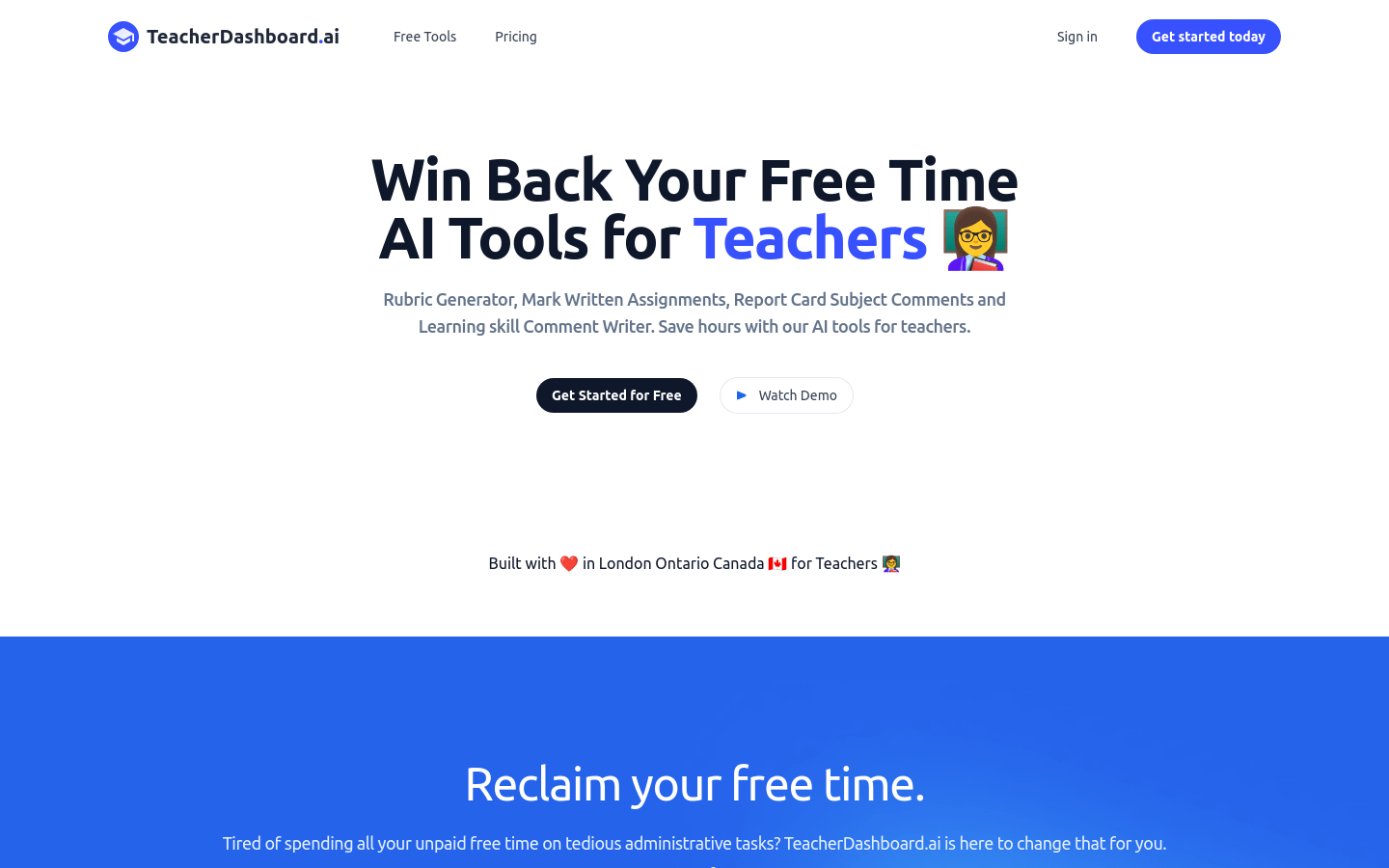
Screenshot archived from the listing page, for preview only.











