
Teamsaver
Email based team status updates with AI summariesDaily updates by email, summaries without the meeting
Highlights
What you can do with it
- A team lead replaces the daily stand up with an email round
- An executive collects key numbers from department heads
- HR uses activity reports and engagement metrics in reviews
How to use it
- 1 Add team member email addresses to Teamsaver
- 2 Let the tool send afternoon reminders to each person
- 3 Read the summary report that arrives the next morning
- 4 Customize collection schedules and holiday handling
- 5 Open the dashboard for detailed performance reports
Who it is for
Pros
- No app install and no extra login for participants
- Summaries arrive automatically on a set schedule
- Reports scale from daily snapshots to yearly views
- A free plan exists for small teams
Limitations
- Only works if people actually reply to the reminders
- Email based updates can feel like another chore
- Free plan limits are not spelled out in the material we have
- Summary quality depends on how well people write their updates
What Teamsaver is
Teamsaver is an automation tool that collects daily team updates through email and turns them into short summary reports. The problem it targets is the cost of status meetings and scattered chat threads, where progress lives in too many places and managers spend the morning chasing answers. Instead of another app, it works inside a channel people already check. Every afternoon each teammate gets a personalized email asking what they did, and the next morning the manager gets a tidy summary of the whole team.
What you can do with it
- Collect daily progress without a meeting or a new tool
- Generate concise, organized summary reports of team activity
- Spot standout contributors automatically instead of by memory
- Produce performance reports by day, week, month, or year
- Customize when updates are collected and how holidays are handled
- Give executives a consistent view of department level numbers
Who it is for
- Managers who want to cut the daily stand up down to a read
- Remote and hybrid teams that struggle with time zone overlap
- HR and operations people who need a written record of activity
What to watch out for
The whole system depends on people replying, so a team that ignores email will produce empty reports. There is a learning curve in writing updates that are short and useful, and the first week usually needs a nudge from the manager. The exact limits of the free plan are not stated in the material we have, so check the pricing page before rolling it out to a large group. Reports are only as good as the inputs, so treat the summaries as a starting point for conversation rather than a performance verdict.
FAQ
Do team members need an account?
No. They reply to email reminders, which is the main convenience of the tool.
When do the reports arrive?
Reminders go out in the afternoon and summary reports arrive the following morning.
Is there a free plan?
Yes, pricing spans a free option through to enterprise customization.
Can I change the schedule?
Yes, collection schedules and holiday handling are customizable.
Why it is free
What the official page says: 免费
Free limits, trial length and features are decided by the official site and can change at any time.
Product preview
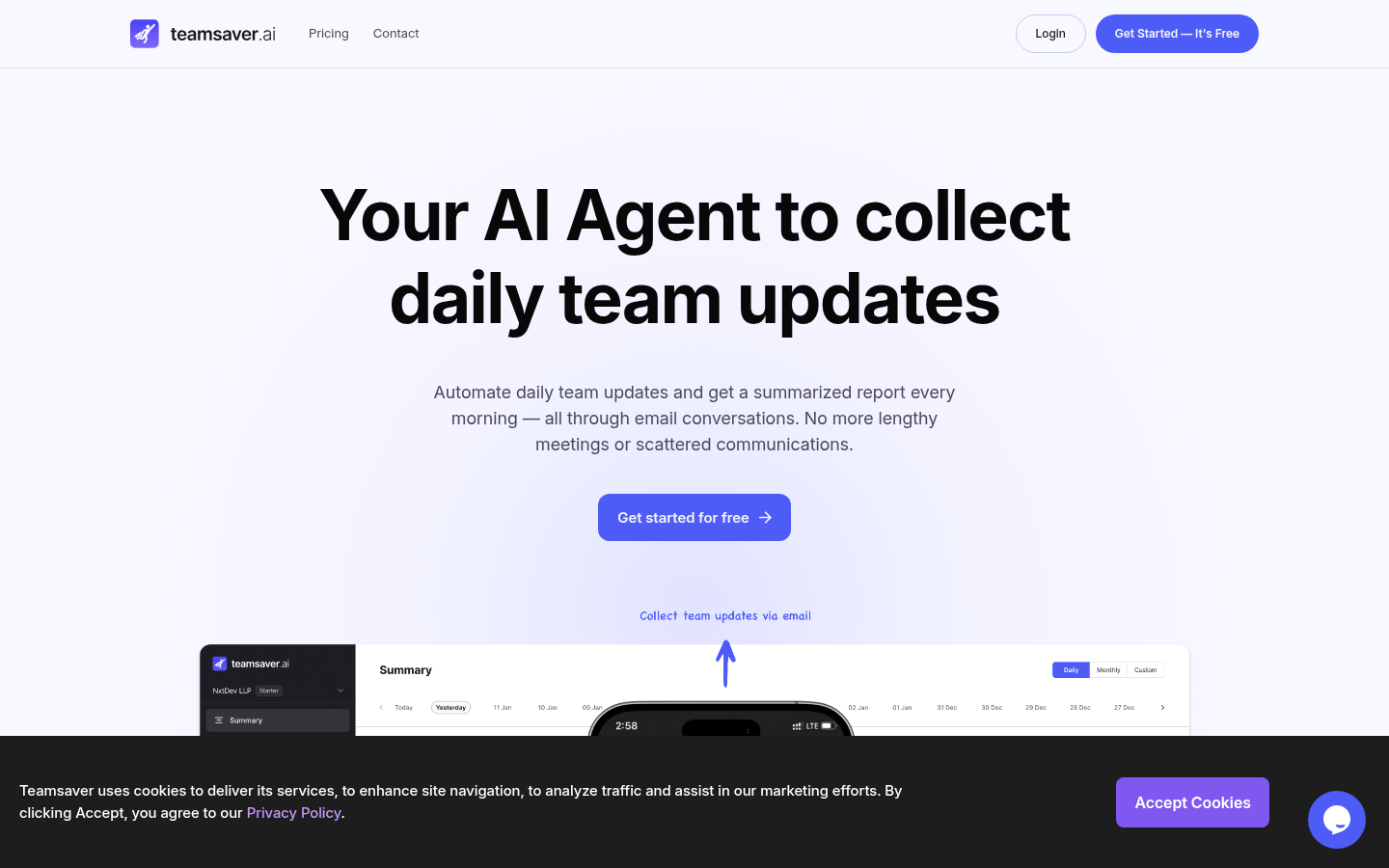
Screenshot archived from the listing page, for preview only.











