TemplateAI
AI app template on NextJSBuild full-stack AI apps faster
Highlights
What you can do with it
- Build a chatbot application on the template
- Build an image generation application on the template
- Build a vector search engine on the template
How to use it
- 1 Get the TemplateAI codebase and set up your project
- 2 Connect Supabase for database, storage, and authentication
- 3 Configure Stripe if you plan to charge users
- 4 Add your AI feature using the text, image, or vector search modules
- 5 Adjust the dashboard and account pages for your product
Who it is for
Pros
- Covers infrastructure most AI apps repeat, so you start further along
- Text, image, and vector search paths are already part of the template
- Free version is available for trying it out
Limitations
- The free version has limits that the page does not spell out, and plans can change
- It assumes a NextJS and Supabase stack, so other stacks are out of scope
- You still write and maintain the actual product logic and prompts
What TemplateAI is
TemplateAI is a NextJS based starter template for full-stack applications that need AI capabilities. Instead of starting with an empty folder, you start with the parts most projects rebuild from scratch: a NextJS frontend application, Supabase for database and storage, user authentication and management, Stripe payment integration, and a dashboard with account management. On the feature side it also includes text generation, image generation, and vector search, so you can build a chatbot, an image app, or a search tool without wiring the plumbing first. The idea is that you spend your time on the AI behaviour of your product rather than on the groundwork underneath it. A free version is listed, and paid plans exist for larger needs.
What you can do with it
- Start a full-stack AI app on a NextJS frontend
- Use Supabase for data, files, logins, and user records
- Take payments through the built-in Stripe integration
- Build text generation, image generation, or vector search features
Who it is for
- Developers who would rather not rebuild scaffolding for every AI idea
- Small teams that need authentication and billing in place early
- People evaluating an AI product on a NextJS and Supabase stack
What to watch out for
A template saves setup time but not learning time. You still need to understand NextJS, Supabase, and whatever AI service you call, and debugging across those layers takes real effort. The free version comes with limits that the listing does not detail, and plan terms can change, so treat the free tier as a trial rather than a permanent fixture. It is also a stack decision: if your team runs on something other than NextJS and Supabase, the value of this template drops sharply. Finally, a template gives you a starting point, not a product, so the differentiation and the actual AI logic are still yours to build.
FAQ
What is included with TemplateAI?
A NextJS frontend, Supabase database and storage, user authentication, Stripe payments, text generation, image generation, vector search, plus a dashboard and account management.
Is there a free version?
Yes, the listing mentions a free version alongside paid plans, though the exact limits are not described.
What can I build with it?
The site lists chatbot, image generation, and vector search applications as examples.
Why it is free
What the official page says: 免费版免费
Free limits, trial length and features are decided by the official site and can change at any time.
Product preview
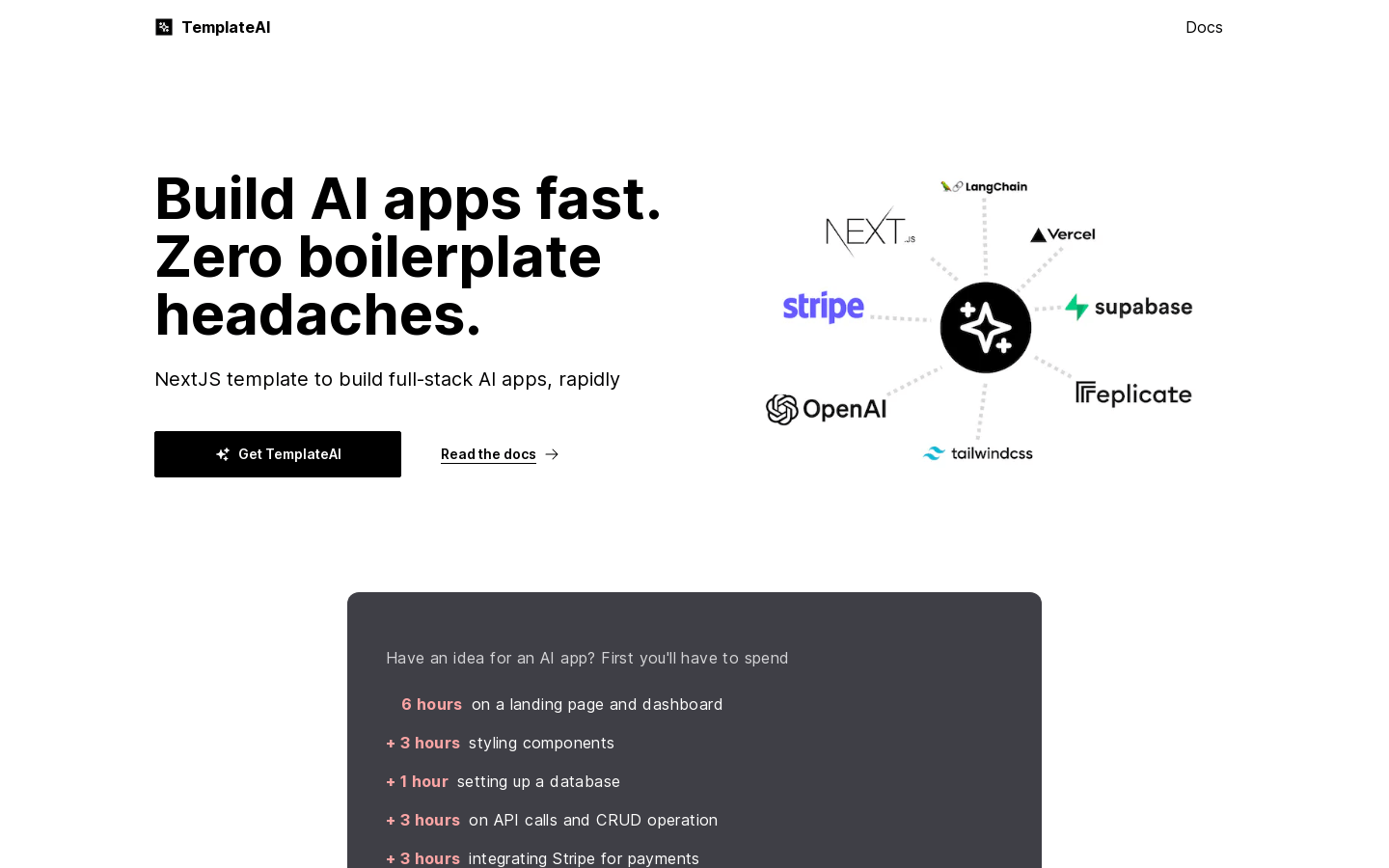
Screenshot archived from the listing page, for preview only.