
The Augmented AI
Real-time AI thinking aid for meetingsInsights and counterpoints while people talk
Highlights
What you can do with it
- A manager gets live clarification and options during a business meeting
- A student follows a dense lecture with supplementary context
- A researcher collects counterarguments during an academic discussion
How to use it
- 1 Download the Mac client from the official site.
- 2 Open it and choose the free version or upgrade.
- 3 Start the client before a meeting, lecture, or call.
- 4 Read the real-time insights and click one to chat further.
- 5 Review the conversation analysis afterwards.
Who it is for
Pros
- Free version available with ghost mode included
- Real-time support across several meeting and learning scenarios
- Searchable memory means nothing important is lost
Limitations
- Recording people without consent can break workplace rules and local law
- A Mac client is listed, so Windows and Linux users are out of luck
- Real-time suggestions can distract if you are also speaking
- Deeper analysis is locked behind the paid plan
What The Augmented AI is
The Augmented AI is a Mac client that acts as a live thinking aid. You run it during a meeting, lecture, interview, debate, or call, and while other people talk it surfaces insights, counterarguments, and suggestions for what to say or ask next. It captures everything said, presented, and shared, and stores it as a permanent searchable record so you can go back and find a specific point later. A ghost mode runs during screen sharing and presentations without being visible to others, and the listing says that mode is always free. There is a free version, and a paid plan adds unlimited in-depth post-conversation analysis plus early access to new features.
What you can do with it
- Get real-time insights and counterarguments while someone else is speaking.
- Capture everything said, presented, and shared in a session.
- Search past conversations, insights, and breakthroughs later.
- Run ghost mode on calls and screen shares without others noticing.
- Read a deeper analysis of a conversation after it ends.
Who it is for
- Business people sitting through meetings, negotiations, and interviews.
- Students following lectures and group discussions.
- Researchers collecting counterarguments in seminars and debates.
What to watch out for
Recording people is a consent issue before it is a productivity issue. In many workplaces and jurisdictions you need the agreement of everyone present, and covert recording can break company policy and local law, with the consequences landing on you rather than the tool. Tell people what you are doing and get agreement first. Beyond that, the client listed is for Mac, so Windows and Linux users have no path here. Real-time suggestions can also become a distraction if you are trying to speak at the same time, and the deeper post-conversation analysis sits behind the paid plan. Treat the free tier as a way to test whether this style of assistance actually helps you or just adds noise.
FAQ
Is there a free version?
Yes. The listing mentions a free version, with a paid plan at a monthly or yearly rate.
What does ghost mode do?
It runs during calls, screen sharing, and presentations without being noticed by others, and the listing says it is always free.
Is it okay to record meetings with it?
Only with the agreement of everyone present. Recording people without consent can break workplace policy and local law, and the responsibility is yours.
Why it is free
What the official page says: free version
Free limits, trial length and features are decided by the official site and can change at any time.
Product preview
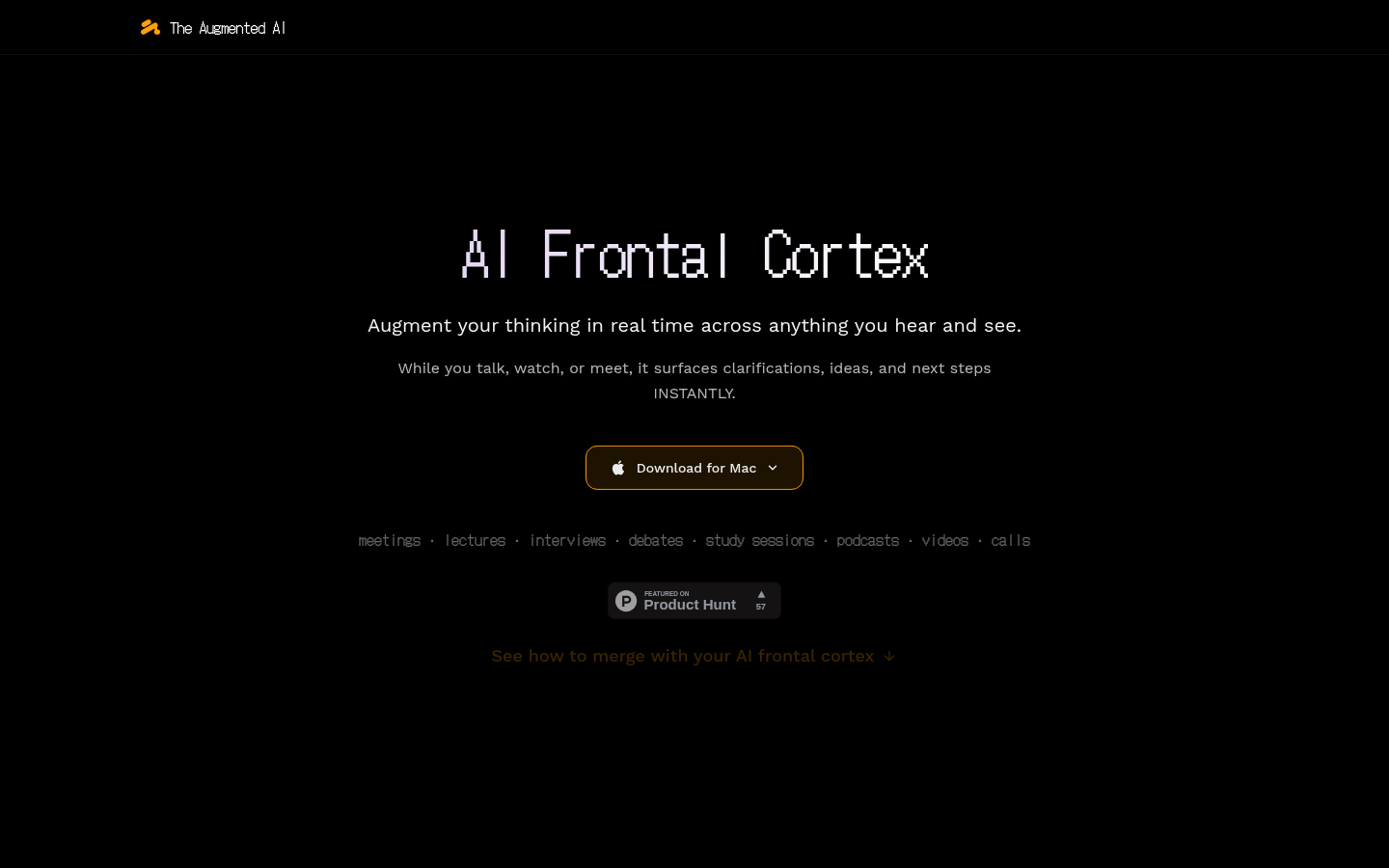
Screenshot archived from the listing page, for preview only.











