The StoryGraph
Track reading and find your next bookReading picks based on your mood
Highlights
What you can do with it
- Track reading progress and find the next interesting book
- Import a Goodreads library to manage reading lists in one place
- Use the Plus plan for a more personalized experience
How to use it
- 1 Create an account on The StoryGraph.
- 2 Import your existing library from Goodreads if you have one.
- 3 Log the books you read and your progress.
- 4 Set mood and preference details that shape recommendations.
- 5 Review suggestions and pick your next read.
Who it is for
Pros
- Most features are free to use
- Goodreads import makes switching easier
- Mood-based recommendations differ from a plain list
- Mobile apps cover reading away from a desktop
Limitations
- Some personalization sits behind the paid Plus plan
- Import depends on Goodreads export working correctly
- Large libraries may need cleanup after import
- Recommendations improve with logged data, so early suggestions can feel thin
What The StoryGraph is
The StoryGraph is a reading platform for tracking progress and choosing the next book based on mood and preferences. Most features are free, and a paid Plus plan adds a more personalized experience. You can import your library from Goodreads, log what you read, and use the mobile app from the App Store or Play Store. The project started as a personal tool built by Nadia Odunayo and Rob Frelow and grew into a service for managing reading lists. It suits readers who want stats and recommendations without a heavy social feed, and the mood-based approach is the main difference from a plain checklist.
What you can do with it
- Track reading progress and keep a record of what you finish.
- Import existing data from Goodreads to move your library over.
- Discover your next book based on mood and preferences.
- Use the mobile app to log reading away from a desktop.
Who it is for
- Avid readers who want simple stats without social pressure.
- Book clubs that need a shared way to log titles.
- Goodreads users looking for an alternative with mood-based picks.
What to watch out for
Most features are free, but some personalization sits behind the Plus plan, so check which features you actually need before paying. Importing from Goodreads depends on that export working correctly, and large libraries may need cleanup. Recommendations improve with logged data, so early suggestions can feel thin until you have recorded enough reading. Start with a small sample to confirm the output meets your expectations before processing the full batch. Free tiers and usage limits can change, so check the current rules on the official page before relying on it long term.
FAQ
Is The StoryGraph free?
Most features are free to use, and a paid Plus plan offers a more personalized experience.
Can I import my Goodreads data?
Yes, importing reading data from Goodreads is one of the listed features.
Is there a mobile app?
Yes, the app can be downloaded from the App Store and the Play Store.
How does it choose my next book?
It recommends books based on your mood and preferences, alongside your tracked reading.
Why it is free
What the official page says: free to use
Free limits, trial length and features are decided by the official site and can change at any time.
Product preview
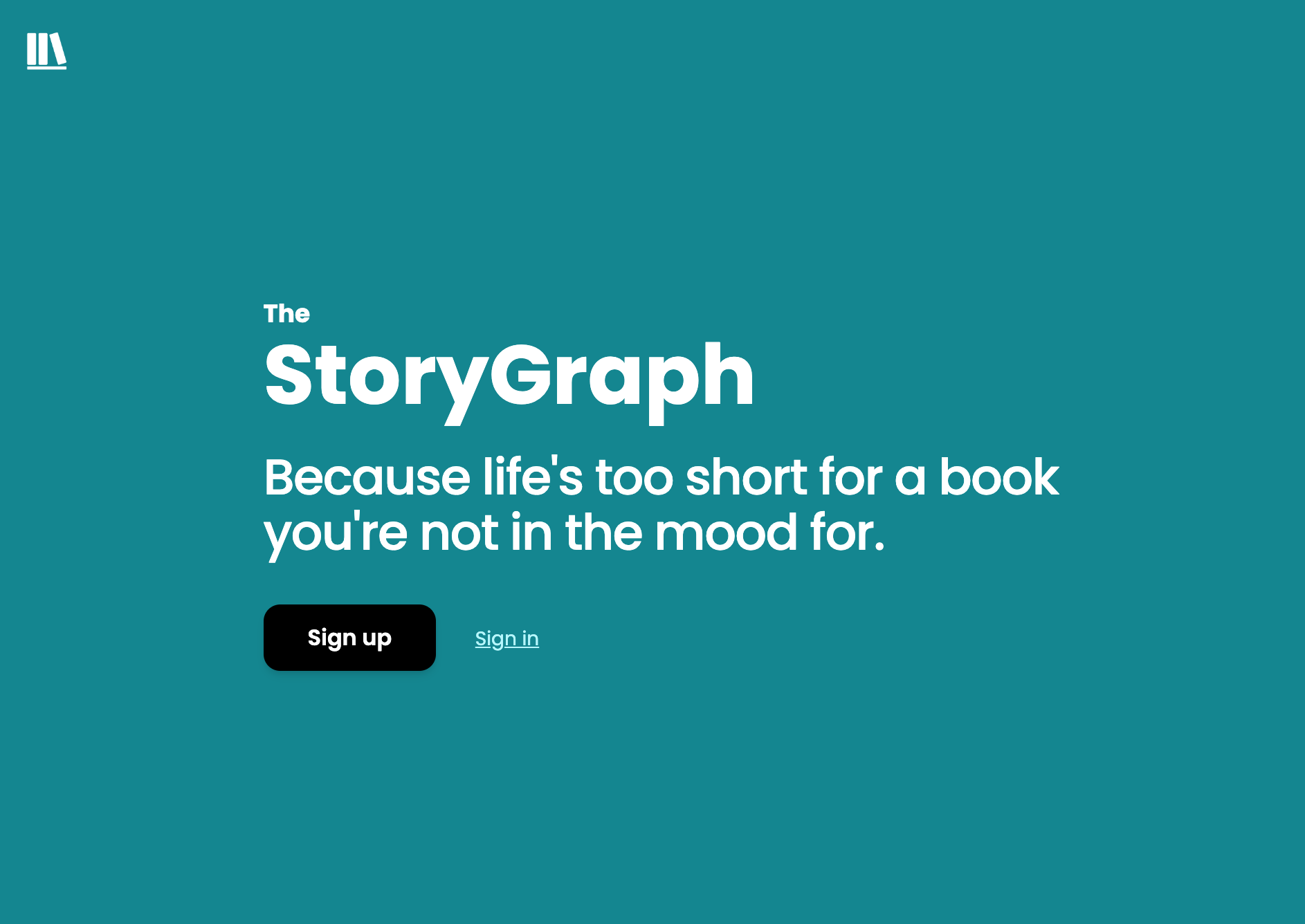
Screenshot archived from the listing page, for preview only.