
Thread Creator
A scheduling tool for Twitter threads and tweetsWrite, schedule, and switch accounts from one place
Highlights
What you can do with it
- Schedule a product launch thread ahead of time
- Queue a week of tweets to keep an account active
- Build a carousel post with images and video in one place
How to use it
- 1 Connect your Twitter account to Thread Creator.
- 2 Write the first post, then add the rest of the thread.
- 3 Reorder posts, add numbering, and attach media.
- 4 Set the publish time and save the schedule.
- 5 Switch accounts from the same dashboard when you manage more than one.
Who it is for
Pros
- Threads and single tweets live in the same editor
- Multiple accounts can be managed from one place
- Media upload and storage removes repeated file handling
Limitations
- It is built around Twitter, so it does not cover other networks
- Free plan limits are not detailed in the listing and can change
- Scheduling depends on the account connection staying valid
What Thread Creator is
Thread Creator is a Twitter scheduling tool for brands and professionals. It puts thread writing, media handling, and publishing times in one editor, so a launch sequence can be drafted, reordered, and scheduled without switching apps. The site says the tool has been recognized by Twitter and is mobile friendly, and it offers a free plan next to paid options. Multiple Twitter accounts can be connected to the same platform, which is useful if you run a personal profile and a brand profile at once. Media can be uploaded and stored, so files used often do not have to be attached again each time.
What you can do with it
- Write a thread post by post and reorder the posts before publishing.
- Add numbering so readers can follow the sequence.
- Attach images, videos, or carousel posts and store the media for reuse.
- Schedule tweets ahead of time and switch between connected accounts.
Who it is for
- Brand managers who plan product announcements in advance.
- Social media specialists who need a steady posting rhythm.
- Content creators who publish image and video posts, not just text.
What to watch out for
Thread Creator is focused on Twitter, so if your strategy spans other networks you will still need separate tools for those. The free plan exists, but the listing does not spell out its limits and those limits can change, so confirm what you get before building a workflow around it. Scheduling also relies on the connection between the tool and your Twitter account, so keep that link healthy and check the queue if a post does not go out when expected. Because posts publish automatically, a draft left in the queue can go live before you are ready, so review scheduled items regularly.
FAQ
Does Thread Creator support more than one Twitter account?
Yes. The listing says several Twitter accounts can be connected to the platform and switched between seamlessly.
Can I add images and videos?
Yes. Media files can be uploaded and stored, and posts can include images, videos, or carousels.
Is there a free plan?
The listing mentions a free plan alongside paid options, so check the official site for what the free tier includes today.
Why it is free
What the official page says: 免费计划免费
Free limits, trial length and features are decided by the official site and can change at any time.
Product preview
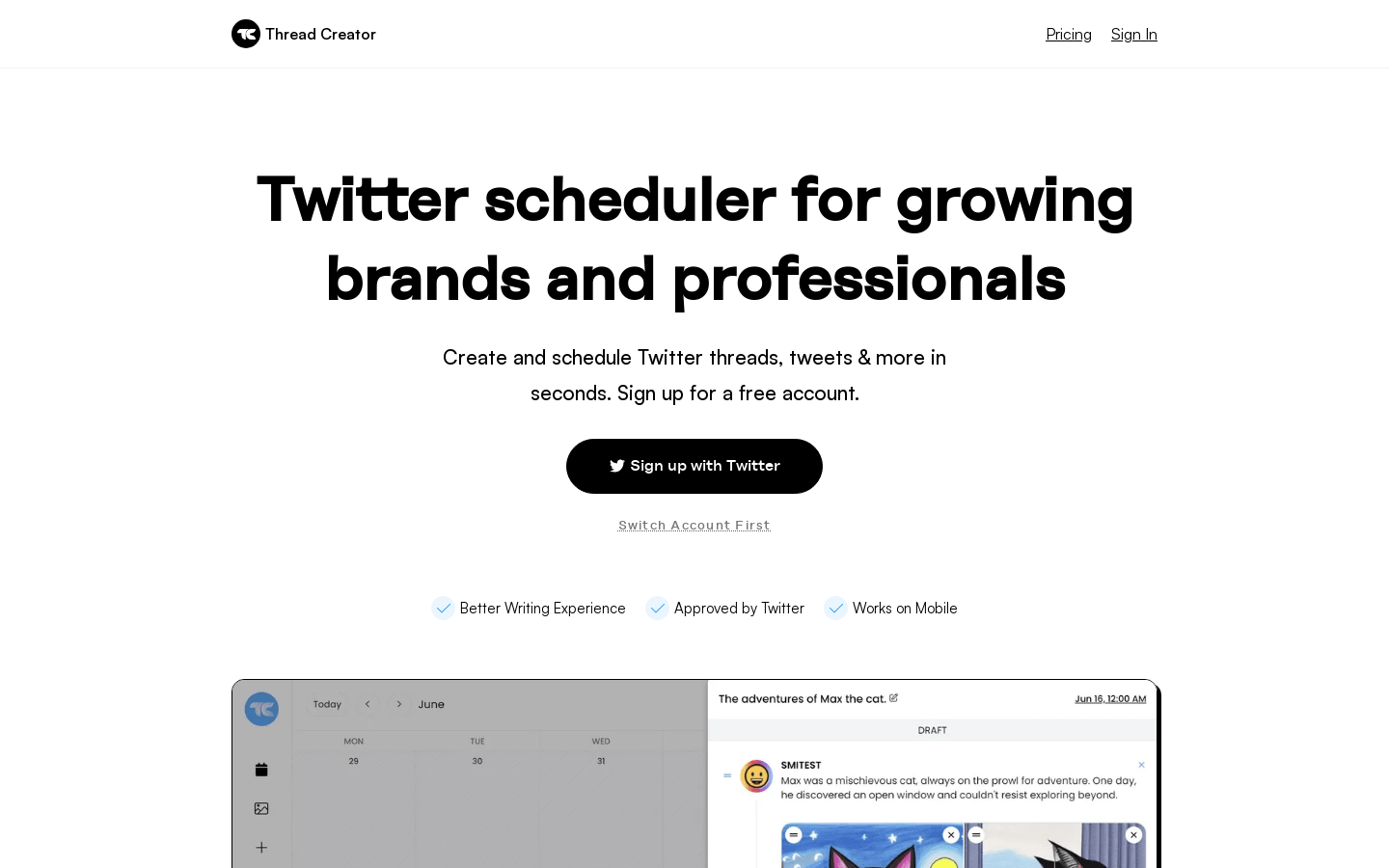
Screenshot archived from the listing page, for preview only.











