
Tidy
No-code agents and tools in chatPlan and automate tasks right in chat
Highlights
What you can do with it
- Look up flight information and plan a travel itinerary from a single instruction.
- Use shared tools in a group chat to arrange meeting schedules via Google Calendar.
- Search job and internship listings to screen candidates for a role.
How to use it
- 1 Visit withtidy.com and register, then log in.
- 2 Create personal agents that match what you need.
- 3 Build custom tools by following the on-screen prompts, no coding needed.
- 4 In a chat, type instructions to call functions like flight or job search.
- 5 Connect Google Calendar and add Tidy to a group chat to share tools.
Who it is for
Pros
- No coding is needed to build agents and custom tools.
- Tools can be shared in group chats so a whole team uses the same automation.
- Covers everyday lookups like flights, transit times, bike routes, and job listings.
Limitations
- The documentation does not clearly state pricing, so what is free versus paid is uncertain.
- Because pricing is not clearly documented, free access and limits may change without notice.
- It depends on external services such as Google Calendar and transit data, so those integrations can break or change.
What Tidy is
Tidy is an online productivity tool built around chat. In a short time and without any coding, you can create personal agents and custom tools that handle everyday tasks, from simple reminders to more complex task management. Instead of jumping between apps, you type an instruction in a chat and the tool carries it out. It comes with built-in and community tools, and it can connect to services like Google Calendar so it understands your schedule. The listing marks Tidy as free to use, but the documentation does not clearly spell out full pricing, so it is safer to treat the free access as something that can change.
What you can do with it
- Create personal agents and custom tools in seconds, with no coding.
- Look up flights, train departure times, bike routes, and job or internship listings.
- Connect your Google Calendar so the tool can work with your real schedule.
- Add Tidy to a group chat and share automation tools so every member can use them.
Who it is for
- Individual users who want help with reminders, schedules, and quick lookups.
- Team members who plan meetings and coordinate inside group chats.
- Enterprise users who want custom tools shaped to their own workflows.
What to watch out for
Pricing is the main uncertainty: the listing says free to use, but the documentation does not clearly confirm what is free and what may become a paid add-on, so do not assume today's access is permanent. The tool also leans on outside services such as Google Calendar, transit schedules, and job boards, which means those integrations can change or break independently of Tidy. Because tools are shared in group chats, be careful about what data you expose to a group and who can see it. Finally, building a useful custom tool takes some thought about what you actually want it to do, so set aside time to shape the first version rather than expecting a perfect result immediately.
FAQ
Do I need to code to use Tidy?
No. You can create personal agents and build custom tools by following prompts, without writing code.
What can I look up with it?
It can search flights, train departure times, bike routes, and job or internship listings, and it connects to Google Calendar.
Is Tidy free?
The listing marks it as free to use, but the documentation does not clearly state full pricing, so treat free access and limits as subject to change.
Why it is free
What the official page says: 免费使用免费
Free limits, trial length and features are decided by the official site and can change at any time.
Product preview
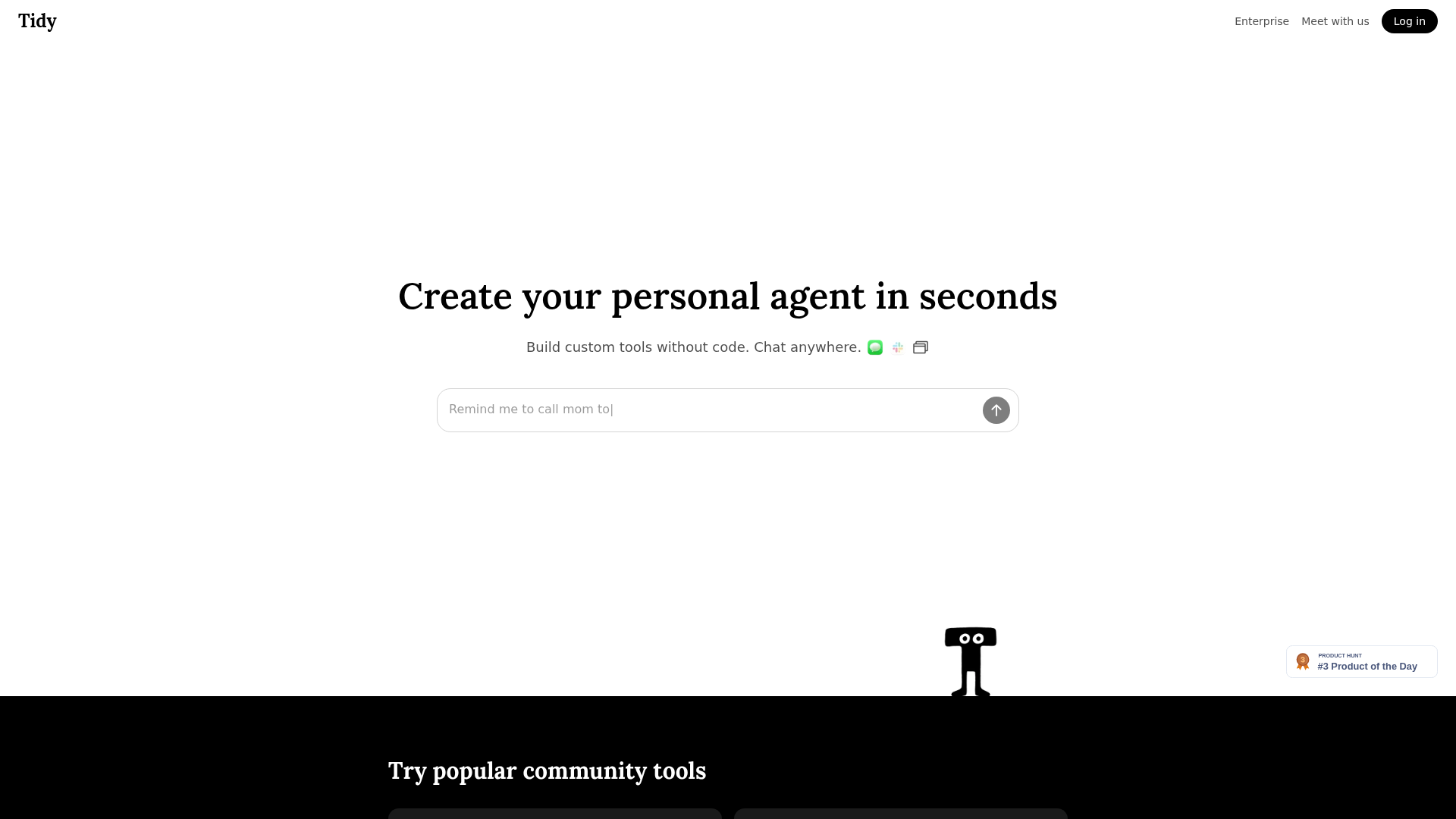
Screenshot archived from the listing page, for preview only.











