
TimeTuna.com
Beautiful branded booking pagesScheduling pages that look as good as they work
Highlights
What you can do with it
- A designer shares a branded booking page with clients
- An agency offers 30 and 60 minute calls from one link
- A founder embeds booking into a personal website
How to use it
- 1 Open timetuna.com and start the free trial
- 2 Register and connect your Google or Microsoft calendar
- 3 Add branding: video background, avatar, logo
- 4 Set meeting durations and reminder options
- 5 Embed the page in your site if needed
- 6 Share the link and let people book
Who it is for
Pros
- Free version to try
- Strong branding options
- Calendar and meeting tool integration
- Reminders that reduce missed meetings
Limitations
- Some features such as group scheduling are listed as upcoming
- Yearly Pro and Executive pricing may not suit everyone
- Depends on Google and Microsoft ecosystems
- Free version limits are not detailed in the listing
What TimeTuna.com is
TimeTuna is a scheduling tool for people who find standard booking pages dull. It creates branded schedule pages you can share with a link, and the listing frames it as a Calendly alternative for designers, entrepreneurs, artists, and agencies. Availability is pulled from Google or Microsoft calendars so slots stay accurate, and the page itself can carry a custom video background, avatar, and logo. Confirmation emails go out at booking and a reminder lands 24 hours before the meeting, which the listing credits with reducing no-shows. Bookings can also generate Google Meet or Microsoft Teams links automatically.
What you can do with it
- Sync availability with Google and Microsoft calendars
- Brand the page with video backgrounds, avatars, and logos
- Offer several meeting durations from one booking page
- Send automatic confirmations and 24-hour reminders
- Generate meeting links for Google Meet or Microsoft Teams
- Embed the booking page into your own website
Who it is for
- Designers and creatives who want the page to match their brand
- Entrepreneurs and founders who take a lot of calls
- Artists who want a booking page that also shows their work
- Agencies that offer different meeting types to different clients
What to watch out for
Some of the more interesting features, including group scheduling across multiple calendars and the intelligent rescheduling system, are described as upcoming rather than available today, so check what is live before you rely on them. The free version is a starting point, and the paid tiers are priced per year at 60 and 600 euros, which is worth comparing against your current tools. The product leans on Google and Microsoft ecosystems, so if your team lives elsewhere, calendar sync may be limited. Free version limits are not spelled out in the listing, so test with a few real bookings first.
FAQ
What does TimeTuna cost?
There is a free version, Pro at 60 euros per year, and Executive at 600 euros per year.
Does it work with my calendar?
Yes, it syncs with Google and Microsoft calendars to keep availability accurate.
Can I put it on my own site?
Yes, the listing says pages can be natively embedded into existing websites.
Why it is free
What the official page says: free version
Free limits, trial length and features are decided by the official site and can change at any time.
Product preview
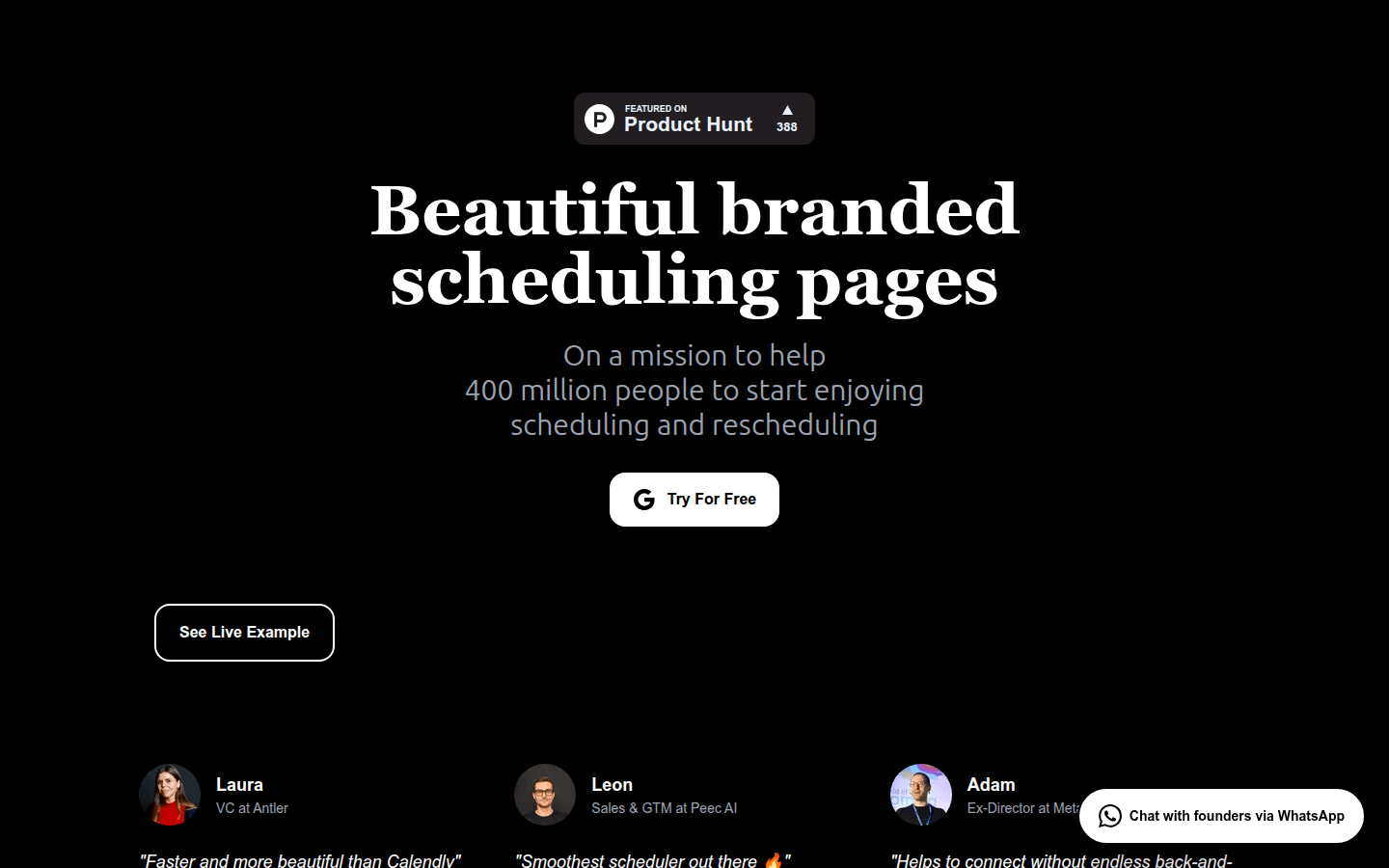
Screenshot archived from the listing page, for preview only.











