Tiny CV
Markdown resume builderOne-page resumes written in Markdown
Highlights
What you can do with it
- A software engineer builds a concise single-page resume that highlights technical skills and project experience.
- A fresh graduate picks a template and quickly generates a resume that meets recruitment requirements.
- A career changer reorganizes past experience around a new field and exports a PDF.
How to use it
- 1 Visit the Tiny CV website and register or log in to your account.
- 2 Select a resume template that fits your career path, or start writing in Markdown.
- 3 Use the preview feature to check the layout on real paper while writing.
- 4 Publish the resume link to share, or export it as a PDF for recruiters.
Who it is for
Pros
- Markdown writing is efficient and keeps source files readable.
- The real paper preview removes guesswork about print layout.
- A clean shared link and PDF export cover different sharing needs.
Limitations
- The free version or free trial terms may change over time.
- It is focused on single-page resumes, so long multi-page histories may not fit.
- Markdown syntax has a learning cost for users used to form filling.
What Tiny CV is
Tiny CV is a single-page resume generator that runs in the browser. It lets you write your resume using Markdown, a lightweight markup language that keeps the source file readable and easy to edit. Instead of filling in rigid form fields, you type content in Markdown and the tool turns it into a structured layout that fits on one page. The product focuses on one page, which pushes you to keep the resume concise and professional. A free version or free trial is available, so you can test the workflow before you commit to anything. It works across operating systems and devices as long as you have an internet connection.
What you can do with it
- Write resume content with Markdown syntax, which is freer and faster than traditional form filling.
- Preview the resume on a real paper layout so you see exactly how it will look when printed.
- Browse pre-designed templates and pick one that fits your career path as a starting point.
- Publish a clean public link for recruiters, or export the resume as a PDF for sending and printing.
Who it is for
- Job seekers who want a concise, professional single-page resume without complex design software.
- Recruiters who prefer to open a clean link instead of a heavy resume builder interface.
- Career changers who need to reorganize past experience around a new direction.
- Students and fresh graduates who want a fast template-based resume they can edit on any device.
What to watch out for
The tool is built around single-page resumes, so if you have a long work history that needs two or more pages, you may feel constrained. Markdown is easy to learn but still has a small learning cost for people who have never used a markup language. The free version or free trial rules may change over time, so check the current terms before relying on the tool for an important job application. Preview is based on a printable page, but final print quality can still depend on your own PDF settings.
FAQ
Does Tiny CV require an account?
Yes. You register and log in to create and manage resumes.
What formats can I export?
You can export the resume as a PDF file for different devices and scenarios.
Can I share my resume online?
Yes. You can publish a clean public link so recruiters can view it directly.
Why it is free
What the official page says: free versionfree trial
Free limits, trial length and features are decided by the official site and can change at any time.
Product preview
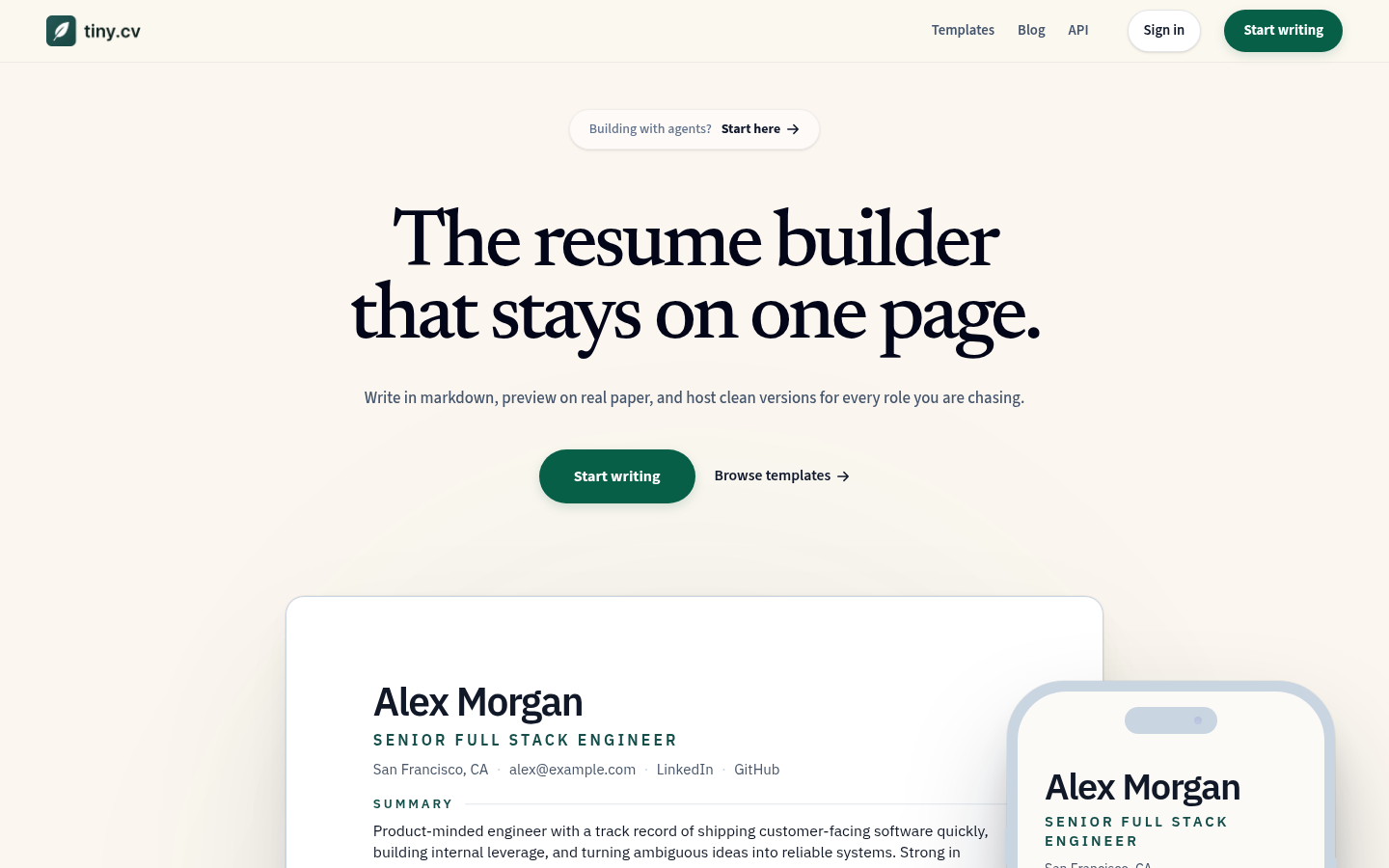
Screenshot archived from the listing page, for preview only.