
Tipis AI
AI data processing and analysis helperHandle data tasks faster with AI
Highlights
What you can do with it
- Analyze sales data and build a report
- Process customer feedback and find insights
- Share and work on data with teammates
How to use it
- 1 Start the free trial and connect your data
- 2 Upload documents or bring in a dataset
- 3 Ask for charts or analysis and review the output
- 4 Share results with your team
Who it is for
Pros
- Combines document reading, charts, and data links in one place
- Team features for sharing and collaboration
- Free trial plus a monthly credit allowance
Limitations
- The free trial is limited and later pricing is not detailed
- Accuracy depends on the quality of the data you give it
- Complex analysis still needs a human to check the output
What Tipis AI is
Tipis AI is an assistant that speeds up complex, time-consuming data processing and analysis work. It reads documents, builds charts, connects to your own built-in informations, and supports sharing and collaboration inside a team. The source frames it for individuals and teams that handle large datasets, and it lists a free trial along with a monthly allowance of 5000 credits so you can test the workflow before committing.
What you can do with it
- Analyze documents and pull out the information that matters.
- Turn a dataset into charts and summaries.
- Connect custom built-in informations for repeatable analysis.
- Share and work on the same data with teammates.
Who it is for
- Individuals and teams working with large datasets.
- Analysts who need quick charts and readable summaries.
- Anyone trying to cut manual data cleaning and reporting.
What to watch out for
The free trial is limited and the paid pricing after it is not detailed, so confirm costs before you depend on it. Output accuracy depends on the quality of the data you feed in, so messy inputs give messy results. For complex analysis, a human still needs to review the numbers before you act on them. For team use, agree on naming and editing conventions in advance to avoid version conflicts or duplicated work. Name and archive exported files consistently so you can find and reuse them, and keep a backup copy of key data. Behavior may vary across browsers and devices, so test before production use and consult the help docs if errors appear. Features and interface details may change between versions, so review the latest notes on the page before you start.
FAQ
Is there a free trial?
Yes, Tipis AI offers a free trial.
What can it do?
Document analysis, chart generation, custom data integration, and team collaboration.
How many credits?
The source mentions 5000 credits per month.
Why it is free
What the official page says: free trial
Free limits, trial length and features are decided by the official site and can change at any time.
Product preview
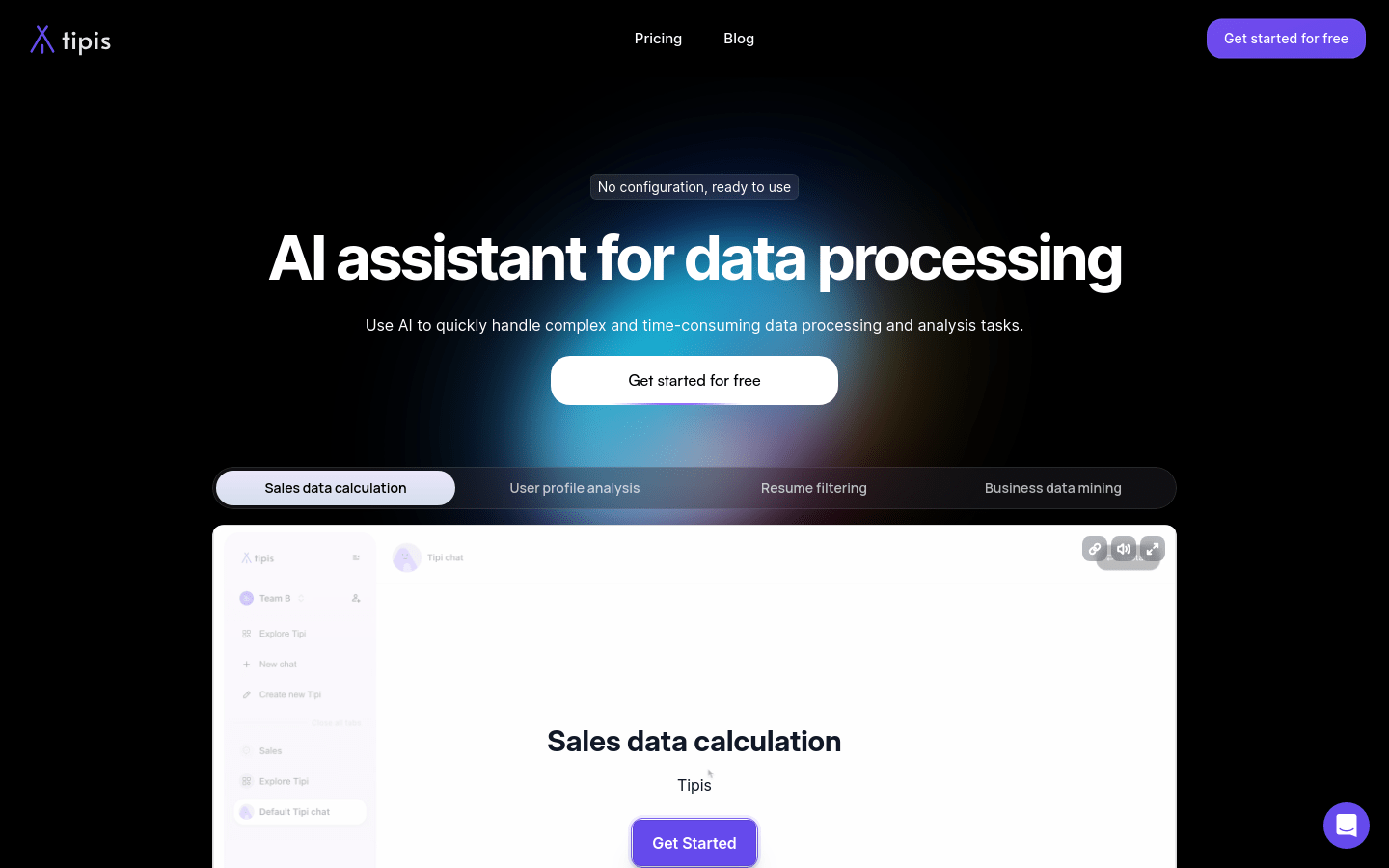
Screenshot archived from the listing page, for preview only.











