TitleGen
AI tool that writes high click-through YouTube titles by nicheTurn one video idea into several title options built for the YouTube algorithm
Highlights
What you can do with it
- An individual creator generates titles for sleep story videos to lift views
- A content team produces Spanish learning video titles that rank in search
- A marketing agency crafts documentary titles that pull more clicks for a client
How to use it
- 1 Visit the TitleGen website and open the main page
- 2 Click Start Free to try it without a credit card
- 3 Enter the video theme and channel niche
- 4 Click generate, then browse the titles and copy the one you like into YouTube
Who it is for
Pros
- Free plan lets you generate 2 titles with no credit card
- Fast output saves time compared with brainstorming alone
- Titles are tuned to niche and the YouTube algorithm
Limitations
- The free plan is limited to 2 generations, so it is mostly for trying the tool
- Titles still need a human check for tone and accuracy
- Pricing and plan limits can change over time
What TitleGen is
TitleGen is an AI tool made for YouTube creators. You give it a video topic and your channel niche, and it returns several high click-through title options within seconds. Instead of a generic chatbot, it uses a structural SEO model to shape titles that line up with the YouTube algorithm and the tastes of your target audience. There is a free plan that allows 2 title generations with no credit card, a Pro plan at $9 per month, and an annual plan at $99. The goal is to save time on title writing and help videos stand out.
What you can do with it
- Turn one video idea into several title options in a few seconds.
- Build titles that fit your niche instead of generic filler.
- Shape titles for search, browse, and recommendation surfaces on YouTube.
- Break through creative blocks when the title bar feels empty.
Who it is for
- Individual creators who want faster, stronger titles for their own channel.
- Content teams that need several options to choose from for each upload.
- Marketing agencies that write titles for client channels.
What to watch out for
The free plan only allows 2 title generations, so it works best for testing the tool rather than daily use. Generated titles are starting points, and you should still read them for accuracy, tone, and anything that might mislead viewers. Plan pricing and generation limits can change, so check the current terms before you rely on it as part of a regular publishing workflow. For team use, agree on naming and editing conventions in advance to avoid version conflicts or duplicated work.
FAQ
Is TitleGen free?
There is a free plan that allows 2 title generations without a credit card. Paid plans unlock more generations and features.
How does it come up with titles?
It uses a structural SEO model and your channel niche to build titles meant to fit the YouTube algorithm and your audience.
Who is it for?
It is built for YouTube creators, from individuals and content teams to marketing agencies writing titles for clients.
What should I keep in mind?
The free tier is small, and you should still review titles for accuracy and tone before publishing.
Why it is free
What the official page says: free plan
Free limits, trial length and features are decided by the official site and can change at any time.
Product preview
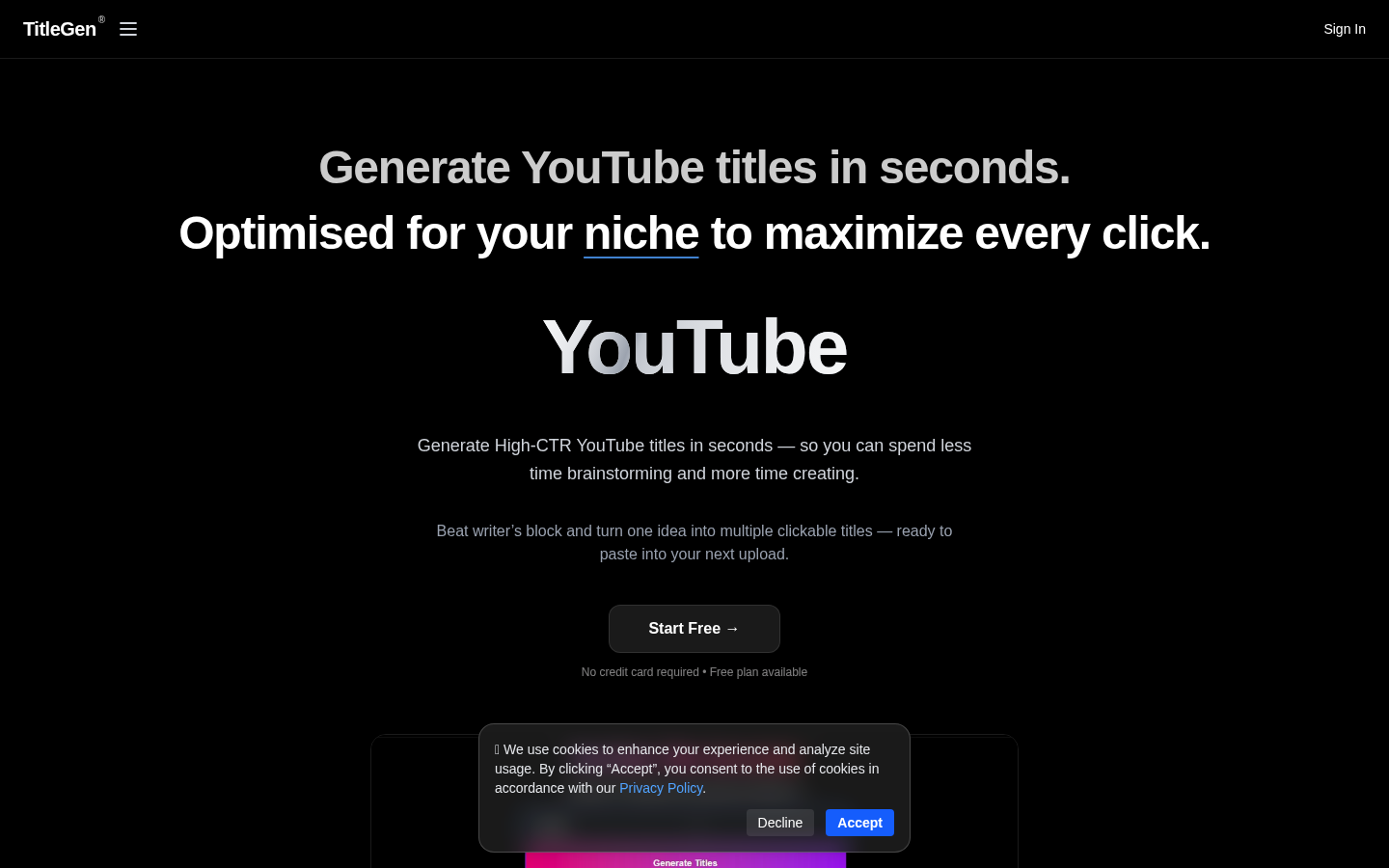
Screenshot archived from the listing page, for preview only.