ToMusic
Turn lyrics into a finished songType lyrics, choose a style, get music
Highlights
What you can do with it
- Making background music for a personal blog
- Adding a custom track to a video
- Creating a personalised clip for social media
How to use it
- 1 Log in to ToMusic
- 2 Enter your lyrics or a description
- 3 Choose genre, tempo and instruments
- 4 Generate and preview the track
- 5 Download or share it, adjusting if needed
Who it is for
Pros
- No production skills needed
- Style and element controls give some direction
- A free trial to test the sound
Limitations
- Generated vocals and mix quality vary
- Free trial limits and plan pricing can change
- Rights and usage terms should be checked before commercial use
What ToMusic is
ToMusic is an online platform that turns text into music. You upload lyrics or type a description, and the system analyses the text and generates a corresponding track. It supports several genres such as pop, rock and hip-hop, lets you adjust musical elements including rhythm and instruments, and produces files the listing describes as meeting professional production standards. Access is through the browser on any device, with a free trial and several pricing tiers above it.
What you can do with it
- Convert lyrics or descriptive text into a song
- Choose a genre and adjust tempo and instruments
- Preview, download or share the generated track
- Create background music for a blog, video or social post
Who it is for
- Hobby writers who want to hear their lyrics performed
- Video creators who need original music without licensing a library track
- Social creators adding a personalised audio layer to a post
What to watch out for
Generated vocals and mixes vary in quality, and a track that sounds good in a preview may not sit well in a final edit, so listen on more than one device. The free trial is limited, and moving to a paid plan for unlimited downloads only makes sense if you produce regularly. Most important, check the rights and usage terms before you use a generated track commercially, because ownership and licensing for AI generated music is still an unsettled area. Pricing and language support can change. Behavior may vary across browsers and devices, so test before production use and consult the help docs if errors appear. Features and interface details may change between versions, so review the latest notes on the page before you start.
FAQ
What does ToMusic do?
It converts lyrics or text into music online.
Which styles does it support?
The listing names pop, rock, hip-hop and more, with adjustable rhythm and instruments.
Is there a free trial?
Yes, it offers free trials alongside several pricing plans.
Why it is free
What the official page says: free trial
Free limits, trial length and features are decided by the official site and can change at any time.
Product preview
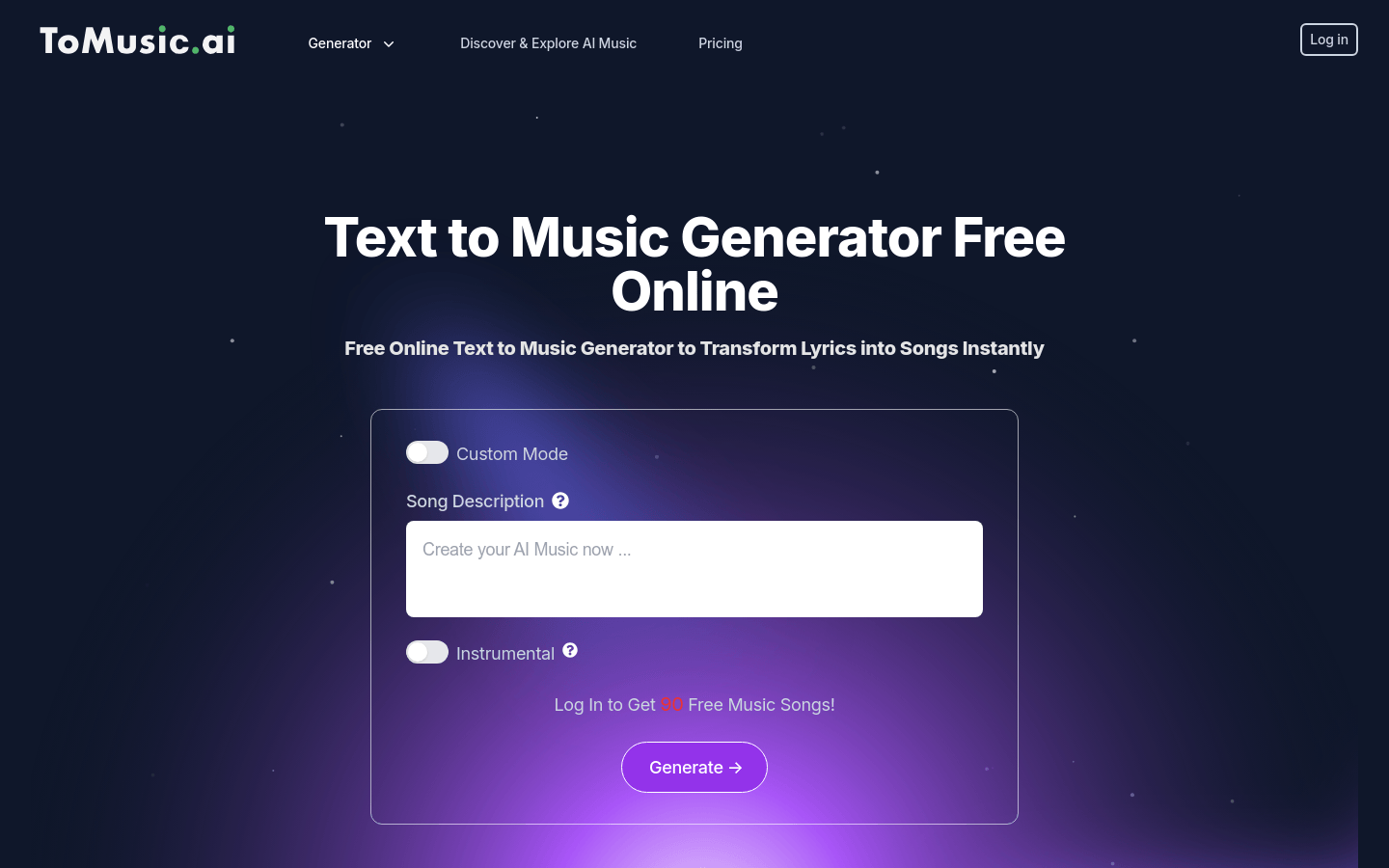
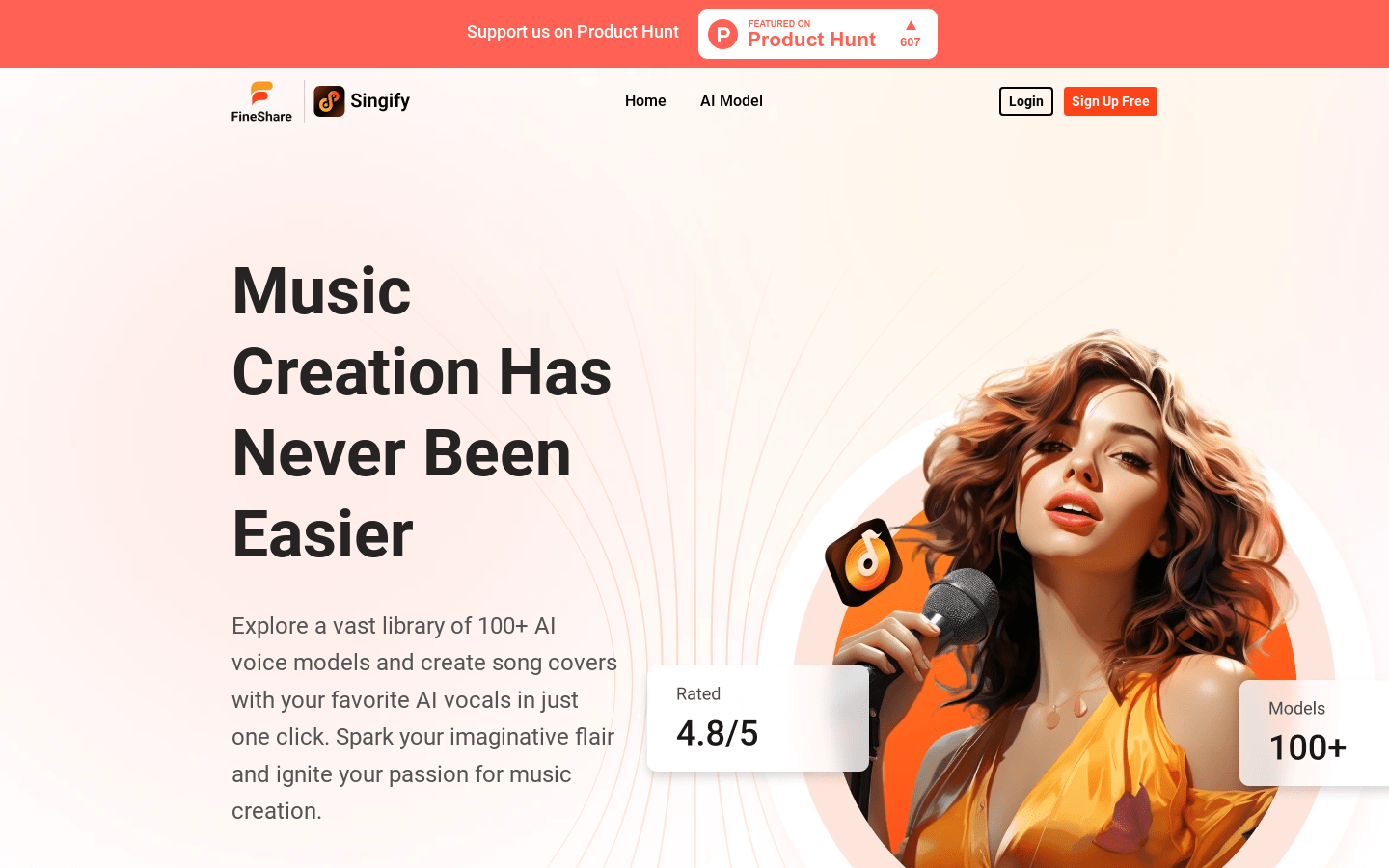
Screenshot archived from the listing page, for preview only.