
Tongyi Browser Plugin
Browser plugin for recording and translationRecord, subtitle, translate, summarise
Highlights
What you can do with it
- Record an online course and review key points from the summary
- Generate real-time subtitles during a video meeting
- Translate a foreign research paper and organise the content faster
How to use it
- 1 Add the Tongyi plugin from your browser's extension store
- 2 Register and log in from the extension panel
- 3 Enable real-time recording, pick the tab to capture, and start sharing
- 4 Stop the recording when the session ends
- 5 Open the Tongyi web version to read the transcript, audio, and summary
- 6 Use the keyboard shortcut to open the reading assistant on a page or PDF
Who it is for
Pros
- Covers recording, subtitling, translation, and summarising in one plugin
- Reading assistant works on both webpages and PDFs
- Keyboard shortcut keeps it close at hand while reading
- Free trial available before any payment
Limitations
- Only a free trial is offered and pricing is not confirmed
- Tab recording requires sharing the browser tab, so permissions matter
- Recording meetings or lectures raises consent and privacy questions you have to settle yourself
What the Tongyi browser plugin is
The Tongyi browser plugin is an AI assistant that lives in your browser and handles spoken and written information. Real-time recording transcribes speech, adds AI subtitle translation, and produces an intelligent summary. The reading assistant works on webpages and PDFs, summarising long content and letting you highlight a passage to interpret or translate it. Both halves are aimed at the same problem, which is the volume of information in online courses, video watching, and virtual meetings. Access is through a free trial, with pricing to be confirmed.
What you can do with it
- Record speech in real time and read the transcript afterwards
- Generate translated subtitles during a meeting or a video
- Summarise a webpage or a PDF before reading it in full
- Highlight any passage to interpret, translate, or ask about
Who it is for
- Students who need notes from online courses
- Remote workers who spend their day in video meetings
- Researchers working through foreign-language papers and reports
What to watch out for
Only a free trial is available and pricing has not been confirmed, so treat current access as temporary. Tab recording requires you to share the browser tab, which means the plugin is capturing whatever plays in that tab, and recording a meeting or lecture raises consent and privacy questions that you need to settle with the other participants rather than with the tool. Transcription accuracy also depends on audio quality and accents, and the summary is a convenience, not a substitute for watching or reading the source when the detail matters. Features and interface details may change between versions, so review the latest notes on the page before you start.
FAQ
Is the Tongyi plugin free?
It offers a free trial. Specific pricing and positioning have not been confirmed.
What does real-time recording do?
It transcribes speech as it happens, translates subtitles with AI, and produces a summary you can review later.
Can I use it on PDFs?
Yes. The reading assistant handles webpages and PDFs, including highlighting passages for interpretation or translation.
Why it is free
What the official page says: free trial
Free limits, trial length and features are decided by the official site and can change at any time.
Product preview
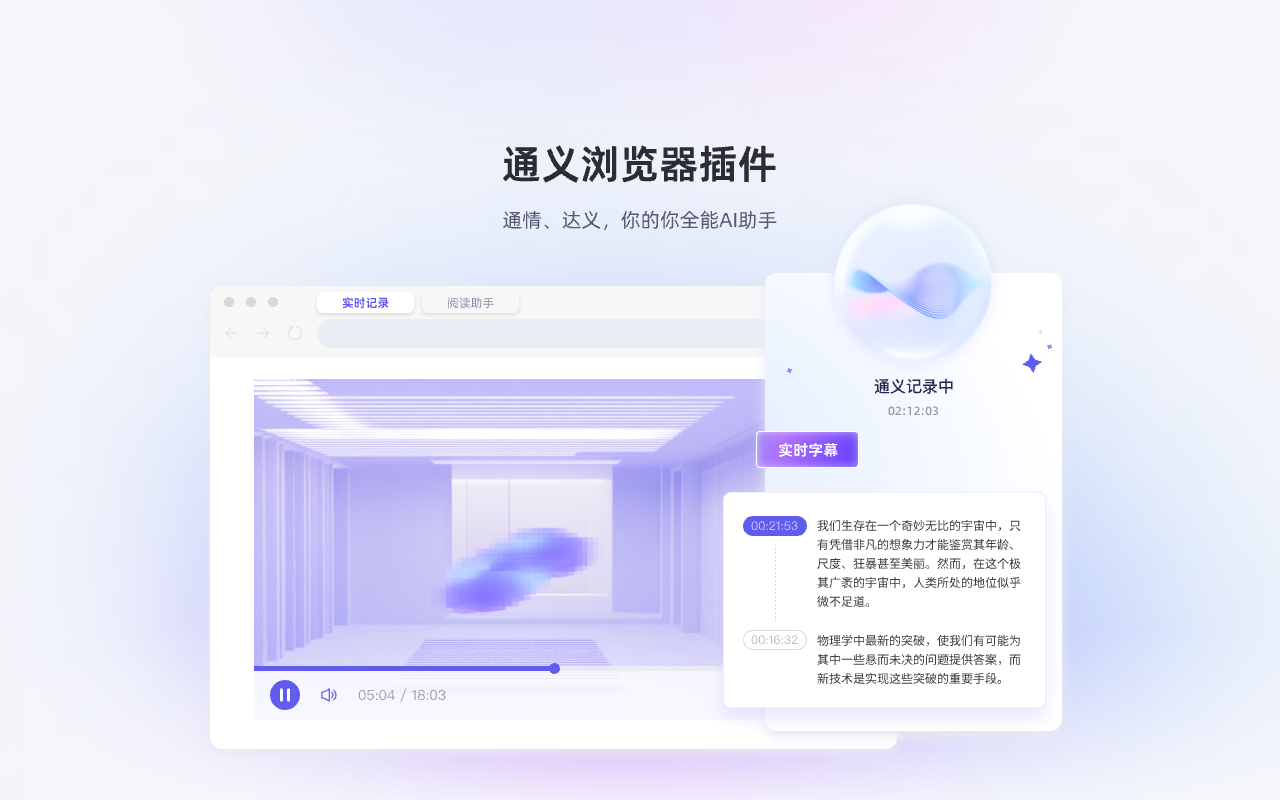
Screenshot archived from the listing page, for preview only.











