
ToobSquid
AI YouTube title, description, and tag generatorTitles, descriptions, timestamps, and tags for YouTube
Highlights
What you can do with it
- A blogger writes a clickable title and description before upload
- A small business creates professional video metadata
- A creator adds timestamps and tags to improve searchability
How to use it
- 1 Open the ToobSquid site
- 2 Enter your video topic or script
- 3 Adjust keywords and tone as needed
- 4 Generate titles, descriptions, timestamps, and tags
- 5 Copy the metadata into your YouTube upload
Who it is for
Pros
- Covers the full metadata set in one place
- Keyword and tone controls give you some steering
- A free tier lets you try it before paying
- Saves time on repetitive publishing chores
Limitations
- The site was not reachable during our last check
- Free tier caps the number of title generations
- Metadata alone will not fix weak content
- Paid limits and pricing are not fully detailed
What ToobSquid is
ToobSquid is an AI assistant aimed at the publishing side of YouTube. Once a video is cut, there is still metadata to write: a title, a description, timestamps, and tags, all of which affect whether anyone finds the upload. This tool generates that set for you from your topic or script, and you can adjust keywords and tone to steer the results toward your channel's voice. It offers free and paid services, where paid users get more title generations and access to advanced options.
What you can do with it
- Generate titles that are meant to attract clicks
- Write descriptions without staring at a blank field
- Add timestamps so viewers can jump to sections
- Produce tags for better search visibility
- Adjust keywords and tone before finalizing
- Cut the publishing routine down to a copy and paste job
Who it is for
- YouTubers who find metadata writing tedious
- Small businesses publishing video for brand awareness
- Creators who want a quick pass at search optimization
- Channels publishing often enough that metadata becomes a chore
What to watch out for
The site was not reachable during our last check, so confirm it is live before you plan a workflow around it. The free tier limits how many titles you can generate, so heavy publishers will need a paid plan. Metadata helps discovery but it cannot rescue weak content, so treat the output as polish rather than strategy. Clickbait style titles can hurt retention and trust, so review suggestions before publishing rather than accepting them blindly. Free tiers and usage limits can change, so check the current rules on the official page before relying on it long term.
FAQ
What does ToobSquid generate?
Titles, descriptions, timestamps, and tags for YouTube videos.
Is there a free version?
Yes, free and paid services are both offered.
Can I control the output?
Yes, you can adjust keywords and tone for better results.
Who is it for?
Anyone publishing on YouTube, from personal bloggers to small businesses.
Why it is free
What the official page says: 免费
Free limits, trial length and features are decided by the official site and can change at any time.
Product preview
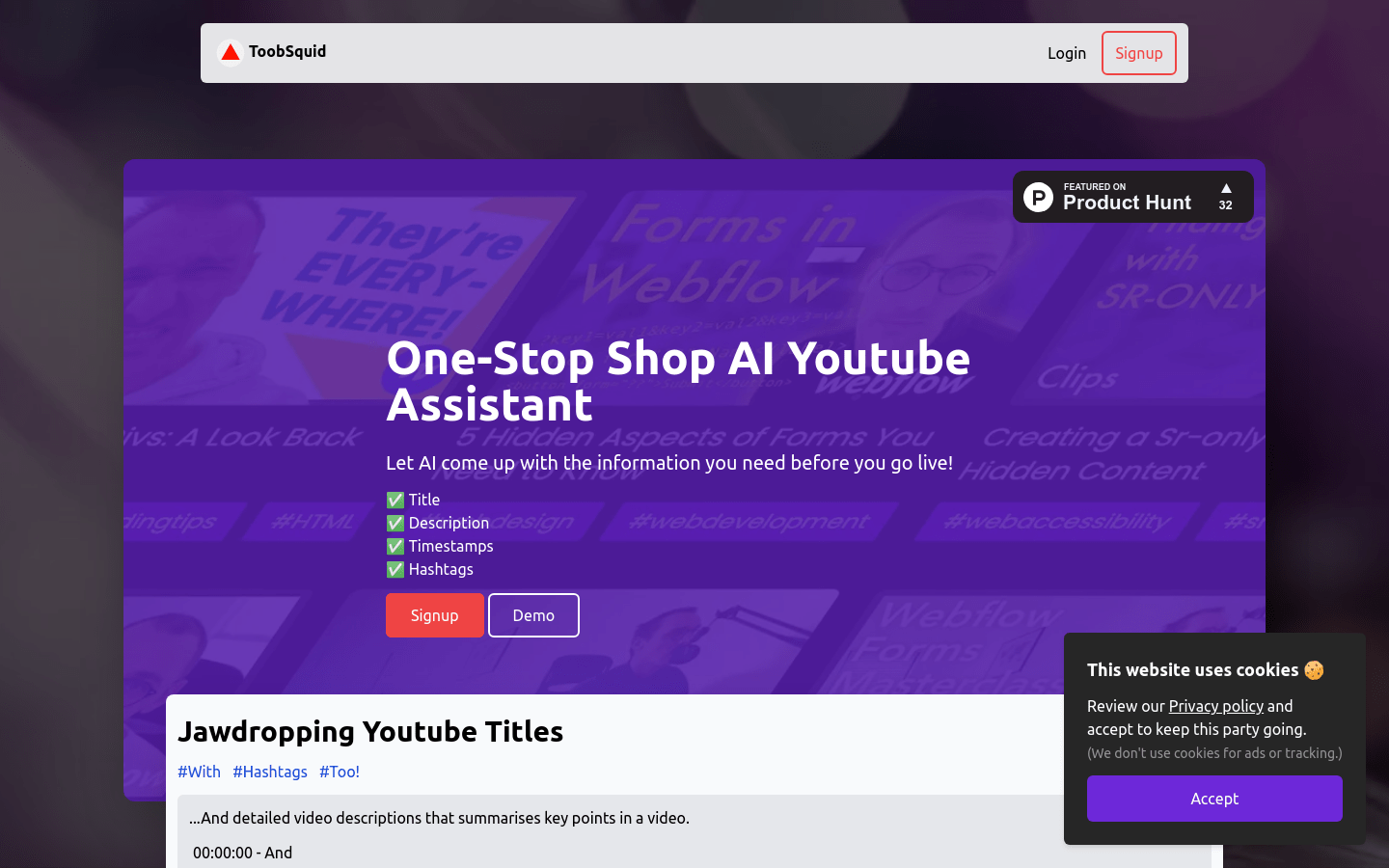
Screenshot archived from the listing page, for preview only.











