
ToolGPT
Directory of AI and productivity tools130+ curated tools in one place
Highlights
What you can do with it
- A team compares project management options before choosing one
- A freelancer sets up a task and time workflow
- A creator finds AI tools for writing and image work
How to use it
- 1 Open the ToolGPT website in a browser
- 2 Browse the tool categories and decide what you need
- 3 Check the popular or newly added sections for ideas
- 4 Open a listing to read about the tool, then visit its official site
Who it is for
Pros
- Free to browse with no account required
- Categories make shortlisting faster
- Popular and new lists surface tools you may not know
Limitations
- It is a directory, so the tools themselves are separate products
- Each listed tool sets its own pricing and terms
- Listing details depend on submissions and can lag behind tool updates
- Coverage is broad but shallow, so comparisons stop at the listing page
What ToolGPT is
ToolGPT is an aggregator website for AI and productivity tools. It collects more than 130 tools into one browsable directory so that people looking for software do not have to search site by site. Categories cover common needs such as AI chatbots, to-do list apps, and project management tools, and the layout highlights the tools with the highest weekly visits alongside newly added entries. The site itself is free to use, and each listing links out to the tool's own website, where pricing, accounts, and terms are handled by that tool.
What you can do with it
- Browse more than 130 curated tools across work, life, and creative categories.
- Filter by category to narrow a long list down to a shortlist.
- Check the weekly popular list and the new product section for tools worth a look.
- Open a listing to learn what a tool does, then visit the official site to try it.
- Submit a tool you built or found through the site's submission channel.
Who it is for
- Working professionals who need project, email, and admin tools in one place.
- Creative workers looking for writing, design, and image generation options.
- Students who want research, writing, and scheduling help without hunting across the web.
What to watch out for
ToolGPT is a directory rather than the tools themselves, so installation, accounts, and payment all happen on the linked sites. Listing descriptions depend on submissions and editorial updates, which means details can lag behind fast-moving products, and prices shown on a tool's own page are the ones that count. Treat the directory as a starting point for discovery, then verify features and pricing directly with the vendor before you commit.
FAQ
Is ToolGPT free?
The directory site itself is free to use; individual tools have their own pricing.
How many tools are listed?
The site aggregates over 130 AI and productivity tools.
Can I submit a tool?
Yes, there is a submission channel for adding your own or newly found tools.
Who sets the pricing?
Each tool's own website sets its pricing; ToolGPT only links to it.
Why it is free
What the official page says: free to use
Free limits, trial length and features are decided by the official site and can change at any time.
Product preview
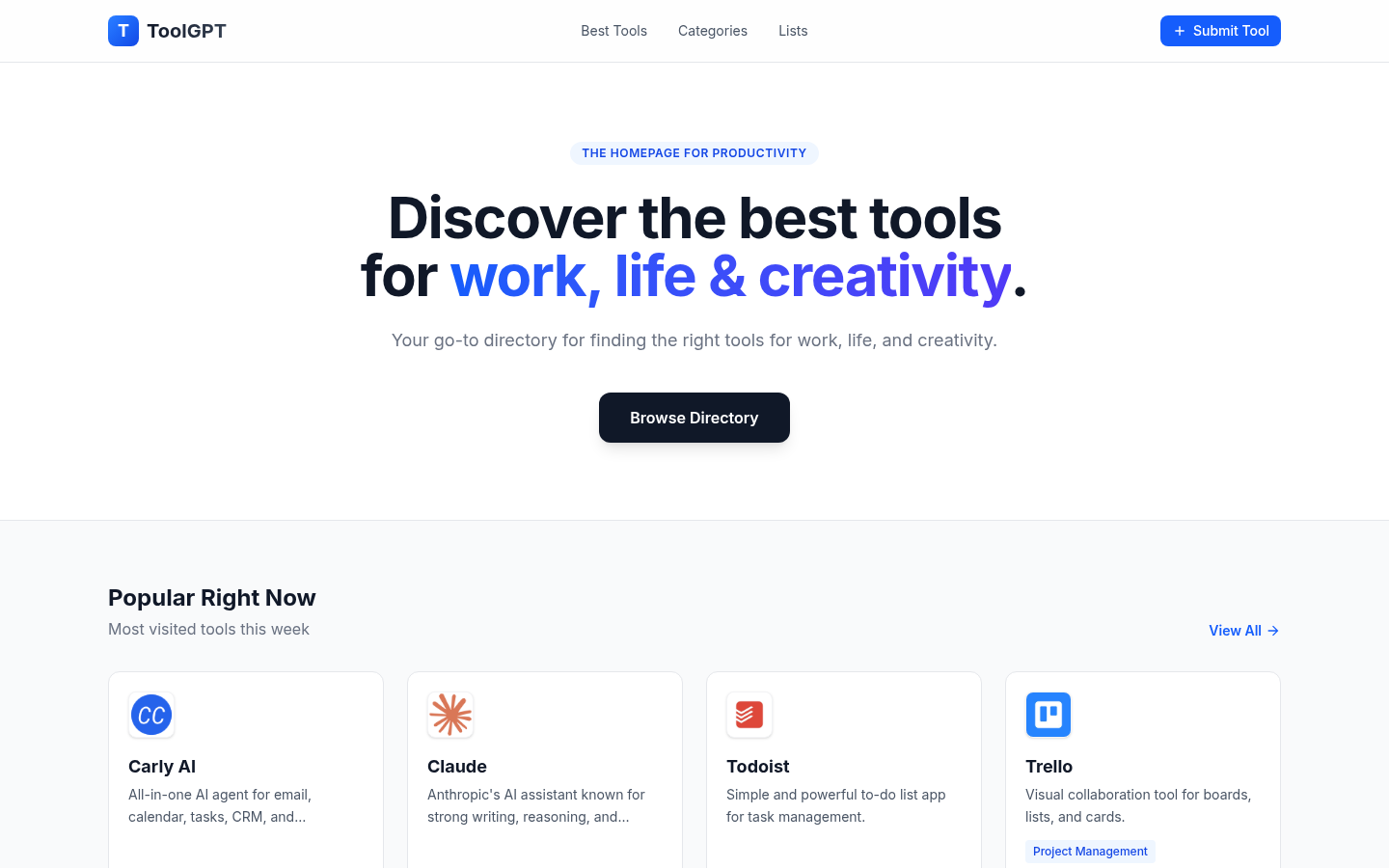
Screenshot archived from the listing page, for preview only.











