
ToolKK
Online toolbox with 1000+ toolsOne site for hundreds of daily tasks
Highlights
What you can do with it
- A short video team cropped clips, rewrote copy with AI, and synthesized voiceover
- An SEO webmaster checked sitemaps, rewrote meta tags, and verified SSL setup
- A cross-border seller calculated ROI, converted currency, and parsed addresses
How to use it
- 1 Open toolkk.com in a browser and browse tools by category.
- 2 Search for a tool by keyword or pick a category from the left menu.
- 3 Upload files, enter parameters, or paste text as the page asks.
- 4 Click generate, convert, calculate, or start to run the job.
- 5 Preview and download the result, or copy the generated content, and bookmark tools you reuse.
Who it is for
Pros
- Very wide coverage means fewer separate subscriptions
- Free to use and accessible from any browser
- Batch handling suits repetitive office and media tasks
Limitations
- Free access can change, and some tools may add limits over time
- With this many tools, depth per tool is uneven
- Heavy batch jobs depend on your browser and connection
What ToolKK is
ToolKK is a one-stop online toolbox that focuses on new media operations, SEO automation, and cross-border e-commerce. It gathers more than 1,000 tools in one place, covering PDF processing, audio and video conversion, precise calculators, encoding and decryption, image design, and programming utilities. AI is layered on top for work such as article rewriting, multilingual translation, background removal, and report generation. The core appeal is that everything is ready to use in a browser, with no client install, and that batch processing and structured output reduce the manual steps in repetitive office jobs. The site positions itself as a free efficiency platform that keeps iterating its tool set.
What you can do with it
- Process PDFs, office documents, and text encodings
- Record screens, edit audio, crop video, remove watermarks, and extract frames
- Run SEO checks such as keyword extraction, meta generation, and SSL inspection
- Use finance, math, and date calculators, plus developer and security utilities
Who it is for
- Self-media and short video creators handling material daily
- SEO professionals and webmasters doing technical site work
- E-commerce and cross-border teams calculating profit and converting data
- Office staff, programmers, students, and educators needing quick conversions
What to watch out for
The site is presented as free, and free access can change, so a workflow that depends on one specific tool should be checked now and then. Breadth comes with uneven depth: a general toolbox will not replace a dedicated application for heavy professional work. Batch jobs run in the browser, so large files and long queues depend on your machine and connection. AI outputs are drafts, and anything published should be reviewed before it goes out.
FAQ
How many tools are there?
The site says it gathers more than 1,000 tools across many categories.
Do I need to install anything?
No. Tools run in the browser with no client installation.
Are AI features included?
Yes. AI covers tasks such as article rewriting, translation, background removal, and report writing.
Why it is free
What the official page says: 免费
Free limits, trial length and features are decided by the official site and can change at any time.
Product preview
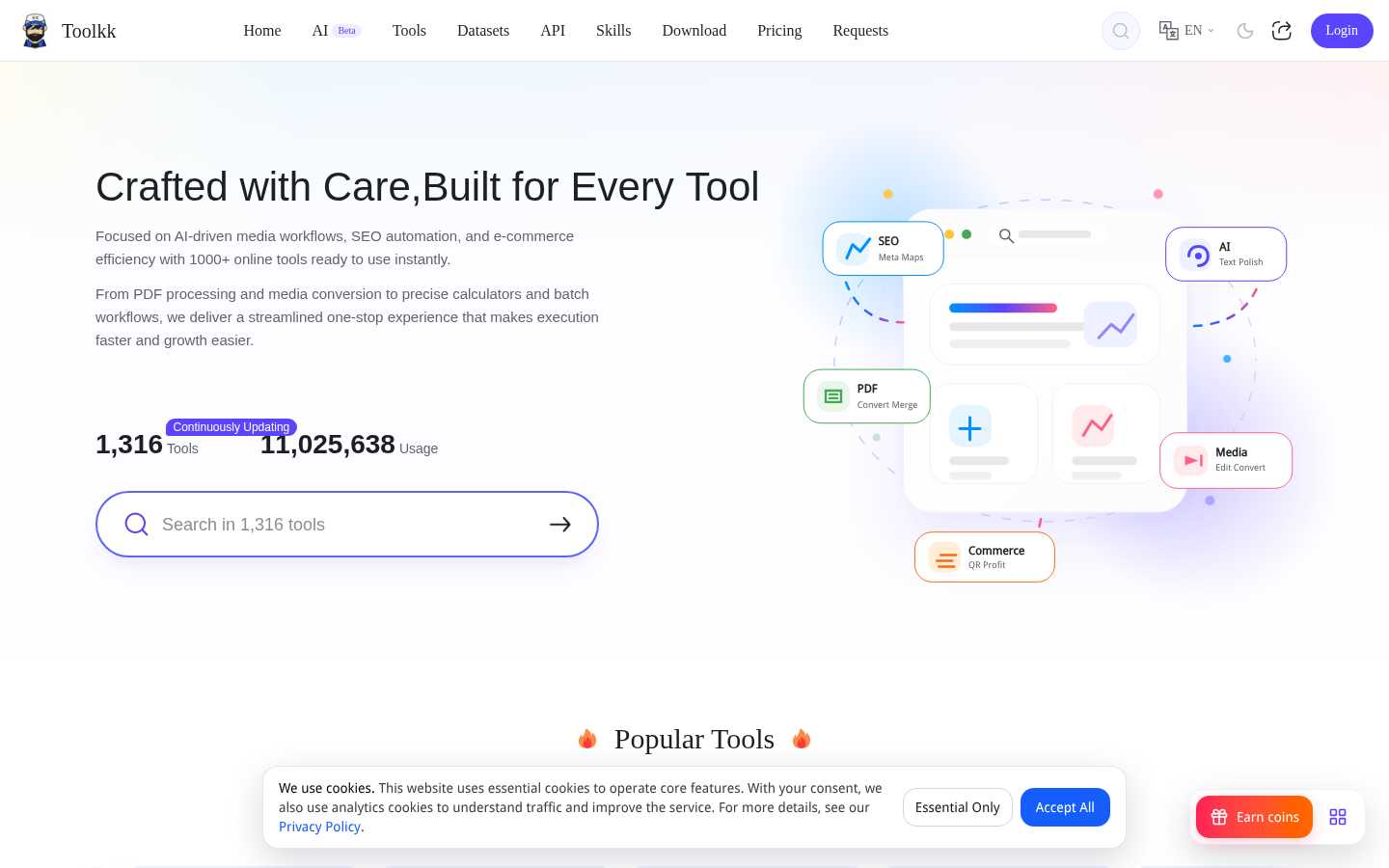
Screenshot archived from the listing page, for preview only.











