
Torq AI
Chrome extension for AI writing and searchDraft emails and search faster with AI
Highlights
What you can do with it
- Draft a reply to a long email thread in seconds
- Summarize or analyze a block of text while you are browsing
- Translate a passage without leaving the current tab
How to use it
- 1 Download and install the Chrome extension, which the site says takes seconds
- 2 Open the extension wherever you are working in the browser
- 3 Choose the task: write an email, reply, analyze text, or translate
- 4 Provide the text or the prompt and let ChatGPT produce the result
- 5 Edit the output, then send or save it
Who it is for
Pros
- Works where you already are, inside the browser
- Covers email, analysis, and translation in a single extension
- A free version is available alongside the paid plans
Limitations
- The split between free and paid features is not detailed, and pricing may change
- It depends on ChatGPT, so outages or model changes affect it directly
- AI drafts still need review before you send them to anyone
What Torq AI is
Torq AI is a Chrome extension that brings AI assistance into the browser rather than making you open a separate chat window. It builds on ChatGPT to handle everyday writing and reading work: generating emails, writing automatic replies, analyzing text quickly, and translating between languages. It also changes how search results appear, offering faster Google results so an AI answer can sit next to the normal listings. The site describes installation as taking seconds, and says the tool suits individuals as well as large companies. Both a free version and a paid version are offered, with pricing described as flexible.
What you can do with it
- Draft an email from a short instruction instead of starting from a blank page.
- Generate automatic replies to messages you receive.
- Analyze or summarize a block of text while you read it.
- Translate a passage without copying it into another tool.
- Get AI-assisted Google search results in the same tab.
Who it is for
- Professionals who spend a large part of the day writing and answering email.
- Students and researchers who read sources in more than one language.
- Teams that want a consistent AI layer for routine browser work.
What to watch out for
The boundary between the free version and the paid version is not spelled out, and pricing can change, so confirm what you get before you rely on it for daily work. Because the extension routes requests through ChatGPT, any outage, rate limit, or model change upstream will interrupt it, and you have no control over that. Most importantly, generated emails and translations are drafts, not finished work: names, numbers, and tone all need a human check before anything goes out to a colleague or a customer.
FAQ
Is Torq AI free?
There is a free version. The site also lists a paid version with flexible pricing.
What does it actually do?
It generates emails, writes automated replies, analyzes text, translates languages, and speeds up Google search results.
How do I install it?
Download the Chrome extension. The site says installation takes only seconds.
Why it is free
What the official page says: 免费使用免费
Free limits, trial length and features are decided by the official site and can change at any time.
Product preview
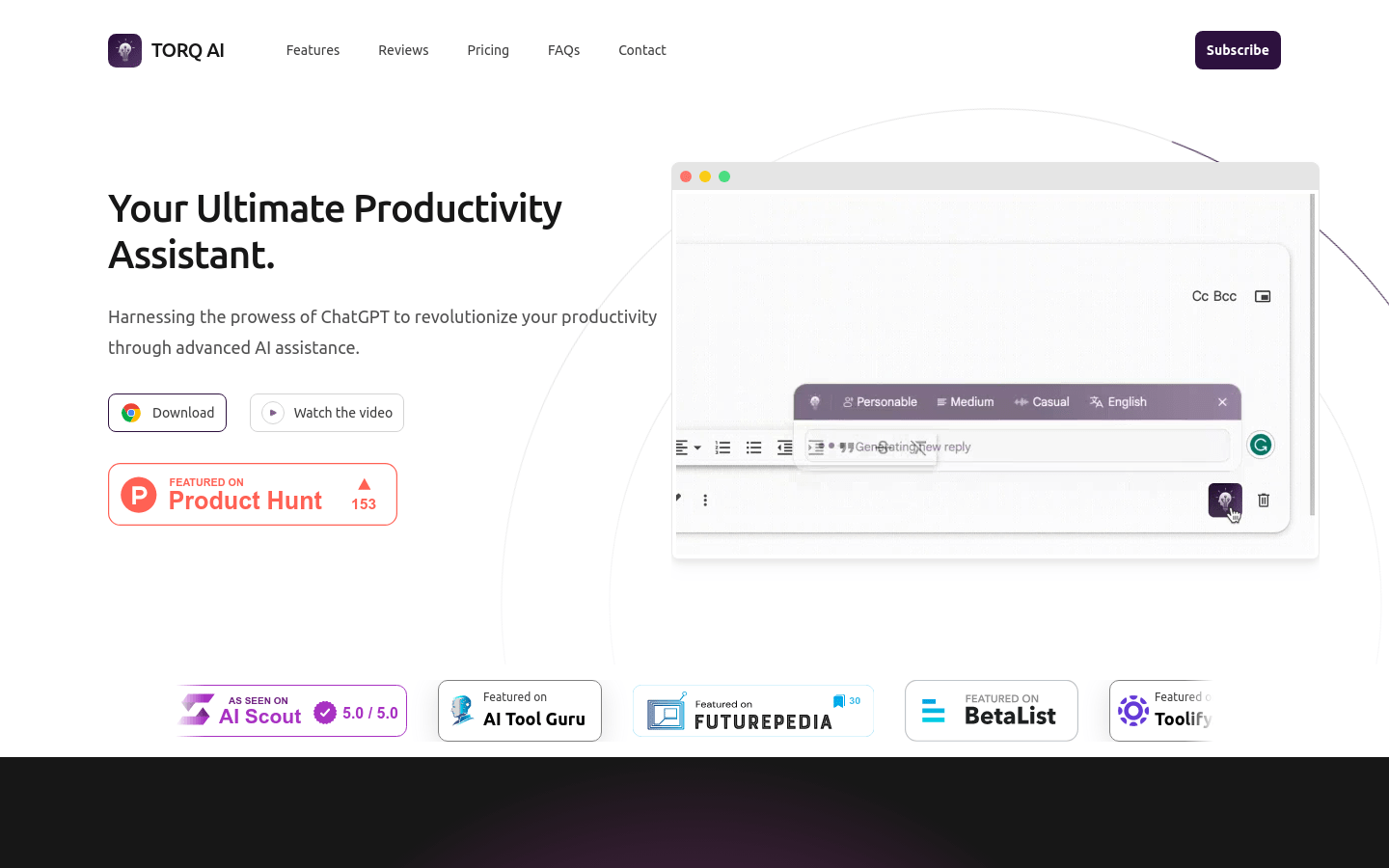
Screenshot archived from the listing page, for preview only.











