Transcribe Video AI
Free video-to-text transcription with subtitles and summariesTranscribe videos to text, free and no registration
Highlights
What you can do with it
- Turn a Zoom meeting recording into text for quick notes
- Transcribe lecture videos into text to support studying
- Generate subtitles and translations for YouTube videos
How to use it
- 1 Upload a supported video file or paste a YouTube or social media link.
- 2 Start transcription and wait a few minutes for the text.
- 3 Download the transcript, then summarize or export as needed.
Who it is for
Pros
- Completely free with no registration or login
- Handles video files and links from YouTube and social platforms
- Subtitles, summaries, and translation in one place
Limitations
- Claimed accuracy up to 98.64 percent is a best case; accents and noise can still cause errors
- Long videos take minutes to process, so results are not instant
- Free access rules and supported formats may change over time
What Transcribe Video AI is
Transcribe Video AI is a free, all-in-one tool that combines video transcription, subtitle generation, and content summarization. You can upload common video files such as MP4, MOV, AVI, MKV, and WEBM, or simply paste a link from YouTube or another social media platform. The service recognizes over 100 languages and can translate the resulting text into multiple languages, which helps language learners and multilingual teams. Transcription usually finishes within a few minutes no matter how long the video is, and the site reports accuracy of up to 98.64 percent in most cases. Subtitles with timestamps and content summaries are produced automatically, several export formats are supported, and no registration or login is required. The whole tool is free to use.
What you can do with it
- Upload video files or paste links from YouTube and social platforms
- Transcribe speech into text in over 100 languages
- Generate subtitles with timestamps and content summaries
- Translate transcripts into multiple languages
- Export results in several formats
Who it is for
- Students converting lectures and course videos into study text
- Professionals capturing meeting and call notes quickly
- Content creators producing subtitles and multilingual versions
What to watch out for
The 98.64 percent accuracy figure is a reported best case, so unclear audio, background noise, or unusual accents can still introduce mistakes that need a human pass. Long videos take minutes to process, so this is not an instant tool for heavy files. Free access, supported formats, and language coverage may change over time. For best results, start with a small test file and review the output carefully before working on anything important.
FAQ
Is Transcribe Video AI free?
Yes. It is completely free and needs no registration or login.
What can I upload?
Video files such as MP4, MOV, AVI, MKV, and WEBM, or links from YouTube and social media.
How many languages are supported?
Over 100 languages for input, with translation into multiple languages.
Does it make subtitles?
Yes. It generates subtitles with timestamps and can summarize the content.
Why it is free
What the official page says: completely freefree to use
Free limits, trial length and features are decided by the official site and can change at any time.
Product preview
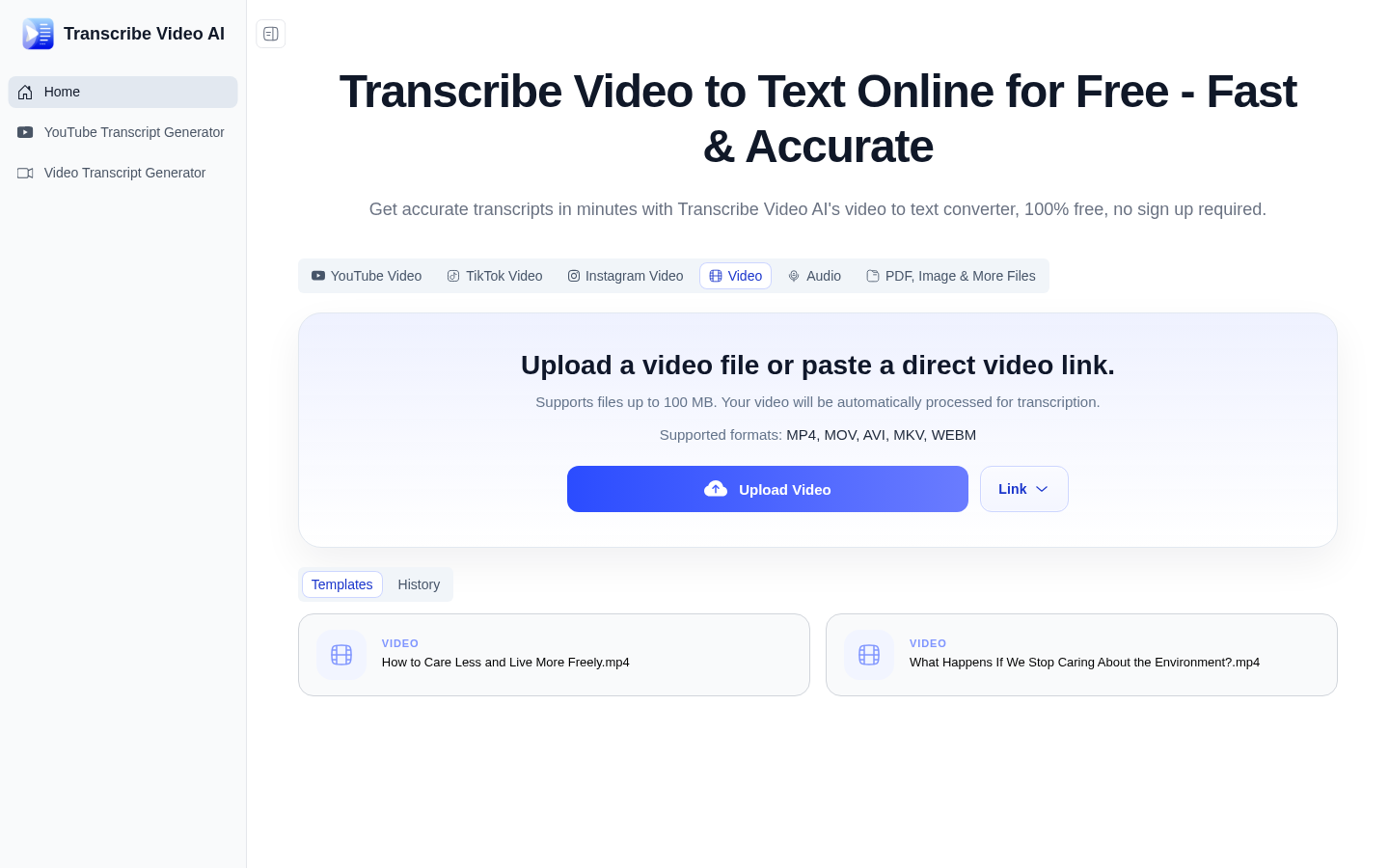
Screenshot archived from the listing page, for preview only.