Transpic Image Translator
AI image translator that preserves original layout across 60+ languages.Translate the text in any image without breaking the design.
Highlights
What you can do with it
- Translate e-commerce posters into Japanese keeping prices and icons in place
- Convert English comic dialogue into Chinese with speech positions preserved
- Translate scanned contracts and reports without redoing the layout
How to use it
- 1 Upload a JPG, PNG, or static WebP image on transpic.ai
- 2 Select the target language from over 60 options and choose a mode
- 3 Start the translation and wait for processing
- 4 Review and edit text blocks, then compare and export within plan limits
Who it is for
Pros
- Layout preservation makes results directly usable
- Free trial plus daily points for registered accounts
- Data handling is private, with no permanent public links
Limitations
- Free tier is one 3MB image before registering, and daily points run out quickly
- Commercial export and watermark-free downloads require payment
- Accuracy varies by language pair and font style
What Transpic Image Translator is
Transpic Image Translator is an online tool focused on one deceptively hard problem: translating the text inside an image without destroying the image. Most translation tools give you a wall of text; Transpic uses AI to translate text in place, preserving the original layout so prices stay on prices and captions stay under their pictures. It supports more than 60 target languages and accepts JPG, PNG, and static WebP uploads, covering photos, screenshots, comic panels, product images, and document scans. After translation, detected text becomes editable blocks, so you can fix wording, adjust size, color, or position, and compare before-and-after versions side by side. You can try one free image up to 3MB without an account; a free account earns daily points, and paid plans add watermark-free downloads, batch processing, higher limits, and commercial export rights. Uploaded images use private storage and short-term access URLs rather than permanent public links.
What you can do with it
- Localize marketing posters and product images for foreign e-commerce markets
- Translate comic dialogue while keeping speech positions aligned with characters
- Convert scanned contracts, reports, and documents into readable languages without redoing the layout
- Edit translated text blocks directly to correct nuance, tone, or styling
Who it is for
- E-commerce practitioners who need product visuals adapted for other markets
- Comic lovers reading foreign-language series in their own language
- Business professionals handling scanned cross-border documents
- Educators translating pictures in textbooks or teaching material
What to watch out for
The free tier is genuinely limited: one image up to 3MB before registering, and daily points on free accounts can be consumed quickly by real work, so heavier use means a paid plan. Watermark-free output and commercial export require payment, which matters if you are localizing materials for a store or client. AI translation quality varies by language pair, stylized fonts, and low-resolution sources; stylized or handwritten text can be misread, and idiomatic phrases may need manual correction in the editable blocks. Finally, as with any young service, point structures and plan details can change over time, so confirm current terms before starting a large batch job.
FAQ
What can I try for free?
Visitors can translate one free image up to 3MB. A free account earns daily points for more translations.
What does the paid plan add?
Watermark-free downloads, batch processing, higher limits, and commercial export permissions.
Which image formats are supported?
JPG, PNG, and static WebP, including photos, screenshots, comic panels, product images, and document scans.
Why it is free
What the official page says: free account
Free limits, trial length and features are decided by the official site and can change at any time.
Product preview
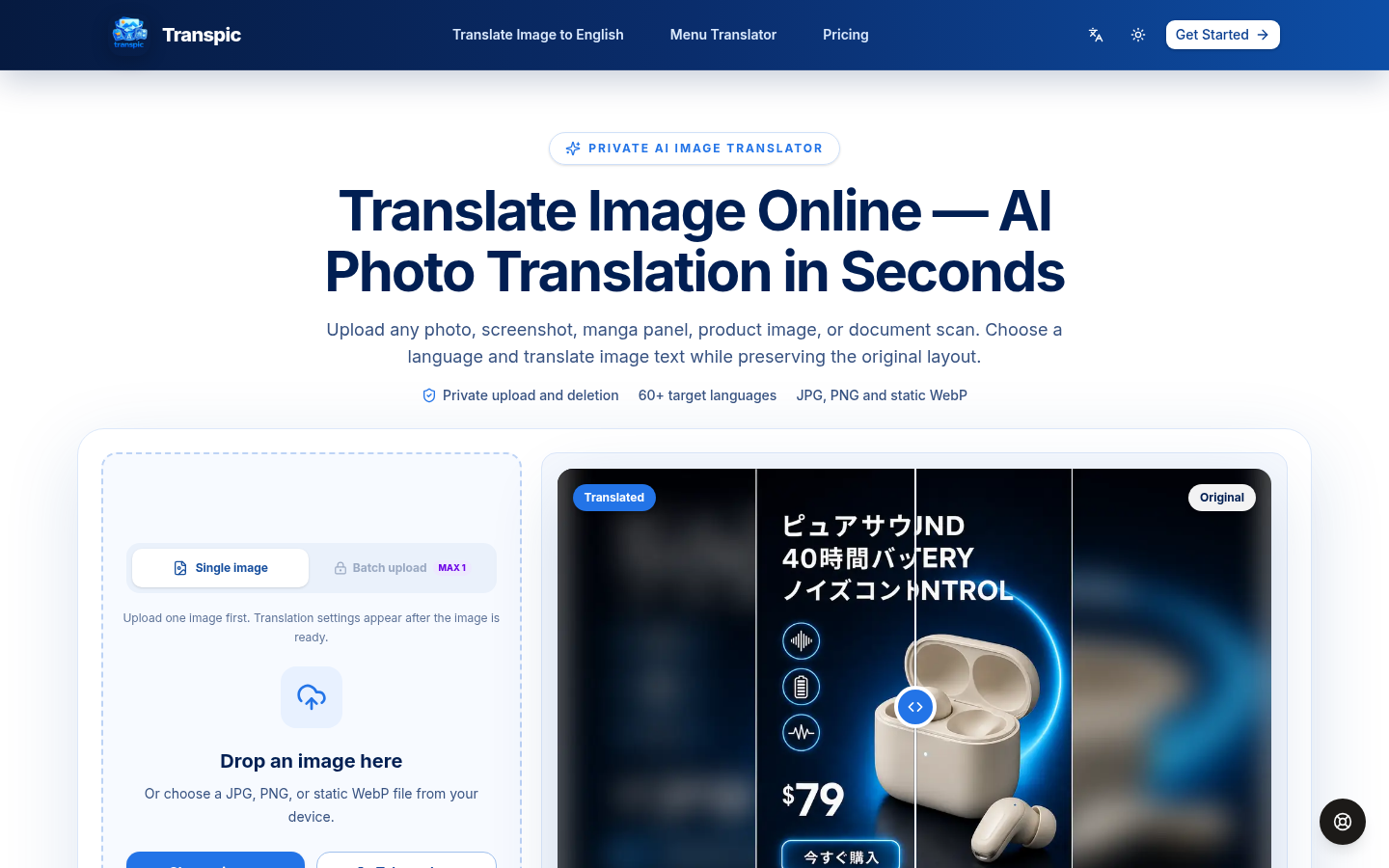
Screenshot archived from the listing page, for preview only.











